Disclaimer: Computer Diagnostics Guide provides general educational content only and does not replace professional technical advice or services. For expert PC support or repair assistance, visit our main site: TN Computer Medics.


Troubleshooting Tips

Discover All

DIY Diagnostics

Discover All
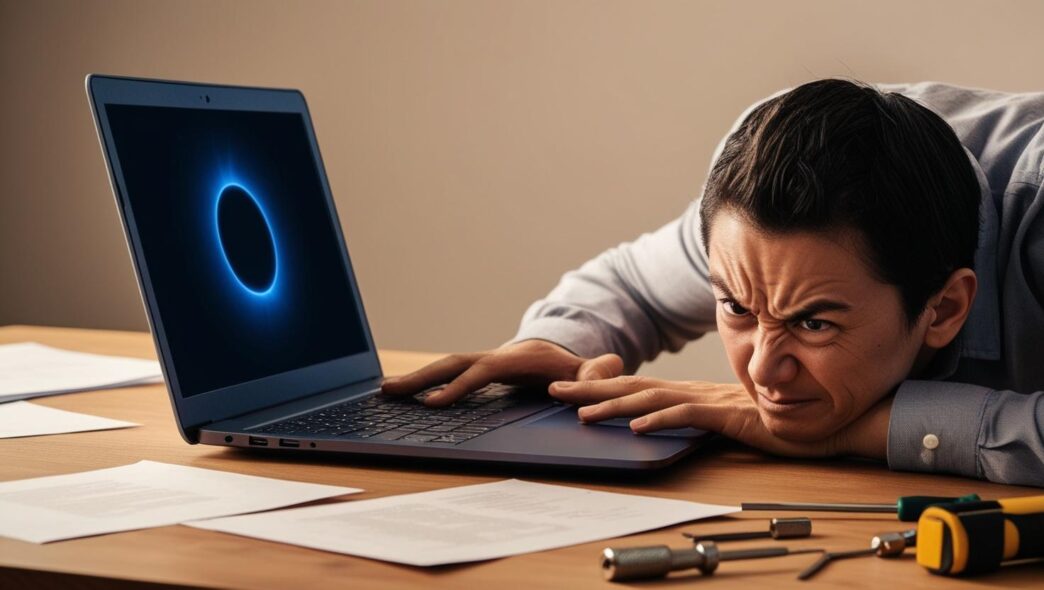
A realistic digital illustration of a frustrated person at a desk with a Windows PC or laptop stuck on a startup screen. The computer shows a loading symbol or frozen Windows logo, with dim lighting and a glow from the screen, surrounded by everyday objects like a coffee mug, keyboard, and notepad—capturing the theme of diagnosing PC startup issues at home. A realistic digital illustration of a frustrated person at a desk with a Windows PC or laptop stuck on a startup screen. The computer shows a loading symbol or frozen Windows logo, with dim lighting and a glow from the screen, surrounded by everyday objects like a coffee mug, keyboard, and notepad—capturing the theme of diagnosing PC startup issues at home.

Step-by-Step Guide to Diagnosing and Repairing Common Startup Problems on Your PC

Introduction: Why Startup Problems Deserve Immediate Attention You press the power button on your Windows PC, and instead of jumping into your desktop, you’re stuck watching a spinning circle, a black screen, or a frozen logo. Sound familiar? Startup problems are one of the most frustrating issues a computer user can face. They arrive without warning, disrupt productivity, and…

Maintenance & Upgrades

Discover All
User comparing an old computer system with a new high-performance PC. User comparing an old computer system with a new high-performance PC.

Smart Upgrade Strategies: When to Repair, When to Replace, and When to Upgrade

Introduction: Why This Decision Matters In a world increasingly reliant on technology, the computer has become more than just a tool—it’s the engine that powers everything from remote work to gaming, education, and business operations. But what happens when your once-speedy PC begins to lag, a component fails, or performance doesn’t meet today’s demands? For most users, the instinct is to ask: should I repair it, upgrade it, or replace the entire system? Making the right choice is more than a technical decision—it’s a financial, practical, and sometimes emotional one. Replacing a PC too early might waste money. Upgrading a machine that’s already outdated might be like putting a turbocharger on a 20-year-old sedan. And repairs, while often the cheapest solution, might only be temporary fixes if the underlying system is aging.…

FAQs & Expert Advice

Discover All
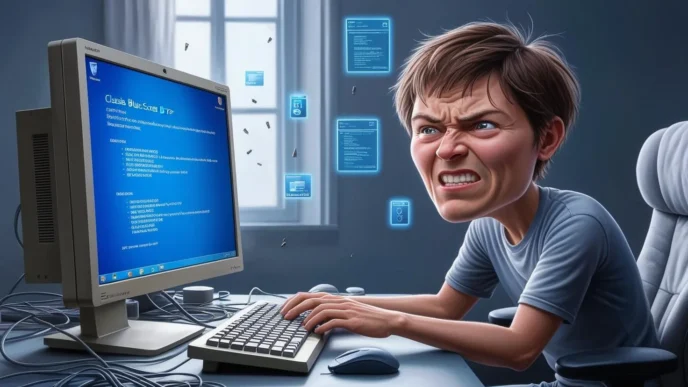
Frustrated user waiting on a slow Windows PC to load. Frustrated user waiting on a slow Windows PC to load.

Step-by-Step FAQ: How to Troubleshoot a Slow Computer (Windows Users’ Guide)

Introduction: Why This Guide Matters Few things are as frustrating as a sluggish computer, especially when you’re trying to get work done, attend a virtual meeting, or finish an assignment. Unfortunately, slow Windows PCs are all too common. According to a 2023 survey from TechRepublic, the average U.S. computer user loses over 40 hours annually due to slow or malfunctioning tech. That’s an entire workweek gone. But the good news? You don’t have to be a tech guru to diagnose and fix most of these issues. Whether you’re a student, freelancer, remote worker, or casual user, this comprehensive FAQ-style guide will walk you through the most common causes of Windows PC slowness and show you step-by-step solutions. With a little effort and some basic know-how, you can restore your PC to optimal speed and efficiency. Let’s…