

Learn how to identify ransomware encryption early, contain the damage, protect your files, and get fast local help for home or business systems today.
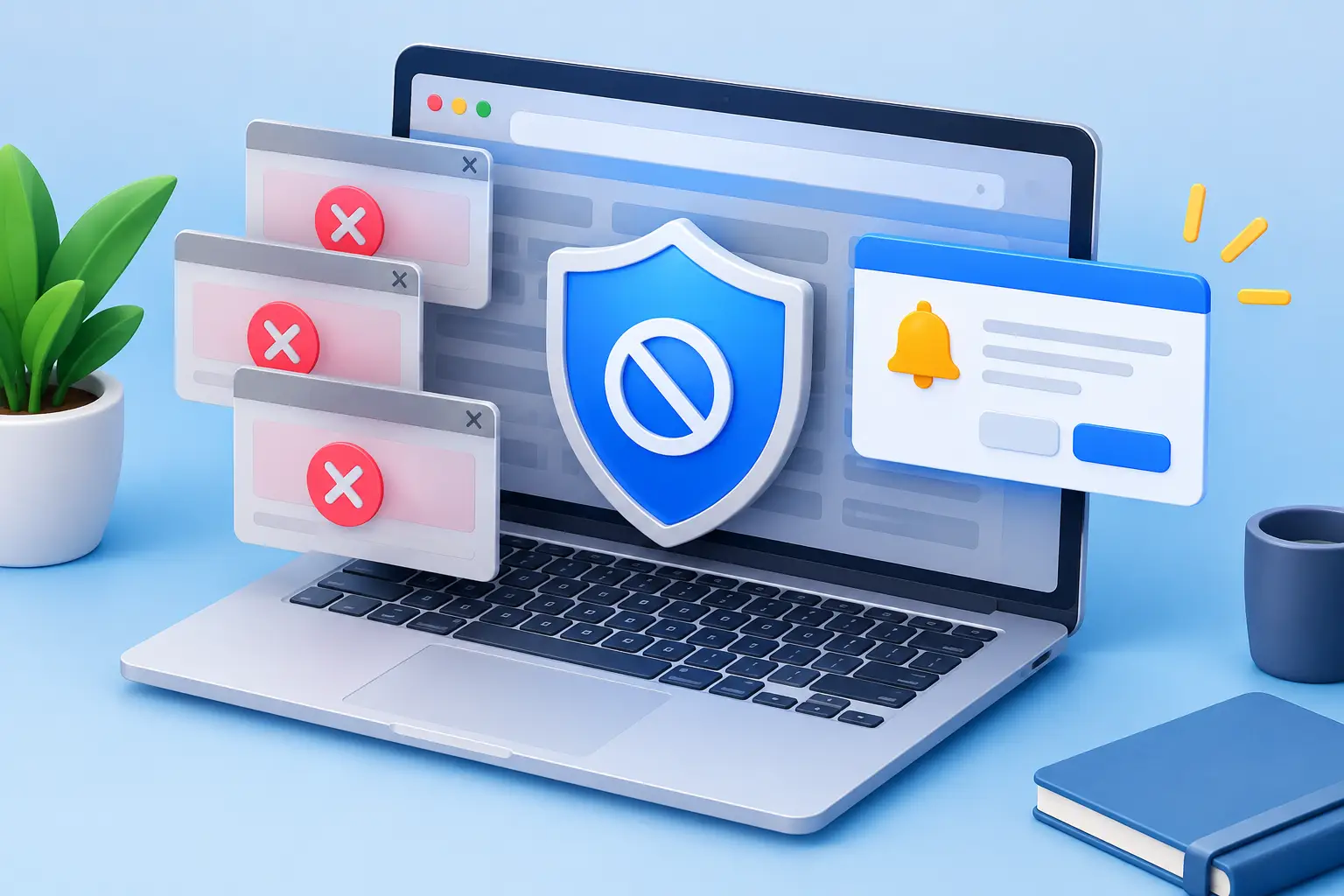
How to Block Browser Popups Without Missing Alerts
Learn how to block browser popups in Chrome, Edge, Firefox, and Safari, remove notification spam, and recognize warnings that could signal possible malware.

How to Transfer Files Safely Without Data Loss
Learn how to transfer files safely between devices, cloud storage, and coworkers with practical checks that protect private data and prevent loss first.

Best Computer Security Tools for Homes and Small Businesses
Compare the best computer security tools for homes and small businesses, from antivirus and backups to MFA, secure routers, and hands-on local support.

Small Office Server Migration Without Downtime
Plan a small office server migration with protected data, limited downtime, and a secure return to work for your Tennessee business team with confidence.

Best Backup Methods for Home Users
Learn the best backup methods home users can rely on to protect photos, files, and work from hardware failures, ransomware, theft, and mistakes at home.
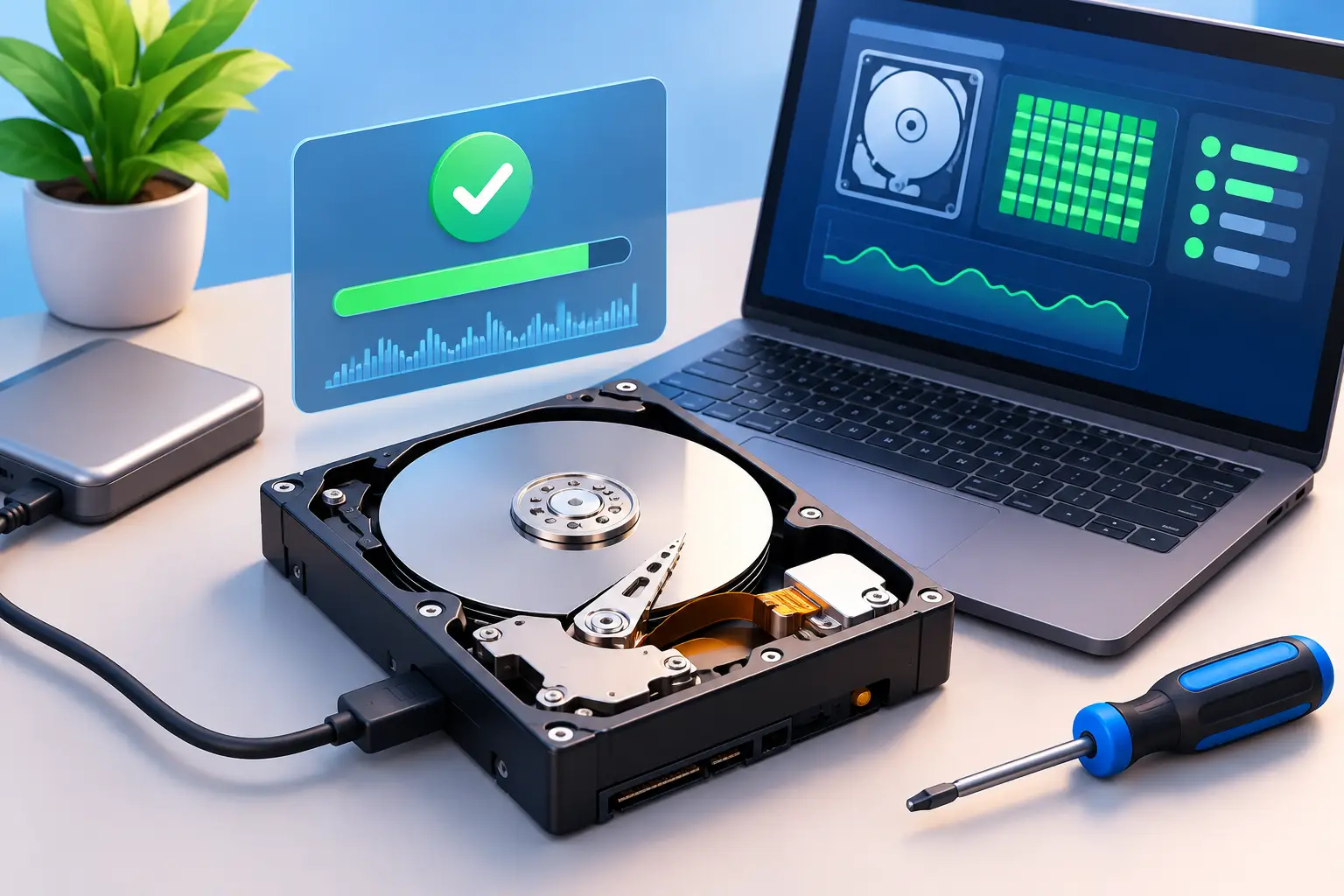
How to Test a Hard Drive Before It Fails
Learn how to test hard drive health using Windows tools, SMART data, and practical warning signs, then protect important files before a disk fails fully.

Laptop Repair: When to Fix or Replace It
Fast, reliable laptop repair helps protect your files, restore performance, and reduce downtime. Learn when a repair makes sense and when to replace.

Laptop Battery Replacement Guide for Safer Repairs
Use this laptop battery replacement guide to spot failure signs, replace a battery safely, and know when a professional repair is the best choice for you.
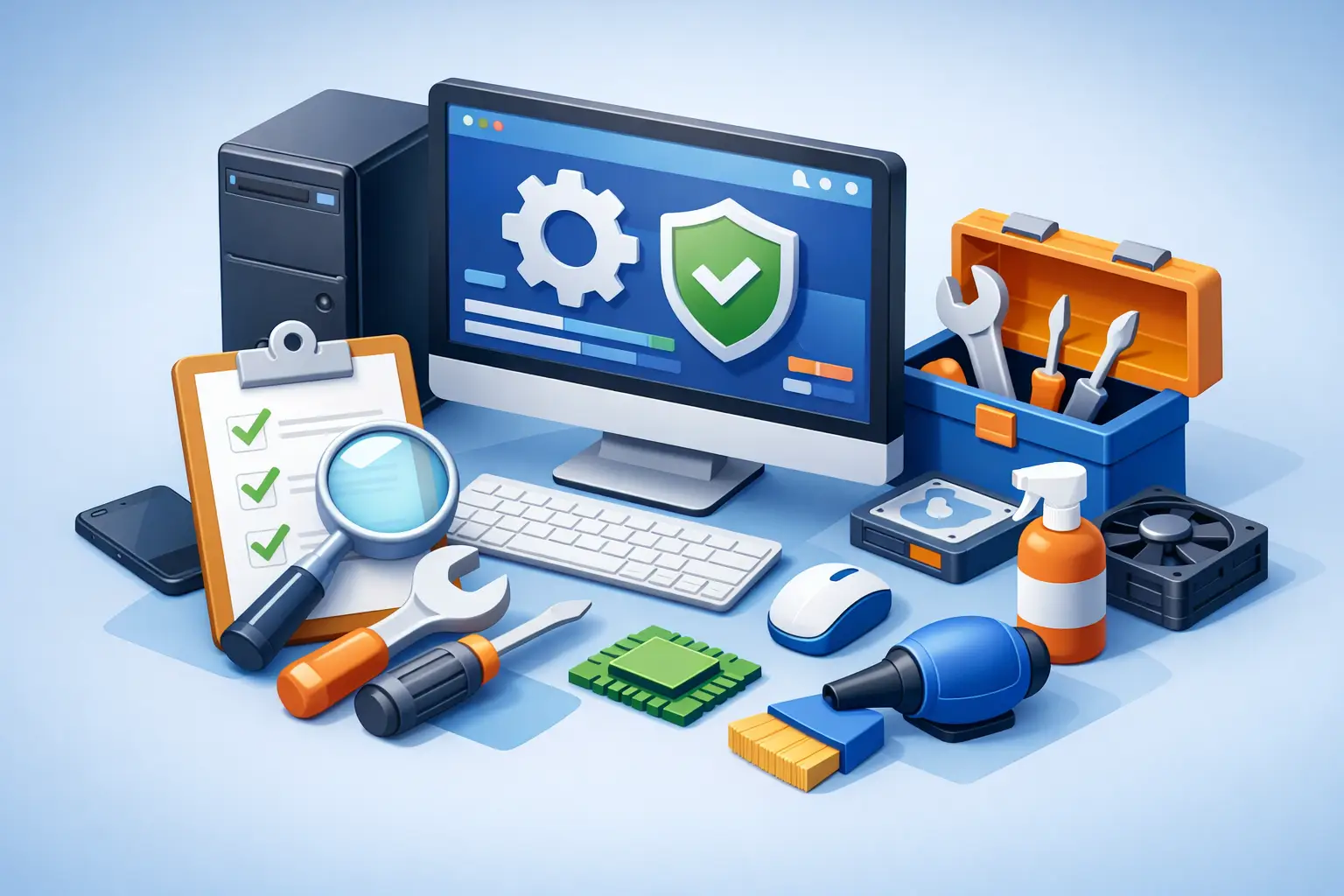
Computer Maintenance Checklist Guide for Homes
Use this computer maintenance checklist guide to protect speed, data, and security at home or work, with practical tasks for every schedule year-round.