
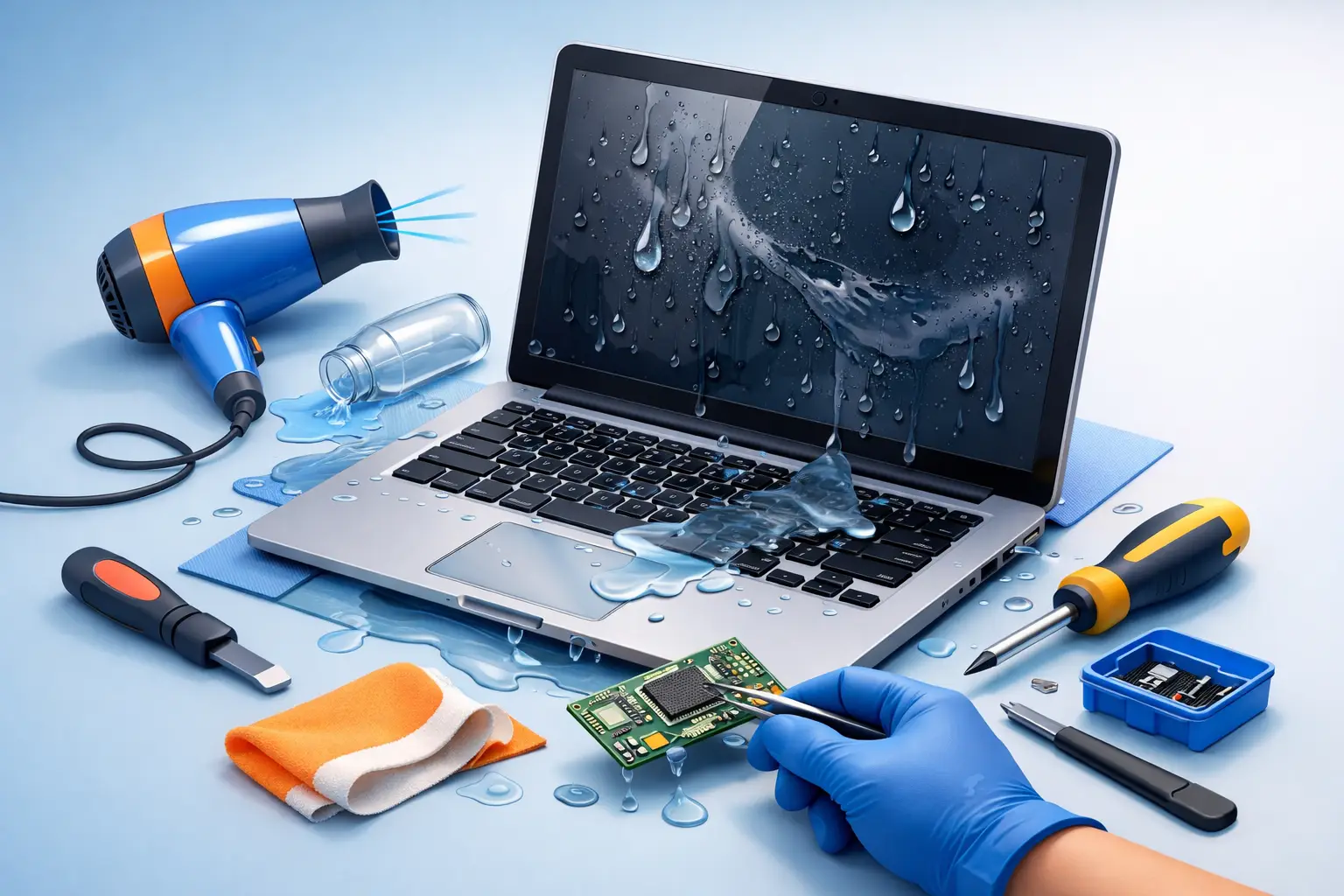
Coffee tips over. A water bottle leaks in your bag. A child knocks juice across the keyboard right before a deadline. If you need to repair water damaged laptop problems, the first few minutes matter more than most people realize. The wrong move can turn a recoverable repair into motherboard failure, battery damage, or permanent data loss.
Water damage is one of the few computer problems that can get worse while the laptop appears fine. Some machines shut down immediately. Others keep running for hours or days before corrosion spreads and parts begin to fail. That delay is what catches people off guard. A laptop that still powers on after a spill is not necessarily safe to keep using.
What to do first when you need to repair water damaged laptop issues
Start by turning the laptop off right away. If it is plugged in, disconnect the charger. If the battery is removable, take it out. The goal is simple – stop electricity from moving through wet components.
Next, remove any connected accessories such as USB drives, a mouse, external monitors, or memory cards. Blot visible liquid with a clean, lint-free cloth. Do not wipe aggressively, because that can push moisture deeper into the keyboard, ports, and seams.
Then place the laptop on a dry surface with the keyboard facing downward in a tented or inverted position if the design allows it. This can help liquid drain away from internal components instead of pooling on the motherboard.
What you should not do is just as important. Do not try to power it back on to see if it still works. Do not plug it in. Do not use a hair dryer on high heat. Do not shake it hard. And despite the old advice, a bag of rice is not a reliable repair method. Rice does not remove trapped residue, and it does not address corrosion already starting inside the machine.
Why liquid damage is more serious than it looks
Not all spills are equal. Plain water is bad enough, but coffee, soda, tea, sports drinks, and juice are often worse because they leave behind sugar, acids, and minerals. Those residues can continue damaging components long after the surface looks dry.
The most common problem is short-circuiting while power is still present. After that comes corrosion. Corrosion can form on connectors, chips, solder joints, and tiny board traces. Once that starts, a laptop may show strange symptoms such as random shutdowns, no backlight, a dead keyboard, charging failure, touchpad issues, or no display at all.
This is why timing matters. Fast action improves the odds of saving both the laptop and the data inside it. Waiting a few days to “see what happens” often makes repair harder and more expensive.
Can a water damaged laptop be repaired?
Sometimes yes, sometimes no. It depends on how much liquid entered the device, what kind of liquid it was, how long the laptop stayed powered, and which parts were affected.
In many cases, a professional can repair water damaged laptop systems by opening the unit, disconnecting power sources, inspecting the motherboard, cleaning corrosion, testing components, and replacing failed parts. A keyboard may be the only damaged part. In more severe cases, the motherboard, battery, charging circuit, SSD, screen, or internal cables may also need attention.
The good news is that even when the laptop itself is not worth repairing, the data may still be recoverable. For families, students, and small businesses, that can be the most valuable part of the service.
Signs of internal water damage
Some symptoms show up immediately. Others appear later. If your laptop has been exposed to liquid, watch for overheating, a burning smell, flickering display, sticky or dead keys, distorted audio, trackpad problems, battery not charging, or power cycling.
You may also notice the laptop turns on but will not boot into Windows, or it only works while plugged in. That can point to damage in the battery circuit, storage device, or board-level components. Intermittent problems are common with liquid damage because corrosion does not always create a complete failure right away.
If you are using the laptop for remote work, school, bookkeeping, or business operations, those intermittent issues are a warning sign. Continued use can turn a manageable repair into total failure.
What professional repair usually involves
A proper liquid-damage repair is more than drying the outside of the machine. A technician typically begins with a full disassembly so internal areas can be inspected. The battery is disconnected, visible moisture is removed, and affected components are checked for residue and corrosion.
From there, damaged areas are cleaned using electronics-safe methods and tools designed for sensitive boards and connectors. The technician tests the power rail, charging system, storage drive, keyboard, cooling system, and display components. If certain parts have failed, those parts may be replaced. In more advanced cases, board-level repair may be needed to restore power or charging functions.
This process matters because moisture often travels farther than the spill suggests. Liquid can wick under chips, inside ribbon cable connectors, or into the keyboard layers. Surface drying alone does not solve that.
For local customers in Tullahoma and surrounding communities, this is where working with an experienced repair team can make a real difference. TN Computer Medics handles both everyday laptop failures and more involved repair situations where time, data, and business continuity all matter.
Is it worth repairing or better to replace?
There is no one-size-fits-all answer. If the laptop is newer, has important data, or has strong specs, repair is often worth considering. Replacing a keyboard, battery, DC jack, or even certain board components can cost far less than buying a comparable new system and rebuilding everything on it.
If the machine is older and the motherboard and display are both heavily damaged, replacement may make more sense. That is especially true if the repair cost starts approaching the value of the device.
For business owners, the decision is not just about hardware value. It is also about downtime, software setup, printer access, saved files, email configuration, and security controls. Sometimes the smartest move is data recovery plus migration to a replacement system. Other times a fast repair gets the user back to work the same day or next day.
How to protect your data after a spill
If the laptop contains important documents, photos, accounting files, or work records, data protection should be part of the plan from the start. Do not keep powering the machine on to “grab one file.” That can worsen internal damage.
A repair technician can often remove the storage drive and test it separately, or recover data during the repair process if the drive itself was not affected. If the laptop had no recent backup, this becomes even more urgent.
For people who work from home or run a small business, liquid damage is also a reminder that backups should not wait until something goes wrong. A single accident can shut down payroll records, customer files, school projects, family photos, and years of saved documents.
Preventing the next spill
Most liquid damage is accidental, but a few habits reduce the risk. Keep drinks off the same surface as the laptop when possible. Use a separate side table instead of placing cups beside the keyboard. Avoid carrying laptops in bags with loosely sealed bottles. If children use the device, set clear drink rules around homework stations.
For business settings, position laptops away from front counters, breakroom traffic, and shared desks where spills happen most often. If your team depends on portable computers, regular backups and a response plan are just as important as basic care.
When to get help right away
If the spill involved anything more than a few drops, or if the laptop was on when it happened, do not wait. The same goes for sticky liquids, rain exposure inside a bag, or any sign of charging trouble, screen issues, or failure to boot.
Fast service improves the odds of saving the device and reducing repair cost. It also improves the chance of protecting your files before secondary damage spreads. That matters whether the laptop is used for school, home finances, remote work, or running a small company.
A soaked laptop is stressful, especially when your whole day runs through that one device. The best next step is simple – power it down, leave it off, and get it checked before a bad spill becomes a bigger loss.