
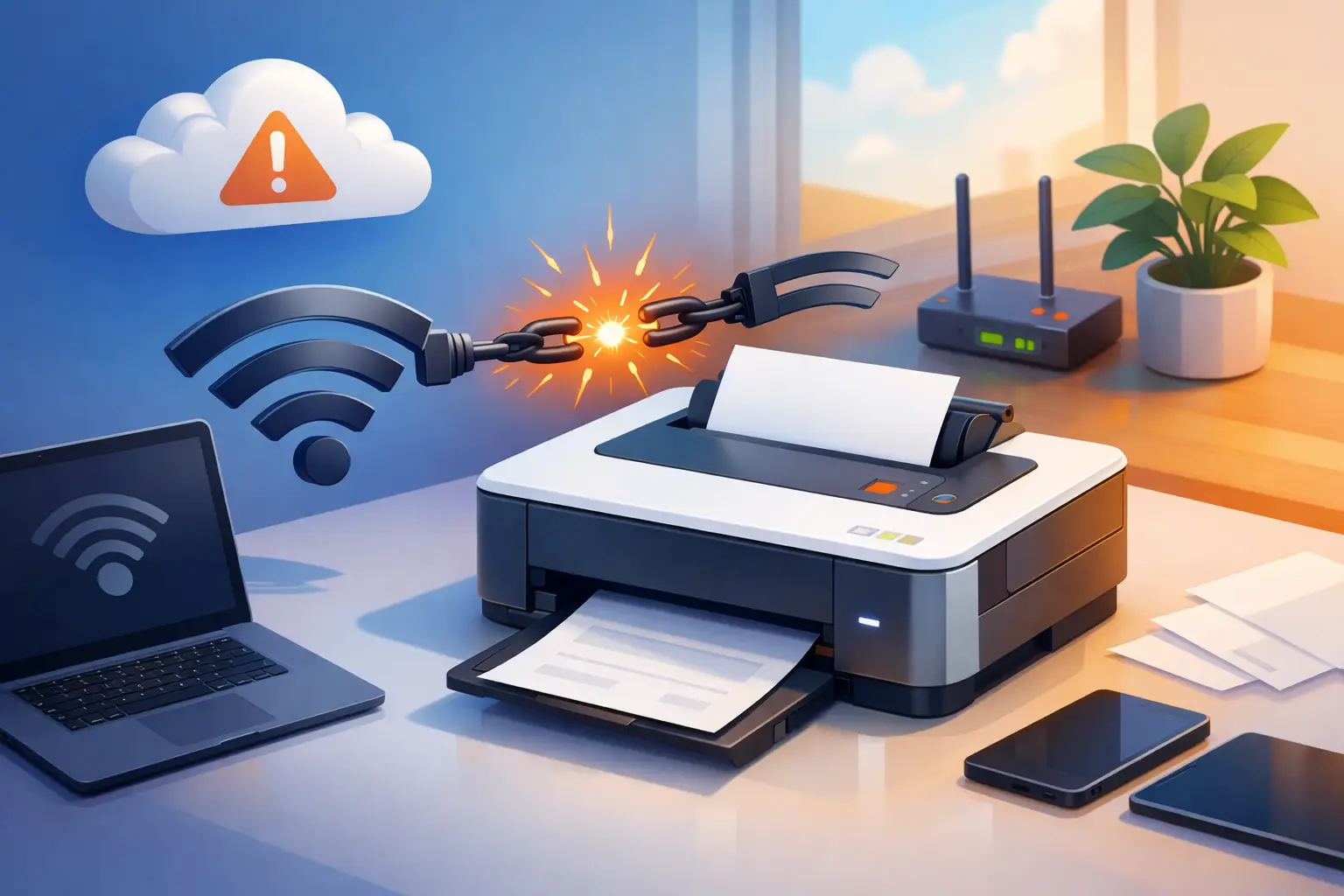
You hit Print, wait for the page to start, and then your printer suddenly shows offline again. If you have been asking, “why does my printer disconnect,” the problem usually comes down to one of a few things: unstable Wi-Fi, power-saving settings, outdated drivers, router issues, or a hardware fault inside the printer itself. The frustrating part is that the disconnect may look random even when there is a clear cause behind it.
For home users, this often shows up as a printer that works fine one day and vanishes the next. For a small business, it can slow down invoices, forms, shipping labels, or customer paperwork. The fix depends on whether the problem starts with the printer, the computer, or the network connecting them.
Why does my printer disconnect from Wi-Fi?
Wireless printers are convenient, but they add one more layer that can fail. A USB printer has a direct path to the computer. A Wi-Fi printer depends on signal strength, router settings, network congestion, and the printer’s own wireless radio.
The most common issue is a weak or inconsistent signal. Printers are often placed in corners, back offices, cabinets, or against walls where the Wi-Fi signal is not great. Unlike a phone or laptop, many printers do not handle poor wireless conditions very well. They may stay connected for a while, then drop off the network and appear offline.
Another common cause is that the printer connects to the wrong network band or loses its saved network settings. Some printers work better on 2.4 GHz than 5 GHz. If your router combines both under one network name, the printer may struggle more than your other devices. That does not always mean the router is bad. It means the printer may be picky.
There is also the issue of IP address changes. If your router assigns a different address to the printer after a restart or outage, your computer may still be trying to print to the old address. From your side, it looks like the printer disconnected. In reality, the printer is still on the network, but your device is looking in the wrong place.
The printer may not be disconnecting at all
Sometimes the printer is online, but Windows or macOS thinks it is not. This happens more often than people realize. A print spooler error, a stale printer queue, or a driver conflict can make the device appear unavailable even when the network connection is fine.
If you can access the printer’s screen, and it shows that it is connected to Wi-Fi, the problem may be on the computer instead of the printer. This is especially common after operating system updates, driver changes, or switching routers.
USB printers can have a similar issue. The cable may be loose, the port may be failing, or the computer may stop recognizing the device after waking from sleep. In those cases, the printer did not truly disconnect on its own. The connection between the printer and the computer became unstable.
Common reasons your printer keeps going offline
Power-saving features
Many modern printers use sleep settings to save power. That is fine until the printer does not wake up correctly or drops its network session while sleeping. Some models are more aggressive than others. If the disconnect happens after the printer sits idle, this is worth checking first.
Outdated or corrupted drivers
Drivers tell your computer how to talk to the printer. If they are outdated, partially corrupted, or replaced by a generic driver during an update, the connection can become unreliable. You may still print sometimes, but not consistently.
Router instability
If other devices in your home or office also lose connection from time to time, the printer may just be the first device to show it. Printers are less forgiving than phones and laptops. Short network interruptions that barely affect streaming or browsing can still knock a printer offline.
Network congestion or interference
Microwaves, cordless phones, thick walls, metal shelving, and crowded wireless environments can all interfere with printer connectivity. This is especially true in home offices, retail spaces, and small offices where the printer is not located near the router.
Firmware problems
Printers run firmware, which is basically internal operating software. If that firmware is outdated or buggy, random disconnects can happen. The same goes for router firmware. If either side is unstable, the printer connection can suffer.
Hardware wear
Older printers can develop failing wireless cards, bad USB ports, power supply issues, or logic board problems. If the printer disconnects no matter what computer or network you use, the issue may be inside the device.
How to troubleshoot a printer that disconnects
Start simple. Restart the printer, restart the computer, and restart the router. It sounds basic, but temporary communication errors are common, and a full restart can clear them.
Next, check whether the printer itself says it is connected. Most wireless printers have a network menu or status screen. If the printer is not connected to Wi-Fi, reconnect it and make sure it joins the correct network. If it is connected, print a network status page if your model allows it. That page can show the signal strength and IP address.
Then look at the computer side. Remove any stuck print jobs and confirm the printer is not set to “Use Printer Offline.” If the printer was installed long ago and your router has changed since then, remove and reinstall the printer using its current network address.
If the problem keeps coming back, assign the printer a reserved IP address in the router. This helps prevent the address from changing and avoids a lot of repeat disconnect issues. For many homes and small offices, this one step solves the problem for good.
You should also update the printer driver and firmware. This matters even more if the disconnects started after a Windows update, network upgrade, or new computer setup. Newer software can fix communication bugs, but sometimes updates also create compatibility issues. That is why the right fix depends on timing.
When the issue is really your network
If your printer disconnects at the same time as smart TVs, laptops, or security devices, do not focus only on the printer. Look at the network as a whole. Weak Wi-Fi coverage, an overloaded router, or poor placement can create recurring trouble for every connected device.
Small businesses run into this often when the printer is in a back room, front desk area, or warehouse corner far from the access point. A home office can have the same problem if the router is on one end of the house and the printer is on the other. In those cases, moving the printer, improving Wi-Fi coverage, or using a wired Ethernet connection can make the setup far more stable.
Wired connections are less convenient, but they are often the better long-term option for offices that rely on steady printing. If the printer supports Ethernet, using it can eliminate many of the variables that cause random drop-offs.
Why does my printer disconnect after I fixed it once?
This is one of the most frustrating versions of the problem. You restart everything, it works for a day or a week, and then it fails again. That pattern usually points to an underlying issue that was temporarily reset, not fully solved.
For example, restarting the router may restore a weak connection for a while, but it will not fix bad signal coverage. Reinstalling the printer may help until the IP address changes again. Waking the printer from sleep may restore printing, but it will not correct a buggy power-saving setting. When the same issue keeps returning, look for the pattern. Does it happen after inactivity, after power outages, after internet service interruptions, or after a specific computer goes to sleep? Those details matter.
When to get help with a printer disconnect problem
If you have already restarted devices, reconnected the printer, updated drivers, and checked the network, but the problem keeps returning, it is time for a closer look. At that point, the issue may involve deeper network settings, a failing printer component, or a conflict between your devices and router.
That is where local hands-on support can save time. A technician can determine whether the fault is with the printer hardware, the computer setup, or the network itself, instead of guessing and repeating the same temporary fixes. For homes, that means less frustration. For businesses, it means less downtime and fewer interruptions to daily work.
At TN Computer Medics, we see this kind of issue regularly because printer problems rarely stay limited to the printer alone. They often connect back to Wi-Fi reliability, device setup, driver health, or the overall network environment.
A printer that disconnects is annoying, but it is usually telling you something useful about your setup. Fix the root cause, and printing stops being a daily gamble.