
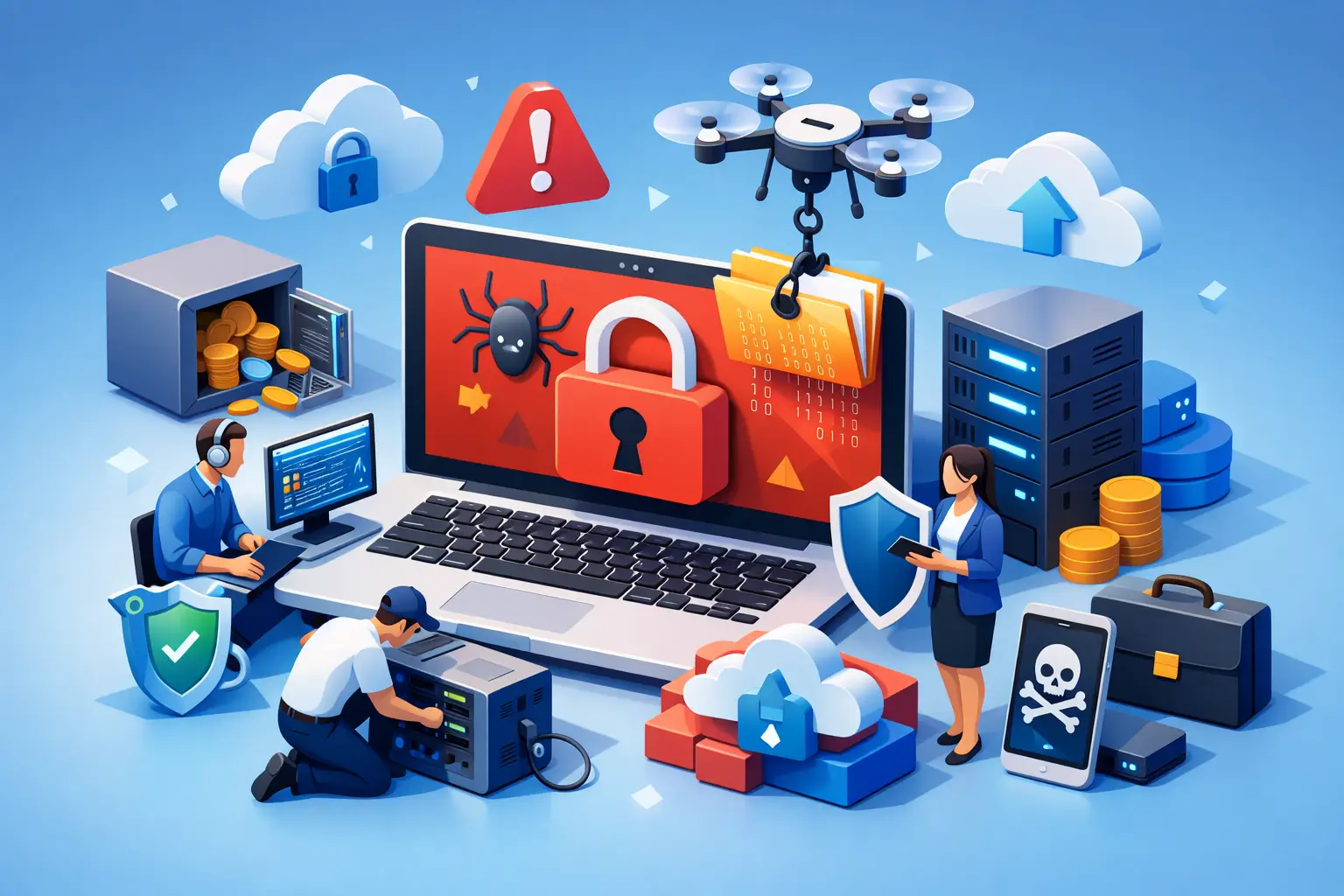
A staff member opens what looks like a routine invoice, and within minutes shared files stop opening, desktops show a ransom note, and the office grinds to a halt. That is how ransomware usually hits small companies – not with a dramatic warning, but with a normal workday suddenly interrupted. Ransomware removal for small business is not just about deleting malicious files. It is about containing damage, protecting data, restoring operations, and making sure the same attack does not return next week.
Small businesses are often hit hard because they depend on a handful of computers, one server, one shared drive, or a few cloud logins to keep everything moving. When those systems are encrypted, the disruption reaches payroll, scheduling, customer communication, accounting, and even point-of-sale operations. The right response needs to be fast, careful, and practical.
What ransomware removal for small business really involves
Many business owners assume malware removal means running a scan and going back to work. Ransomware is different. Once files are encrypted, removal alone does not decrypt them. The cleanup process has two separate goals: stop the infection from spreading and rebuild access to clean systems and clean data.
That distinction matters. If you focus only on deleting the malicious program, you can still be left with locked files, compromised passwords, damaged backups, or hidden access points the attacker may have installed before launching the ransom payload. A proper response checks the full picture, not just the visible symptom.
In some cases, the ransomware is limited to one device. In others, it has already moved across the network, hit mapped drives, reached a server, or synced encrypted files into cloud storage. The size of the incident changes the cleanup plan.
First steps after a ransomware attack
The first priority is isolation. Disconnect infected computers from the network immediately. That means unplugging Ethernet, turning off Wi-Fi, disconnecting external drives, and stopping access to shared folders if possible. If a server appears involved, keeping everything online while people keep clicking around usually makes the problem worse.
At the same time, avoid random fixes. Rebooting repeatedly, deleting files without a plan, or restoring from backup too early can erase evidence and complicate recovery. If your business has cyber insurance, reporting requirements may also affect what you should document first.
Take photos or screenshots of the ransom note, unusual file extensions, and any messages on affected systems. Write down what was happening when the issue was discovered, which devices are affected, and whether any employees recently opened suspicious emails, downloaded attachments, or approved login prompts. Those details help identify the strain and the likely entry point.
Then change passwords, starting with email accounts, administrative logins, remote access accounts, and any shared credentials. Do this from a clean device, not a computer that may still be compromised.
Should you pay the ransom?
Most small businesses ask this right away, and the honest answer is that paying is risky even when the pressure is high. There is no guarantee you will get a working decryption key, and there is no guarantee the attacker did not also steal data before encrypting it. Some companies pay and still face long downtime, partial recovery, or another attack later.
That said, the decision is rarely emotional theater. It is usually a hard business calculation based on backup quality, downtime cost, legal exposure, and whether critical systems can be rebuilt fast enough. For some businesses, especially those without tested backups, the pressure can be severe. Even so, payment should never be the first move. You need to know what is recoverable before making that decision.
How ransomware is actually removed
Ransomware removal for small business systems and networks
The removal process starts with identifying the ransomware strain and checking whether other malware is involved. Attackers often use remote access tools, password theft, and privilege escalation before they encrypt anything. If you only remove the final ransomware executable, you may leave the door open.
A technician will typically examine endpoints, servers, firewall logs, email activity, and user accounts to see how the attack started and how far it spread. This may include finding malicious scheduled tasks, startup items, command scripts, unauthorized remote desktop activity, or newly created admin accounts.
Once the active threat is contained, affected systems are cleaned or rebuilt. Rebuilding is often the safer option for business machines, especially when there is any doubt about lingering compromise. It takes more effort up front, but it reduces the chance of hidden persistence being left behind.
After that, clean data is restored from known good backups. This step sounds simple, but timing matters. If backups were connected during the attack or if encrypted files synced to cloud services, those backups may also be affected. Recovery works best when you know exactly which restore point is clean.
The backup question that decides everything
Good backups are often the difference between a difficult day and a business crisis. But not all backups are equal. A backup that has never been tested is a hope, not a recovery plan.
For small businesses, the safest approach usually includes more than one copy of data, with at least one backup isolated from the main network. That could mean immutable cloud backups, offline external storage handled correctly, or a managed backup solution with versioning and monitoring. The right setup depends on your systems, budget, and how much downtime your business can actually tolerate.
There is also a trade-off between convenience and safety. Backups that are always connected are easier to automate, but they can also be easier for ransomware to reach. More isolated backups are safer, but they require better planning and regular checks.
Common ways small businesses get hit
Most ransomware incidents do not begin with advanced movie-style hacking. They usually start with preventable gaps. A phishing email, weak passwords, reused credentials, unpatched software, exposed remote desktop, or unmanaged devices are still common entry points.
Small businesses are especially vulnerable when the owner or office manager is wearing five hats and technology maintenance keeps getting pushed down the list. That is understandable, but attackers count on exactly that. They look for outdated systems, flat networks, and businesses without dedicated monitoring.
Remote work adds another layer. Home computers, personal devices, and saved passwords in browsers can all expand risk if they connect to business systems without proper controls.
How to reduce the chance of it happening again
Recovery is only half the job. Once systems are back, the business needs to close the gaps that allowed the attack in. That usually includes patching operating systems and software, reviewing antivirus or endpoint protection, tightening user permissions, and turning on multi-factor authentication wherever possible.
It also helps to separate systems by role. Not every employee needs access to every folder, and not every workstation should have direct paths to critical business data. Network segmentation can limit the blast radius when something does get through.
Employee awareness matters too, but training should be practical, not preachy. Staff do not need a cybersecurity lecture. They need to know how to spot suspicious emails, what to do when something looks wrong, and why reporting quickly matters more than feeling embarrassed.
For many local companies, ongoing IT support is the real fix. A small business may not need a full internal IT department, but it does need someone keeping watch over patching, backups, endpoint security, and recovery planning. That steady maintenance is often what prevents the next emergency.
When to call for professional help
If ransomware has reached shared drives, line-of-business software, accounting systems, or multiple user devices, this is no longer a simple malware cleanup. It is a business continuity issue. Speed matters, but so does doing things in the right order.
Professional help is especially important when you are dealing with a server, possible data theft, compliance concerns, or uncertain backups. A local provider that understands both repair work and small business infrastructure can usually move faster than a distant call center reading from a script. For businesses in Tullahoma and nearby communities, that local responsiveness can make a real difference when every hour of downtime affects customers and revenue.
Ransomware is designed to create panic and force rushed decisions. The better approach is controlled action – isolate, investigate, remove, recover, and harden the environment so your business is not easy to hit twice. If your systems ever show signs of encryption, strange file extensions, or ransom notes, treat it like the serious operational threat it is and get experienced help involved early. A calm, informed response is often what saves the most time, data, and money.