
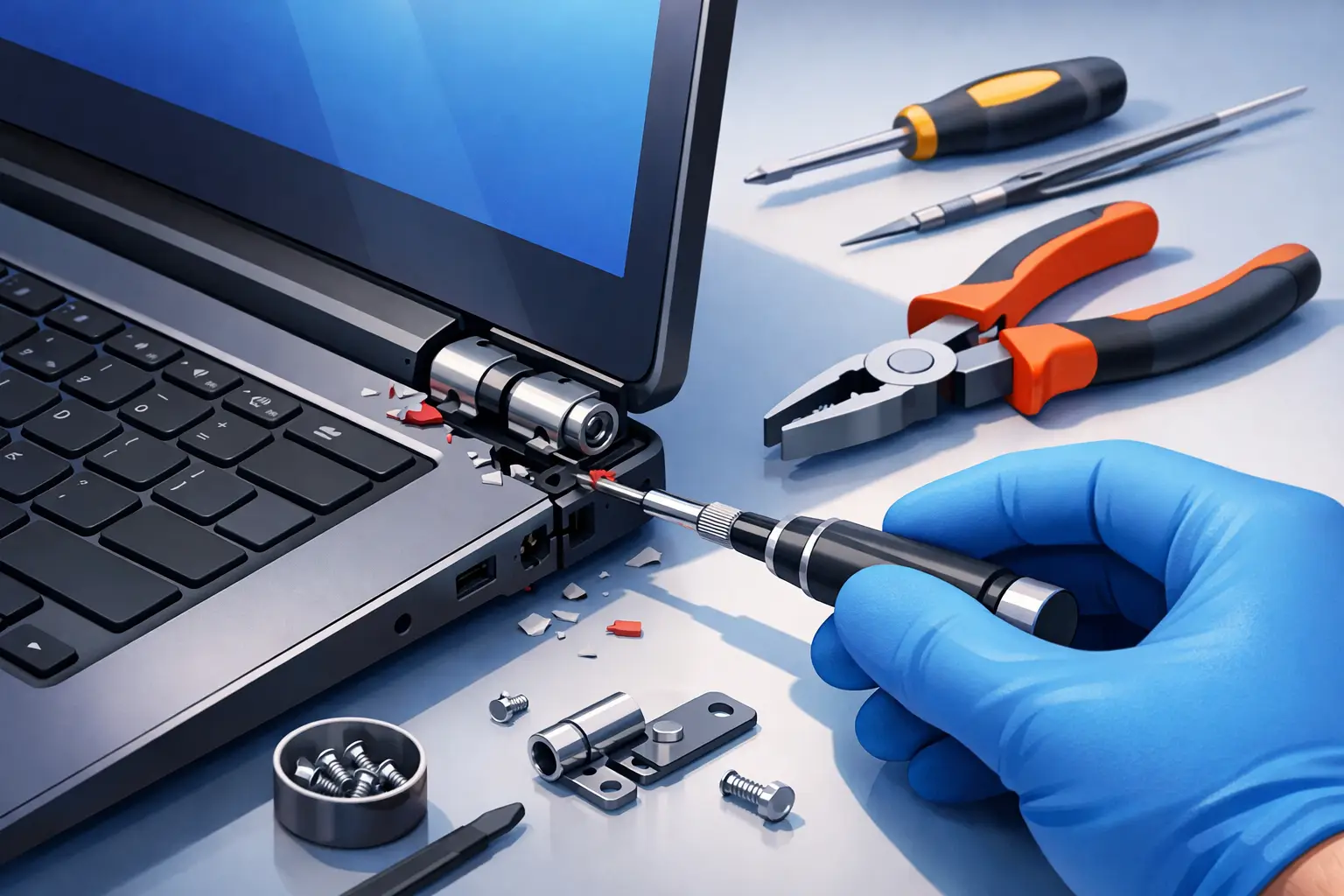
A laptop hinge can fail slowly, with a little extra stiffness each time you open the lid, or all at once with a sharp pop and a screen that will not stay upright. Either way, trying to fix a broken laptop hinge by forcing the lid usually turns a manageable repair into a damaged screen, torn display cable, or cracked case. The safest first move is simple: stop opening and closing the laptop until you know what has failed.
For Tullahoma-area families, students, remote workers, and small businesses, a broken hinge is more than a cosmetic annoyance. It can keep a student from finishing an assignment, make a work laptop difficult to transport, or put important files at risk when the display cable is pinched. The right repair depends on the hinge damage, the laptop model, and whether the mounting points inside the case are still intact.
What a Broken Laptop Hinge Actually Means
The hinges are the metal joints connecting your laptop screen assembly to the base. They are designed to hold the screen at the angle you choose while allowing the lid to open and close thousands of times. But the hinges are only part of the system. They attach to screw mounts in the lower case and display cover, often through small brass inserts embedded in plastic.
Sometimes the hinge itself is loose, bent, seized, or broken. In other cases, the hinge is still functional but the plastic mounts have separated from the case. That distinction matters because replacing a hinge will not solve a broken mounting bracket, and glue alone rarely creates a lasting repair on a stressed laptop lid.
Common signs include a popping or cracking sound near one corner of the screen, a lid that feels unusually tight or loose, gaps forming around the display bezel, exposed wires near a hinge, or a screen that lifts away from the back cover when you open the laptop. If the display flickers, turns black at certain angles, or the webcam stops working, the internal display cable may already be under strain.
When to Stop Using the Laptop Immediately
You may be able to keep using a laptop with a minor hinge issue if it stays open at a stable angle and there is no pressure on the screen or visible cable damage. Even then, leave it in one position as much as possible and avoid carrying it by the screen.
Stop using it and arrange service promptly when the screen is separating from the lid, the hinge is binding, wires are exposed, or the display changes when the lid moves. A damaged hinge can pull on the eDP or LCD cable that carries the image to the screen. It can also affect webcam, microphone, antenna, and touchscreen connections in some models.
If you need access to your files right away, connect an external monitor, keyboard, and mouse if the laptop can remain safely open. Keep the device on a stable desk. Do not prop the screen up with heavy objects, tape the lid tightly shut, or repeatedly test the hinge to see whether it is “still working.”
Can You Fix a Broken Laptop Hinge Yourself?
A careful do-it-yourself repair is possible on some older or more serviceable laptops, especially when replacement hinges and a proper bottom case are readily available. The job typically requires disassembling the base, removing the battery if possible, disconnecting the display assembly, separating the bezel, and transferring small parts without damaging cables.
The difficulty is not usually the screws. It is identifying what is actually broken and reassembling the laptop without pinching a cable, cracking the panel, losing antenna routing, or mixing screw lengths. Many laptops use screws that look almost identical but differ by a millimeter or two. Installing a long screw in the wrong location can damage the motherboard or display assembly.
Before attempting a repair, check whether the laptop is under a manufacturer warranty, extended protection plan, or accidental-damage coverage. Opening the device may affect coverage. Also consider the value and age of the laptop. Spending several hours and buying parts for a low-cost, aging device may not be the best choice, while a newer laptop with a good screen and solid performance is often worth repairing correctly.
Repairs That Are Usually Reasonable at Home
If the hinge screws have simply loosened and the surrounding mount is undamaged, tightening them may be enough. This is uncommon on many thin modern laptops, but it can happen. A loose external hinge cover or bezel that has come unclipped may also be straightforward to reseat if no internal component is damaged.
A complete hinge replacement can be reasonable for someone experienced with electronics repair who has the exact model number, the correct parts, precision screwdrivers, plastic pry tools, and a clean work surface. Take photos at every stage and keep screws organized by location. Disconnect power and the internal battery before touching display or motherboard connectors.
Repairs Best Left to a Technician
Professional service is usually the better route when plastic screw posts have broken away from the case, the hinge has torn through the display lid, the screen is separating, or the display cable is involved. These repairs can require a new lower case, palm rest assembly, display back cover, bezel, hinges, or cable. On certain models, replacing the mounting structure is safer and more durable than attempting to rebuild it with adhesive.
A technician can also check for hidden damage that is easy to miss. For example, a stiff hinge may be the original cause of a broken mount. Reattaching the mount without replacing or loosening that hinge can lead to the same failure within weeks. A proper repair addresses both the failed part and the force that caused it.
How Professionals Fix a Broken Laptop Hinge
A quality hinge repair starts with inspection, not a quick squeeze of glue. The technician checks whether the lid opens evenly, whether both hinges move with similar resistance, and whether the display cable and antenna leads are routed safely. The laptop is powered down, opened carefully, and inspected from the inside.
If the hinge is worn, bent, or excessively tight, it is replaced. If the mounting points are cracked, the correct structural case component is replaced when available. This may mean replacing the bottom housing, palm rest, or display back cover rather than the hinge alone. While the laptop is open, it is also sensible to inspect the battery for swelling. A swollen battery can distort the chassis and create pressure that contributes to case and hinge problems.
The repair should be tested several times before the device leaves the bench. The lid should open smoothly, hold its position, close without binding, and display a stable image at different angles. Wi-Fi, webcam, microphone, and touch functions should be checked if those cables run through the display assembly.
Avoid These Common Hinge Repair Mistakes
The fastest way to make hinge damage worse is opening the laptop from one corner. Always lift the lid from the center using two fingers when possible. This spreads the force across both hinges instead of twisting one side of the display.
Avoid super glue, hot glue, tape, or epoxy as a permanent structural repair. Adhesives can interfere with cable routing, make future service harder, and fail under repeated pressure. Some specialty repairs may use appropriate bonding materials as part of a larger fix, but adhesive is not a substitute for a cracked case component or failing hinge.
Do not spray lubricant into the hinge area. Lubricant can migrate onto the display, cable, keyboard, or motherboard, and it will not repair broken mounts. Likewise, do not force a stiff hinge loose with pliers. The force can crack the screen panel in an instant.
Finally, do not ignore backups. Hinge repairs are usually unrelated to storage, but any device that needs disassembly deserves a current backup first. Copy important files to a separate drive or approved cloud service before repair whenever the laptop still powers on.
Protect the Repair Afterward
Once the hinge is repaired, a few habits can make a real difference. Open the laptop from the center, close it gently, and carry it in a padded sleeve or bag that does not put pressure on the lid. Never pick up an open laptop by its screen, and avoid placing heavy books, chargers, or folders on top of it.
For business laptops that travel between job sites, offices, and home, consider a protective case that fits the device correctly. A loose bag allows the laptop to shift around, while an overly tight sleeve can press on the lid. If multiple team members use the same equipment, a short reminder about opening laptops from the center can prevent repeat damage.
TN Computer Medics can inspect hinge damage, protect your data, and recommend a repair that makes financial sense for your laptop rather than pushing a one-size-fits-all solution. A hinge problem is frustrating, but addressing it early gives you the best chance of preserving the screen, cables, and device you rely on every day.