
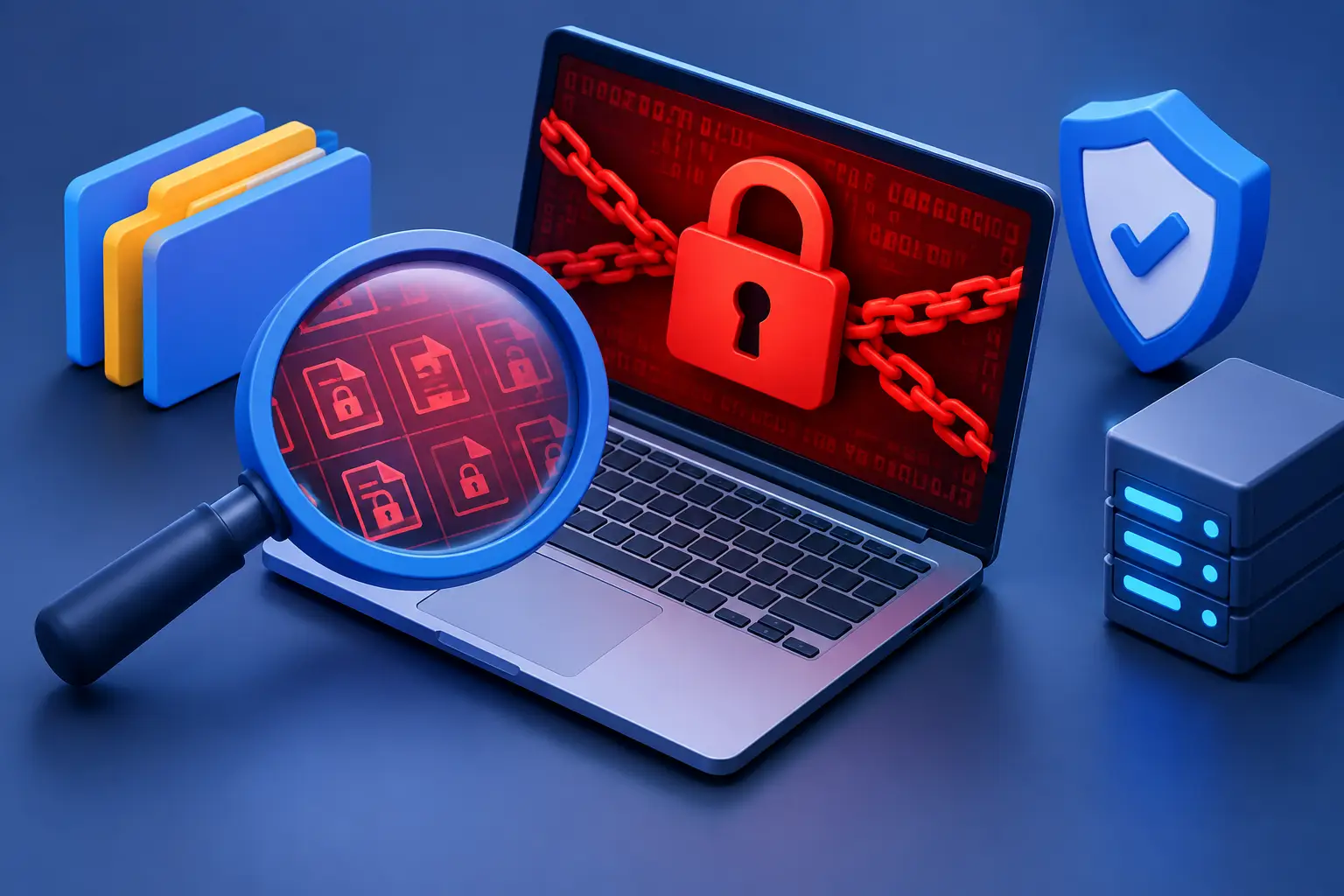
A document that suddenly will not open is more than a computer annoyance. If several files display strange names, unknown extensions, or messages demanding payment, you need to know how to identify ransomware encryption before the problem spreads to every connected folder, backup drive, or office computer.
Ransomware is malicious software that blocks access to data and attempts to pressure the owner into paying for its return. Encryption is the most damaging form because it changes the actual contents of files, not just the screen you see. Fast, calm action can limit the damage. Guessing, deleting evidence, or repeatedly restarting the computer can make recovery more difficult.
How to Identify Ransomware Encryption on a Computer
The clearest warning sign is a sudden inability to open files that worked normally earlier in the day. Word documents, photos, spreadsheets, PDFs, accounting data, and shared business folders may all fail at once. Instead of opening, software may report that a file is corrupted, damaged, or uses an unknown format.
Look closely at the file names. Ransomware often adds an unfamiliar extension to affected files, such as a long string of letters and numbers. A file once called `family-budget.xlsx` may become `family-budget.xlsx.locked` or a completely unreadable name. The original file icon can also change because Windows no longer recognizes the format.
A ransom note is another major indicator. It may appear on the desktop, open automatically in a browser window, or be saved in every affected folder. The message usually claims your files are encrypted, demands cryptocurrency, and sets a deadline. Some attackers threaten to publish stolen data as well as encrypt it.
Do not assume every ransom note means the encryption is still happening. The message may appear after the damage is done, or it may be part of a scam that only locks your browser. Check whether ordinary files on the computer and network share actually open. A browser pop-up that claims your device is infected is usually not ransomware encryption. Close the browser without calling a number shown in the pop-up.
Signs the Attack May Still Be Spreading
Early detection matters because ransomware can move quickly through connected drives, shared folders, and cloud-sync tools. A home user might first notice photos on an external drive becoming unavailable. A small business may see staff lose access to the same shared files within minutes.
Watch for unusual activity such as files changing names while you are viewing a folder, new text files appearing repeatedly, a hard drive working constantly when no one is using the computer, or a large number of file-modified alerts. On a business network, staff may report that shared documents are disappearing or that files opened from a server no longer work.
Cloud storage can complicate the picture. Services that synchronize folders may copy encrypted versions of files to the cloud and then to other computers. Many services offer version history, which can be valuable, but do not rely on it as your only recovery plan. Pause syncing from an unaffected device if possible and get technical help before changes overwrite older versions.
Encryption, File Corruption, and Hardware Failure Are Different
Not every unreadable file is ransomware. A failing drive can corrupt files, a power loss can damage an open document, and a software update can cause compatibility issues. Those problems are serious, but they often affect a limited group of files or produce drive errors rather than a consistent pattern of renamed documents and ransom notes.
Ransomware typically affects many file types across multiple folders. It may leave operating system files alone so the computer remains usable enough for the victim to read the payment demand. Hardware failure, by comparison, may cause slow startup, clicking noises, blue screens, missing drives, or folders that come and go. A technician can examine the system without making risky assumptions about which problem you have.
What to Do the Moment You Suspect Ransomware
First, isolate the affected computer. Disconnect its Ethernet cable, turn off Wi-Fi, and unplug attached external drives if you can do so safely. For a laptop, do not reconnect it to a home or office network just to test whether files work. Isolation helps prevent the attack from reaching file shares, backup devices, printers with storage, and other computers.
Next, stop using the machine. Do not open more files, install random cleanup tools, or move affected data to another drive. Avoid rebooting unless a qualified technician instructs you to do so. The system may contain useful evidence, and a restart can change what is available for analysis.
Take a few photos of the ransom note and write down the time you first noticed the issue. Record the strange file extension, the names of affected folders, and whether a shared drive or cloud folder is involved. This information helps determine the ransomware family and shows how far the incident may have traveled.
If the device belongs to a business, notify the person responsible for IT immediately. Other employees should not continue working from shared folders until the network has been checked. One infected workstation can become a much larger business interruption if staff continue connecting drives or synchronizing files.
Do Not Rush to Pay the Ransom
A ransom demand is designed to create panic and force a quick decision. Paying does not guarantee that criminals will provide a working decryption tool, restore every file, or delete stolen copies of business information. It can also make an organization a target for future extortion.
There are situations where business owners face difficult choices, especially when critical operations are down and backups are incomplete. Even then, payment should not be the first technical response. Preserve the affected system, assess what was encrypted or copied, verify available backups, and consult qualified cybersecurity and legal professionals when sensitive customer, employee, financial, or health information may be involved.
For many households and small businesses, the most dependable path is removing the infection, rebuilding the affected system if needed, and restoring clean data from a backup created before the attack. This is why backup quality matters as much as having a backup at all.
Check Backups Without Putting Them at Risk
Do not immediately connect a backup drive to the infected computer. If the ransomware is still active, it may encrypt that drive too. Keep backup media disconnected until the machine has been assessed and cleaned or replaced.
A useful backup has more than one version of important data. A single always-connected external drive may be convenient, but it can be encrypted along with the computer. Small businesses should also protect server backups, cloud backup credentials, and network storage from ordinary user accounts. If an attacker can access everything with one stolen password, recovery becomes far harder.
Before restoring files, confirm the backup date and test a small sample of documents on a known-clean device. Check that the files open normally and that the backup was created before the first signs of trouble. Restoring encrypted files over good copies is an avoidable mistake.
Recovery Starts With a Clean Environment
Ransomware cleanup is not just about deleting a suspicious file. A proper response looks for the original entry point, such as a phishing email attachment, weak remote access settings, stolen password, compromised software, or an unpatched device. Without addressing that entry point, restored files can be encrypted again.
For a personal computer, recovery may involve malware analysis, operating system reinstallation, account password changes, security updates, and careful data restoration. For a business, the process can include checking every endpoint, server, shared folder, administrator account, firewall rule, and remote access connection. The right scope depends on what the attacker touched.
TN Computer Medics can help local residents and small businesses in the Tullahoma area isolate affected systems, assess data loss, remove malware, and build a practical recovery plan. Quick action is especially valuable when shared drives, point-of-sale systems, accounting records, or family photos are involved.
Reduce the Chances of Another Encryption Attack
Most ransomware incidents begin with an opening that could have been closed: a deceptive email, an outdated application, a reused password, or remote access exposed to the internet. Security tools help, but daily habits and account controls matter just as much.
Use unique passwords with multi-factor authentication wherever it is available, especially for email, cloud storage, financial accounts, and remote business access. Keep Windows, browsers, security software, and business applications updated. Treat unexpected attachments, invoice requests, password-reset messages, and shared-file notices with caution, even when they appear to come from a familiar sender.
Maintain backups that are separate from the computer and test them regularly. For businesses, limit who can access shared folders and administrative settings, and make sure employees know exactly who to contact when a suspicious message or unusual file behavior appears. The fastest recovery often begins with one person recognizing that something is wrong and speaking up before the damage reaches the whole network.
If files begin changing names or refusing to open, treat the situation as urgent, isolate the device, and get experienced help before a minor warning becomes a full data-loss event.