
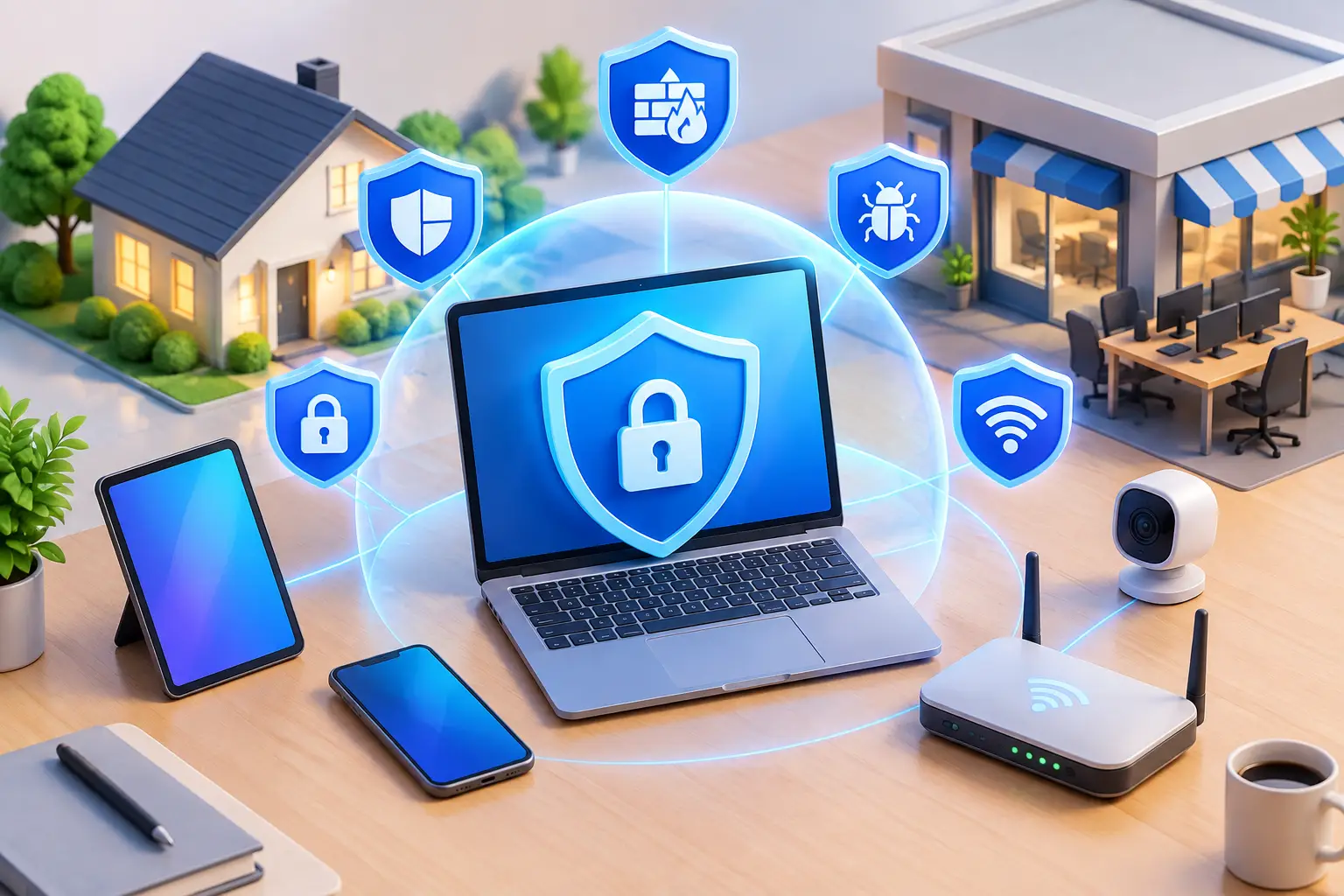
A computer can look perfectly normal while a stolen password, outdated program, or failed backup puts your files at risk. The best computer security tools are not one single app or expensive device. They are a practical set of protections that work together to stop threats, protect important data, and help you recover quickly if something goes wrong.
For families, students, and remote workers, the right setup should be easy to manage without constant pop-ups or confusing settings. For small businesses, security also needs to protect customer data, employee accounts, payment systems, and daily operations. The best choice depends on how you use your devices, what information you store, and how much downtime you can afford.
Best Computer Security Tools Start With Layers
Many people think antivirus software is all they need. Antivirus remains useful, but it is only one layer. Modern attacks often begin with a convincing email, a reused password, an unsecured remote connection, or a missing software update. A complete security plan uses several tools so that one mistake does not become a major loss.
For most homes and small offices, the core layers are endpoint protection, software updates, strong passwords with multi-factor authentication, dependable backups, and a secure network. These tools are not equally urgent in every situation, but skipping any of them creates a gap that attackers and computer problems can exploit.
Antivirus and Endpoint Protection
Antivirus software scans for known malware, suspicious files, dangerous downloads, and unwanted programs. Modern endpoint protection goes further by watching for ransomware behavior, blocking harmful websites, and alerting you to unusual activity.
Windows computers include built-in security protections that are a solid starting point when they are enabled, updated, and properly configured. Some households and businesses choose a paid security suite for additional features such as identity monitoring, web filtering, password management, or support for multiple devices.
The trade-off is performance and complexity. A security program that constantly slows down an older computer or produces confusing alerts may lead users to turn it off. Choose a reputable option that fits the device and keep only one real-time antivirus product active at a time. Running multiple antivirus programs can create conflicts and reduce performance.
Password Managers and Multi-Factor Authentication
Weak or reused passwords are one of the most common ways accounts get compromised. If the same password is used for email, online banking, shopping, and work accounts, one breached website can expose much more than a single login.
A password manager helps create and store long, unique passwords without requiring you to memorize every one. This is especially helpful for households with many accounts and businesses that need staff to access shared services safely. The password manager itself should have a strong, unique master password and multi-factor authentication enabled.
Multi-factor authentication, often called MFA or two-step verification, adds a second check after the password. It may use an authenticator app, a security key, or an approval prompt on a phone. Text message codes are better than no MFA, but authenticator apps and security keys generally provide stronger protection against phishing attempts.
Start with email accounts. Email is often the reset point for banking, shopping, cloud storage, and business software. If an attacker gains access to your primary email, they may be able to reset passwords across many other accounts.
Backups Are Security Tools, Not Just Convenience
Ransomware can lock files and demand payment. Hardware can fail without warning. A spilled drink, lightning strike, accidental deletion, or syncing mistake can erase important files just as effectively as malware. That is why backups belong on every list of the best computer security tools.
A useful approach is the 3-2-1 backup rule: keep three copies of important data, on two types of storage, with one copy kept separate from the main computer. For example, a small business might keep files on its primary system, back them up to a local encrypted device, and maintain a protected cloud backup. A family may use cloud backup for documents and photos along with an external drive that is disconnected when not in use.
The word “separate” matters. A backup drive that stays connected to an infected computer can also be encrypted by ransomware. Cloud syncing is helpful, but syncing alone is not always a backup because deleted or encrypted files can sync too. Look for version history and recovery options, then test them before you need them.
Secure Routers and Safer Wi-Fi
Your router is the front door to your home or business network. If it uses an old password, outdated firmware, or weak wireless settings, every connected device may be exposed.
Change the router’s default administrator password and use a unique Wi-Fi password. Enable automatic firmware updates if available. Use WPA3 security when your equipment supports it, or WPA2 as a practical fallback for older devices. Avoid old wireless security modes that are no longer considered safe.
Small businesses should go further by separating networks. Point-of-sale devices, office computers, guest Wi-Fi, security cameras, and smart devices should not all share the same unrestricted network. Network segmentation limits how far a problem can spread if one device is compromised.
Public Wi-Fi also deserves caution. Avoid logging into financial or business accounts on an unknown network unless you have a trusted, properly configured connection. A virtual private network can add privacy in certain situations, but it is not a replacement for MFA, updates, or safe browsing habits.
Patch Management Closes Common Gaps
Software updates can feel inconvenient, particularly when a computer asks to restart in the middle of work. Still, updates often repair security weaknesses that criminals already know how to exploit. Delaying updates for weeks or months gives those weaknesses more time to become a problem.
Set operating systems, browsers, office software, and security software to update automatically whenever practical. Remove programs you no longer use, especially old browser extensions, trial software, and unsupported applications. Every unused program is another possible entry point.
For a business, patching should be managed rather than left to each employee. One unpatched workstation can create risk for a shared network, customer records, or company email. Managed IT support can schedule updates at less disruptive times and verify that devices actually receive them.
Email and Web Protection Reduce Human Risk
Security tools are strongest when users know what to watch for. Phishing messages may imitate a delivery company, bank, vendor, manager, or even a family member. They often create urgency: pay now, verify immediately, open this attachment, or call this number.
Use spam filtering and web protection, but do not rely on them to catch every message. Before entering a password or payment information, check the sender address and the website address carefully. Be skeptical of unexpected attachments and requests to purchase gift cards, change banking details, or share one-time verification codes.
For small businesses, email filtering, domain protection, and employee awareness are worthwhile investments. The goal is not to make employees afraid to use email. It is to give them a clear process for pausing and verifying unusual requests before money or data leaves the business.
Choosing Security Tools for Your Situation
A basic household setup may only need built-in endpoint protection, automatic updates, a password manager, MFA on important accounts, and a tested backup plan. A remote worker may also need secure home Wi-Fi and clear separation between personal and work accounts.
A small business usually needs more oversight: centrally managed antivirus, business-grade backup, protected email, user account controls, network segmentation, and a response plan for lost devices or suspected infections. Compliance requirements, customer data, payment processing, and the number of employees can change what is necessary.
Avoid buying security products simply because they advertise the longest feature list. A tool is valuable when it is configured correctly, stays current, and is realistic for people to use every day. For example, a password manager only helps if passwords are actually unique, and backups only help if someone can restore the files.
TN Computer Medics can help local homes and small businesses identify weak points, remove active threats, secure devices and networks, and set up practical protections without overcomplicating the process. If a computer starts showing pop-ups, running unusually slowly, losing files, or sending suspicious messages, disconnect it from the network and get help before the issue spreads.
The most useful security tool is the one you will maintain. Start with the account and files you cannot afford to lose, protect them first, and make a habit of checking that your safeguards still work.