
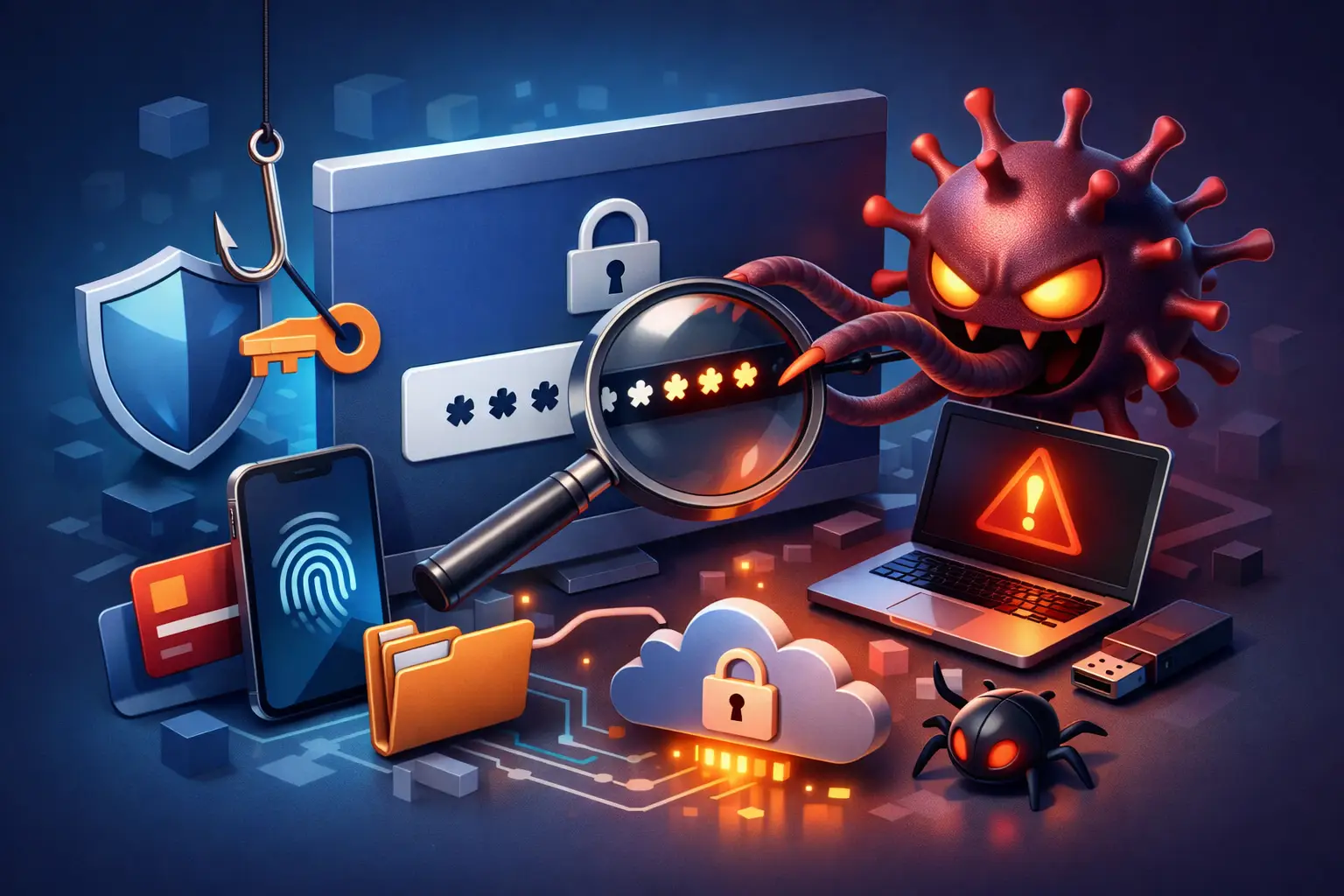
A customer often notices the problem only after the damage is done – a bank login stops working, email shows strange activity, or a saved password has been changed without their knowledge. If you are asking, can a virus steal passwords, the short answer is yes. Some types of malware are built specifically to capture usernames, passwords, browser data, and even the codes used for account verification.
That matters whether you use your computer for school, remote work, family finances, or running a small business. A password theft infection is not always loud or obvious. In many cases, the computer still turns on, the browser still opens, and everything seems mostly normal while the malware quietly collects information in the background.
Can a virus steal passwords from your computer?
Yes, and it can happen in more than one way. The word virus gets used as a catch-all term, but the real threat usually falls under malware. That includes keyloggers, spyware, information stealers, browser hijackers, and remote access trojans. Each one can target passwords differently.
A keylogger records what you type. If you enter your email password, online banking login, or work portal credentials, that data can be captured and sent to an attacker. Spyware may go further by watching browser sessions, taking screenshots, or pulling stored credentials from apps and web browsers. Information stealers are especially dangerous because they are designed to search a system for saved passwords, autofill data, cookies, crypto wallets, and other sensitive information all at once.
For home users, that can mean stolen social media, shopping, banking, and email accounts. For small businesses, it can mean exposed employee logins, cloud service accounts, vendor portals, and internal systems. One infected computer can become a much bigger problem if those credentials are reused across multiple accounts.
How password-stealing malware usually gets in
Most password theft starts with something that looks ordinary. A fake invoice attachment, a cracked software download, a browser extension that seems helpful, or a phishing email that asks you to sign in can all open the door.
Sometimes the malware arrives through a malicious website or ad. Other times, it comes bundled with free software from an untrusted source. On business systems, a weak remote access setup or an unpatched machine can create the opening. The method depends on the attacker, but the goal stays the same – get onto the device quietly and stay there long enough to collect useful data.
This is one reason password theft can affect careful people, not just careless ones. You do not have to click something obviously suspicious. Attackers are good at making malware look like a document, an update, a shipping notice, or a normal login page.
Common tricks attackers use
A fake Microsoft 365 or Gmail sign-in page may trick you into entering your password directly. A malicious attachment can install a stealer as soon as it is opened. A fake software update may claim your browser or video player needs attention when the real payload is spyware.
There is also a growing problem with stolen session cookies. In plain terms, malware may not even need your password if it can grab the token that keeps you logged in. That can let an attacker access an account as if they were already authenticated.
What passwords can malware steal?
The answer depends on what is stored or entered on the infected device. In many cases, malware targets web browsers first because browsers hold a lot of useful information. That includes saved usernames and passwords, autofill details, and session data.
It can also target email apps, FTP clients, messaging platforms, VPN credentials, and remote desktop tools. If your browser stores your payment information, addresses, or other account details, that information may be at risk too. On a work computer, malware may capture logins tied to accounting systems, customer databases, payroll software, or internal admin tools.
If you use the same password in several places, one stolen login can lead to a chain reaction. An attacker may start with your email account, then use it to reset passwords on banking, shopping, and business services.
Signs a virus may be stealing passwords
Password-stealing malware is not always easy to spot, but there are warning signs worth taking seriously. You may notice unusual browser behavior, new extensions you did not install, security software turning off, or a sudden slowdown with no clear reason. Pop-ups, redirects, and random login prompts can also point to trouble.
In other cases, the first clue appears outside the computer. You get a notice that your password was changed. Your bank flags suspicious activity. Friends receive strange messages from your email or social account. Multi-factor authentication alerts start showing up even though you did not try to sign in.
None of those signs prove a virus is involved, but they do mean you should act quickly. Waiting gives an attacker more time to collect data and move from one account to another.
What to do if you think malware stole your passwords
Start by disconnecting the affected computer from the internet. That will not erase the infection, but it can help stop more data from being transmitted. If the device is part of a home office or small business network, isolating it is even more important.
Next, use a separate clean device to change your most important passwords. Begin with email, banking, password manager, work accounts, and any account that can reset other logins. Turn on multi-factor authentication wherever possible. If your business uses Microsoft 365, Google Workspace, cloud accounting, or remote access tools, review those accounts right away.
Do not trust the infected computer to be clean just because it seems to run better after a restart or a quick scan. Some malware hides well, creates scheduled tasks, or drops additional files that simple cleanup may miss. A proper malware removal process should include scanning with trusted tools, checking startup items and browser extensions, reviewing system changes, and confirming the system is safe before normal use resumes.
Should you change every password?
Often, yes, but priorities matter. If the computer stored passwords in the browser or if you typed credentials while it was infected, assume the important accounts could be exposed. Start with the accounts that protect your identity, money, and work operations, then move through the rest in an organized way.
For a business, this may also mean forcing password resets for affected users, reviewing admin privileges, checking email forwarding rules, and looking for suspicious sign-ins. That is where professional help can save time and reduce the chance of missing something important.
Can antivirus stop password theft?
Good security software helps, but it is not a guarantee. Some threats are detected quickly. Others are built to avoid detection, especially newer information stealers or malware delivered through convincing phishing attacks. Antivirus is one layer, not the whole plan.
The strongest protection comes from combining several habits. Keep devices updated. Avoid downloads from unknown sources. Use multi-factor authentication. Do not store every password in the browser if you can avoid it. Use a reputable password manager instead of reusing the same login across multiple sites. Back up important files, and make sure someone is keeping an eye on your systems if your business depends on uptime.
For families and small businesses in the Tullahoma area, that practical approach usually works better than chasing one perfect security tool. Real protection is a mix of clean systems, good habits, and fast response when something feels off.
Why local help matters when a virus steals passwords
Password theft is more than a nuisance. It can turn into account lockouts, fraud, identity theft, payroll issues, vendor impersonation, and expensive downtime. The technical fix matters, but so does the response plan. You need to know the infection is actually removed, the accounts are secured, and the device is safe to use again.
That is where experienced hands make a difference. A proper cleanup may involve malware removal, operating system repair, browser cleanup, credential reset guidance, backup checks, and security hardening so the same issue is less likely to happen again. For small businesses, it may also mean reviewing network access and user permissions so one infected machine does not become a larger breach.
At TN Computer Medics, this is the kind of problem we take seriously because we know what is at stake for local families, students, remote workers, and business owners. If your computer is acting strangely or one of your accounts shows suspicious activity, the safest move is to treat it as urgent and get ahead of it before one stolen password becomes ten.