
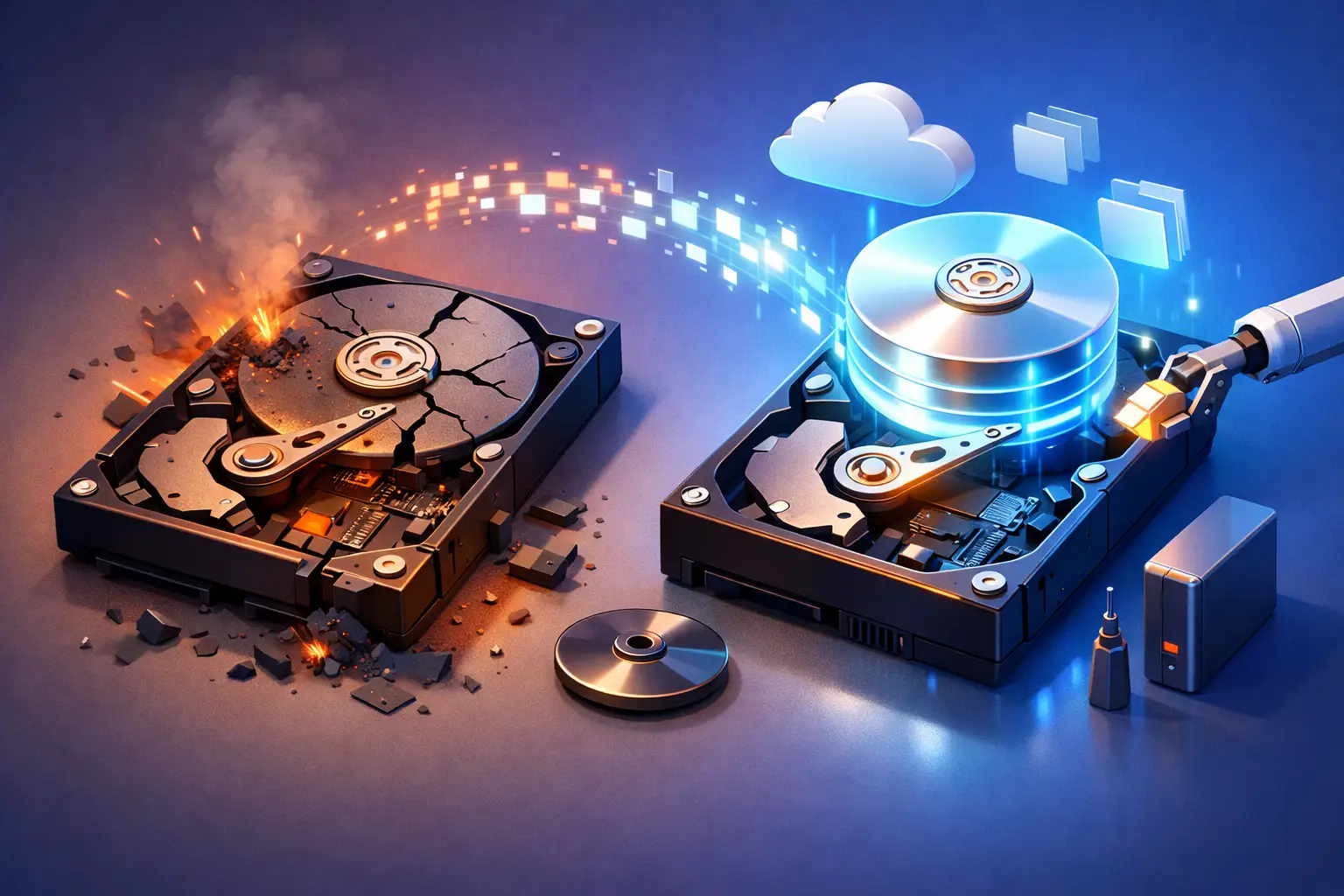
A hard drive crash usually gets real the moment a laptop stops booting, a desktop starts clicking, or a folder full of work and family photos suddenly disappears. When people search for data recovery from crashed hard drive problems, they are usually already under pressure, and the next few decisions can make the difference between a successful recovery and permanent loss.
What a crashed hard drive really means
“Crashed” is a catch-all term, but not every hard drive failure is the same. In some cases, the issue is logical, which means the drive’s data is still physically there but the file system, partition table, or operating system has become corrupted. In other cases, the problem is physical, such as failed heads, motor trouble, damaged firmware, power surge damage, or worn internal components.
That distinction matters because the safest response changes depending on the failure. A drive that simply has file corruption might still be readable with the right process. A drive that is clicking, grinding, or not spinning correctly can get worse every time it powers on.
For homeowners, students, and remote workers, that may mean lost documents, photos, tax records, and class files. For a small business, it can mean interrupted operations, missing invoices, inaccessible customer data, and expensive downtime.
First steps for data recovery from crashed hard drive issues
The first rule is simple – stop using the drive as soon as you suspect a crash. If the computer is still on, avoid opening more files, installing software, or restarting it over and over. Continued use can overwrite recoverable data or increase mechanical damage.
If you hear unusual sounds like clicking, buzzing, or scraping, power the machine down. Those noises often point to hardware failure, and repeated startup attempts can reduce the chance of recovery. If the drive is silent but inaccessible, the problem may still be serious, just less obvious.
It also helps to notice exactly what changed. Did the computer freeze before the issue started? Was there a power outage? Did the device get dropped? Did the drive disappear from the BIOS, or does Windows still see it but ask to format it? Those details can help narrow down whether the issue is physical, electrical, or logical.
What not to do after a hard drive crash
A lot of data loss becomes worse because people understandably try every fix they can find in a hurry. That usually comes from a good place, but some common reactions carry real risk.
Do not format the drive, even if the system prompts you to. Do not run repair utilities repeatedly if the drive is making noise or dropping in and out of detection. Do not open the hard drive casing at home. Traditional hard drives are extremely sensitive to dust and handling, and opening one outside a controlled environment can destroy the platters.
It is also smart to be cautious with recovery software. Software can help in some cases, especially when the drive is physically healthy but files were deleted or the partition became corrupted. But if the drive has mechanical damage, software tools do not fix that. They can force the drive to keep reading unstable sectors until it fails completely.
Signs the drive may still be recoverable
Not every crash means the data is gone. In fact, many drives that seem dead at first still offer a path to recovery. If the drive powers on, appears in BIOS, or can be detected by another system, there may be a chance to create a safe image and recover data from that copy instead of working directly from the failing drive.
Even if Windows will not boot, the actual data may still be intact. Operating system corruption, bad sectors in key system areas, or a damaged file table can make a computer unusable while leaving many documents untouched. That is why proper diagnosis matters before anyone assumes the worst.
At the same time, recoverability is not all or nothing. Sometimes the goal is full recovery. Other times it is targeted recovery – getting back business records, QuickBooks files, family photos, school assignments, or one critical project folder before the drive degrades further.
When software recovery makes sense
Software-based recovery makes the most sense when the failure is logical rather than physical. Examples include accidental deletion, a damaged partition, a corrupted file system, or an operating system that no longer boots even though the drive itself remains stable.
In those situations, a technician may connect the drive to a separate system, verify its health, and attempt a read-only imaging or extraction process. The key is minimizing risk. Good recovery work is not just about what tool gets used. It is about whether the drive can tolerate being read, how bad the corruption is, and whether a clone should be made before anything else.
For home users, this is where DIY efforts can go sideways. People often run consumer recovery tools directly on the original drive, save recovered files back to the same disk, or keep rescanning a drive that is already unstable. That can turn a manageable case into a much harder one.
When professional hard drive recovery is the better call
If the drive clicks, grinds, fails to spin, overheats, smells burned, disappears randomly, or was damaged by a drop or power issue, professional help is usually the safer choice. The same goes for business systems where time matters and guessing carries a cost.
Professional data recovery from crashed hard drive cases starts with diagnosis, not assumptions. A technician looks at whether the issue involves power delivery, the controller board, firmware access, read/write heads, sector damage, or file system corruption. From there, the recovery strategy can be matched to the failure.
That matters because there is no one-size-fits-all fix. Some drives need controlled imaging with bad-sector handling. Some need supporting hardware to communicate safely with unstable firmware. Some may require clean-environment internal work. Others are better handled as urgent triage to retrieve only the most important files first.
For local customers, working with a trusted repair team also means better communication. You can ask what is realistic, what the risks are, and whether the value of the data justifies the process. That is often more helpful than mailing a drive away without a clear explanation of what happened.
How recovery works for homes and small businesses
For residential customers, the process often starts with identifying what matters most. Maybe it is baby photos, legal records, tax returns, or a semester of coursework. For a remote worker, it may be client files and access to a work profile. The priority is recovering what is essential without adding more damage.
For small businesses, the stakes can be broader. A failed hard drive might affect accounting, scheduling, customer communication, point-of-sale records, or shared office files. In those cases, recovery is only part of the solution. The bigger question is how to reduce downtime and prevent the next incident from becoming a crisis.
That is where a service-led local provider can help beyond the drive itself. A proper response may include moving recovered data to a healthier system, replacing the failed storage, checking for related hardware or power problems, and setting up backup practices that fit the business. TN Computer Medics works with both individual users and businesses in that practical, fix-the-problem way.
The backup lesson nobody wants to learn this way
Most people do not think seriously about backups until after a crash. That is understandable, but hard drive failures are not rare events. Traditional drives wear out, laptops get dropped, power issues happen, malware can corrupt files, and older systems can fail without much warning.
A good backup plan does not have to be complicated. It just needs to be consistent. For a home user, that may mean an external backup drive plus a cloud backup for irreplaceable files. For a business, it usually means scheduled backups, recovery testing, and some level of offsite protection.
The trade-off is cost versus risk. Better backup systems require some planning and sometimes a monthly expense. But compared to the cost of losing years of photos or a week of business operations, prevention is usually the cheaper route.
When to get help right away
If your drive is making noise, not being detected, showing signs of electrical damage, or holding business-critical files, waiting rarely improves the outcome. The safest move is to stop using the device and have it evaluated before more damage happens.
A crashed hard drive does not always mean your files are gone for good. But it does mean the next step matters. If you treat the drive carefully, avoid panic fixes, and get the right diagnosis, there is often a better chance of getting back what matters most.
If you ever hear that first click or see that sudden boot failure, do less, not more – and let the recovery plan start with protecting the data that is still there.