
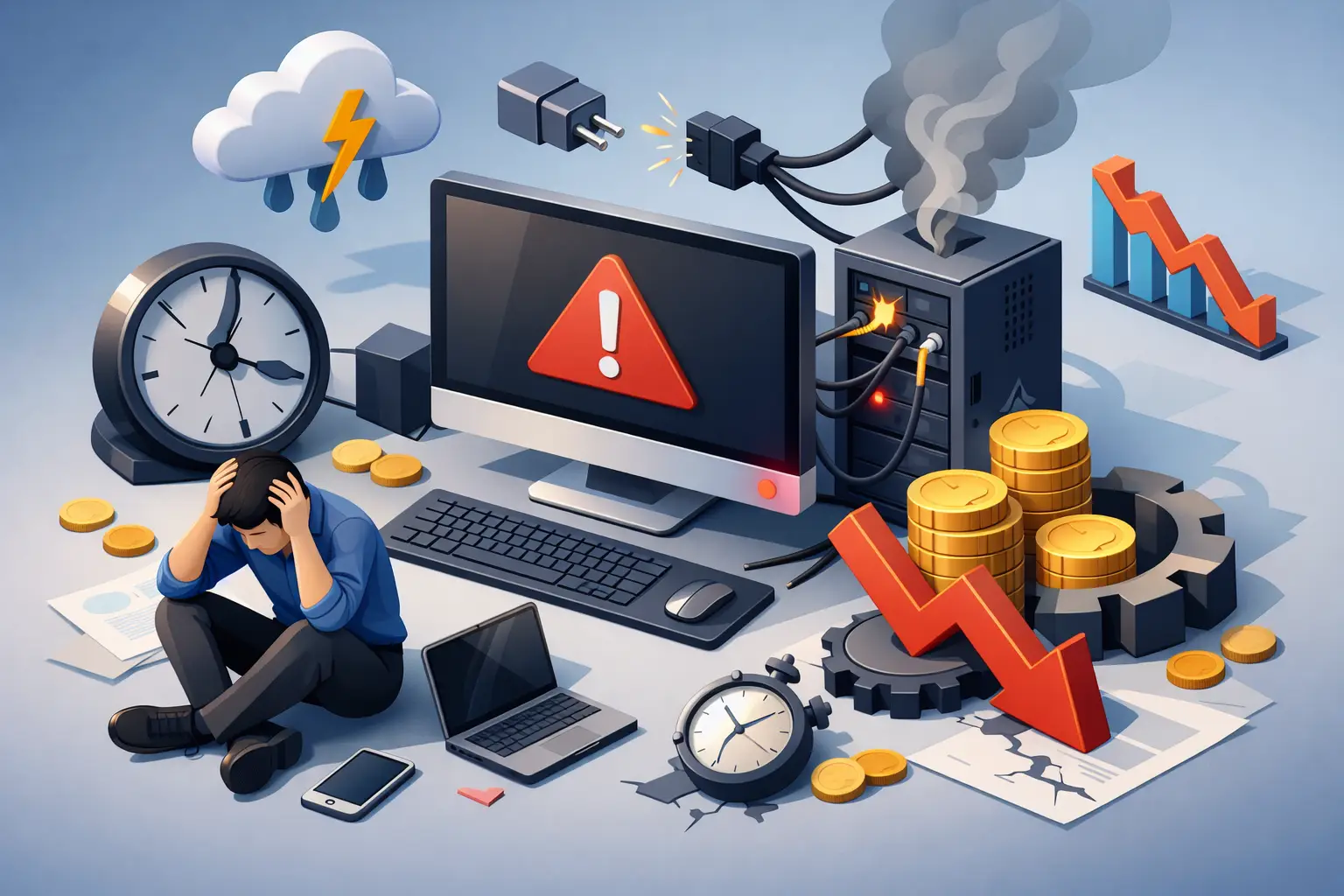
A front desk computer freezes during check-in. A shop printer drops off the network in the middle of invoices. A malware issue locks up one office PC, then spreads far enough to stall the whole day. For small companies, business computer downtime costs are rarely limited to one broken device. The real damage shows up in missed sales, delayed service, payroll waste, frustrated customers, and staff trying to work around a problem they cannot fix.
That is why downtime deserves more attention than many owners give it. A single outage might look like a repair bill, but the larger cost usually comes from the hours around the failure. If your team depends on computers to process orders, communicate with customers, manage schedules, print labels, run a POS system, or access shared files, even a short interruption can create a chain reaction.
Why business computer downtime costs more than most owners expect
Most small businesses first think about the obvious expense: what it costs to repair or replace a machine. That matters, of course, but it is often the smallest part of the problem. If three employees are waiting on one failed workstation, you are paying wages during a slowdown. If your network is unstable, your phones, printers, cloud access, and payment systems may all suffer at once.
There is also the cost of interruption. Employees stop what they were doing, managers shift into troubleshooting mode, and customers feel the delay right away. A ten-minute computer issue can easily turn into an hour of disrupted workflow once people lose focus, re-enter data, restart programs, or try to catch up.
For local businesses, reputation can take a hit just as fast as revenue. If a customer cannot pay, get a receipt, schedule an appointment, or receive a same-day response because your systems are down, they may not see the technical side of the issue. They simply see a business that was not ready.
The hidden costs behind a computer outage
Downtime affects more than the device that failed. In small offices especially, one machine often supports several tasks at once. It may hold local files, connect to a specialty printer, access accounting software, or control a point-of-sale terminal. When it stops, the work tied to it stops too.
Lost productivity is usually the first hidden cost. If five employees each lose two hours, that is ten labor hours gone before you even approve a repair. If those employees are customer-facing, the financial effect is larger because every delayed sale or appointment has a revenue consequence.
Delayed cash flow is another issue many owners overlook. If invoices are not sent, card payments cannot process, or inventory updates are postponed, the problem moves from inconvenience to financial strain. A business can remain open during downtime and still lose money all day.
Then there is data risk. Not every outage is a hardware failure. Sometimes the issue is ransomware, file corruption, accidental deletion, or a failing drive that was warning everyone for weeks with slow load times and random crashes. If there is no current backup, recovery costs climb quickly. In the worst cases, some data may never come back.
How to estimate business computer downtime costs
You do not need a complex spreadsheet to get a useful estimate. Start with a few practical numbers. Look at how many employees are affected, how long they are slowed down, and what each hour of that team time costs in wages and lost output. Then add any delayed sales, missed appointments, or service refunds tied to the outage.
For example, if a six-person office loses half a day because the server, network, or main workstation is unavailable, the cost is not just a service call. It is six people falling behind, customer communication slowing down, and the possibility of overtime later to make up the work. If the outage touches your POS, scheduling system, or internet-connected phones, the number rises even more.
A simple way to think about it is this: downtime cost equals labor loss, revenue loss, recovery cost, and future business risk. Some parts are easy to measure. Others, like customer frustration or staff burnout, are less exact but still real.
The most common causes of downtime for small businesses
In many cases, the issue is not dramatic. It is a preventable problem that kept getting pushed aside. Aging hard drives, failing power supplies, overheating desktops, neglected updates, and malware infections are all common causes. So are weak Wi-Fi setups, unmanaged printers, and makeshift networks that grew over time without a real plan.
Human habits play a role too. Employees may ignore warning signs because the computer still works most of the time. Owners may delay replacement because they want to stretch another year out of older equipment. That can be reasonable in some situations, but it becomes expensive when one machine is now critical to daily operations.
Cybersecurity is another major factor. A phishing email or unpatched system can create downtime that lasts much longer than a hardware repair. Even if files are not encrypted, cleanup, password resets, device scans, and account reviews can consume a full day or more.
How to reduce business computer downtime costs
The best way to lower downtime costs is to stop treating IT problems as isolated surprises. Most repeat issues leave clues first. Computers get slower. Networks become unreliable. Backups fail quietly. Staff start mentioning the same printer problem every week. Those are signs to act before a breakdown becomes a business interruption.
A practical prevention plan starts with equipment health. Business systems should be checked on a schedule, not just after failure. That includes testing drives, watching for overheating, replacing weak hardware before it dies, and keeping operating systems and security tools current.
Backups matter just as much as repairs. A business can survive a failed machine much more easily than it can survive lost records, accounting files, customer databases, or operational documents. Good backups should be current, verified, and easy to restore. Having a backup that no one has tested is not the same as being protected.
Network reliability also deserves attention. Many small offices operate on a mix of consumer gear, old routers, unmanaged devices, and inconsistent Wi-Fi coverage. That setup may function on a good day, but it creates weak points. If your printer, POS, office PCs, and cloud apps all depend on one unstable network, one problem can multiply fast.
When fast repair is enough and when managed support makes more sense
Not every business needs the same level of IT support. Some companies can do well with responsive repair help when issues come up, especially if they have only a few devices and limited complexity. Others are better served by ongoing support that monitors systems, handles updates, reviews security, and catches issues early.
It depends on how costly downtime is for your operation. If one failed computer mostly affects one employee for a short time, break-fix service may be enough. If your business depends on shared files, cloud access, POS systems, office networking, remote work, or regulated customer data, the cost of waiting until something breaks can be much higher than the cost of prevention.
That is where a local team with both repair and business IT experience can make a real difference. TN Computer Medics works with the kinds of problems small businesses in this area deal with every day – failing hardware, malware, unstable networks, backup concerns, printer issues, and office systems that need to stay running. The value is not only in fixing what broke. It is in reducing the chances of the same issue disrupting your business again next month.
Watch for the warning signs before downtime gets expensive
A computer rarely goes from perfect to unusable without some notice. Long boot times, freezing, random restarts, loud fans, failed updates, suspicious pop-ups, dropped network connections, and printers that constantly disappear are all signs worth taking seriously. The longer those issues stay in place, the more likely they are to turn into a bigger outage.
Small businesses often adapt to these problems without realizing the cost. Employees learn workarounds. Managers accept delays as normal. Systems limp along until one busy day pushes them over the edge. At that point, you are no longer dealing with a minor annoyance. You are paying for lost time across the business.
A good rule is simple: if a device, network, or software issue keeps repeating, it is already costing you money. The repair bill is only one part of that number. The bigger expense is what it steals from your team, your customers, and your ability to keep the day moving.
The most affordable downtime is the downtime that never happens, and that usually starts with paying attention to the little failures before they become a long one.