
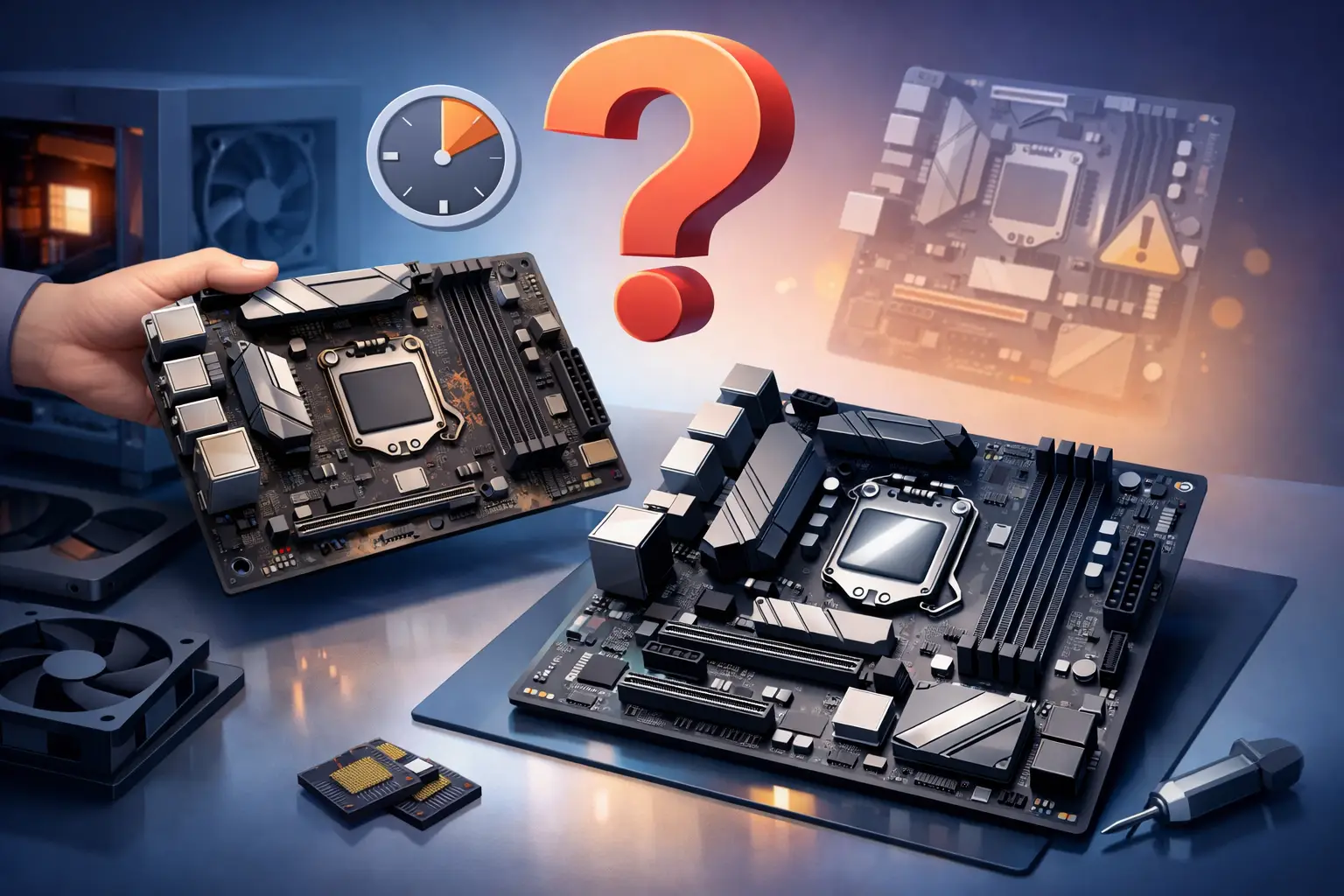
A computer that suddenly stops turning on, loses USB ports, freezes at random, or acts fine one day and dead the next often raises the same question: when should I replace motherboard hardware instead of chasing smaller fixes? That question matters because the motherboard is the central circuit board tying together your processor, memory, storage, power delivery, and expansion components. When it starts failing, the symptoms can look like almost anything.
The hard part is that motherboard problems are rarely as obvious as a cracked screen or dead battery. In many cases, people replace RAM, power supplies, or storage drives first because those parts are easier to test and cheaper to swap. Sometimes that works. Sometimes the real issue was the board all along.
When should I replace motherboard components?
You should replace the motherboard when it has a confirmed hardware failure, when repair costs approach the value of the computer, or when the board no longer supports the parts and performance you need. That sounds simple, but the decision depends on the age of the system, the type of failure, and whether this is a home computer or a business machine that cannot afford downtime.
If your desktop is a few years old and the motherboard has one isolated issue, repair may still make sense. If the board has widespread damage, intermittent faults, or compatibility limits that block needed upgrades, replacement is usually the smarter path. For older machines, replacing the entire computer may be more cost-effective than replacing only the board.
Common signs of a failing motherboard
A failing motherboard can create symptoms that seem unrelated at first. You may see the computer power on but never complete startup. You may hear fan noise with no display, or get repeated blue screens and random restarts even after reinstalling Windows. Some systems lose network connectivity, audio, or USB function because onboard controllers are starting to fail.
Physical warning signs matter too. Burn marks, a burning smell, bulging capacitors, corrosion, or visible liquid damage are strong indicators that the board is compromised. In laptops, warped boards from heat or damage near the charging circuit can create charging issues that look like a battery problem but are actually more serious.
Intermittent behavior is one of the biggest red flags. If the computer works for an hour, then locks up, fails to detect drives, or only boots after several tries, the motherboard may have unstable power delivery or damaged traces. Those issues tend to get worse, not better.
Problems that are not always the motherboard
Before replacing a board, it is worth ruling out the usual suspects. Bad RAM can cause crashes and no-boot conditions. A failing power supply can mimic motherboard failure by causing random shutdowns or startup problems. Overheating CPUs, damaged SSDs, outdated BIOS settings, and even loose internal connections can all create confusing symptoms.
That is why proper testing matters. Swapping parts one by one without a plan can waste money quickly. A good diagnostic process checks power delivery, RAM, CPU behavior, storage health, onboard ports, and signs of thermal or electrical damage before declaring the motherboard dead.
For business systems, that step is even more important. A workstation that appears to have a bad board might actually be dealing with a corrupt operating system, malware damage, or a power issue from a failing battery backup. Replacing the wrong part means more downtime and more expense.
Repair vs. replace: what makes sense?
Not every motherboard problem calls for full replacement. In some desktops, a technician may be able to address a BIOS issue, clean corrosion, reseat components, or repair a limited fault if the damage is small and parts are available. But board-level repair is not always practical, especially for consumer-grade systems where labor costs can exceed the value of the machine.
Replacement makes more sense when the board has multiple failing functions, obvious electrical damage, or recurring instability. It also makes sense when the system has become unreliable enough that you cannot trust it for work, school, or business operations.
On laptops, the math can be tougher. Many laptop motherboards are proprietary, harder to source, and more labor-intensive to install. If the laptop is older, the replacement board may cost enough that putting that money toward a newer machine is the better investment.
Age matters more than many people think
A motherboard in a two-year-old computer and a motherboard in an eight-year-old computer do not get judged the same way. If the newer system is otherwise solid, replacing the board may extend the life of the machine and protect your investment in quality RAM, storage, or a dedicated graphics card.
If the system is older, though, replacing the motherboard can create a chain reaction. You may discover the replacement board is hard to find, only available used, or incompatible with your current processor or memory. Then the repair turns into a motherboard, CPU, and RAM upgrade all at once.
At that point, many customers are better served by either rebuilding the system properly or replacing it with something more current and dependable. For remote workers and small businesses, reliability usually matters more than squeezing a few extra months out of aging hardware.
When should I replace motherboard parts instead of the whole computer?
Replace the motherboard alone when the computer still meets your needs, the rest of the hardware is in good shape, and the cost stays reasonable. A custom desktop with a good processor, enough memory, and solid storage may be worth saving if the board fails unexpectedly.
Replace the whole computer when the motherboard failure is just one part of a bigger aging problem. If the machine is already slow, lacks upgrade support, struggles with modern software, or has other worn parts, replacing only the board may not solve the bigger issue.
This comes up often with older office systems. A small business may have a desktop that still runs basic programs, but if a motherboard failure leaves it down and replacement parts are scarce, the practical answer may be moving to a newer unit with better security, faster storage, and current hardware support.
Cost, downtime, and data risk
The real cost is not just the price of the board. You also have to consider labor, parts availability, operating system activation, possible compatibility issues, and the time needed to test everything after installation. If the system contains important files, there is also data protection to think about.
Motherboard problems can sometimes affect storage detection or power stability. That does not always mean your files are gone, but it does mean you should handle the system carefully. Continuing to force restarts on a failing machine can increase the risk of file corruption.
For households, that may mean lost photos, school documents, or tax records. For a business, it can mean interrupted billing, POS issues, lost customer records, or staff downtime. That is why a proper diagnosis and backup plan should happen before major hardware decisions.
A few situations where replacement is the clear call
Some cases are more straightforward than others. If the board has suffered liquid damage, visible burning, broken traces, or failed charging and power circuits, replacement is usually the safer route. The same goes for repeated no-boot conditions after other core parts have tested good.
Replacement is also the right call when the motherboard cannot support the upgrades you now need. Maybe you need more RAM capacity, newer CPU support, faster storage interfaces, or stable networking for work-from-home or office use. If the board is the bottleneck, replacing it can be part of a larger upgrade plan.
And if you are asking the question because the computer has become unpredictable, not just slow, trust that instinct. Slowness can often be fixed. Unreliability is different. Once a motherboard starts creating random failures, confidence in that machine drops fast.
Make the decision based on value, not just possibility
Almost any computer can be repaired if you throw enough time and money at it. The better question is whether that repair gives you dependable value afterward. A repaired system should be stable, cost-effective, and worth trusting with your daily work.
That is the standard we use at TN Computer Medics when evaluating motherboard issues for local customers. Sometimes the best answer is targeted repair. Sometimes it is board replacement. Sometimes the honest answer is that your money is better spent on a more reliable system.
If your computer is showing signs of motherboard trouble, the smartest next step is not guessing. It is getting the machine tested thoroughly so you know whether you are dealing with a fixable part, a failing board, or a system that has reached the point where replacement makes more sense. A clear diagnosis saves money, protects data, and helps you move forward without second-guessing every restart.