
When a checkout counter slows down, the whole business feels it. Sales back up, customers get impatient, staff start improvising, and small mistakes turn into lost revenue. That is why pos system setup for small business is not just a tech project. It is an operations decision that affects speed, reporting, security, and the customer experience every day.
For many small business owners, the challenge is not finding a POS system. It is choosing one that fits the way the business actually runs, then getting it installed correctly the first time. A coffee shop, boutique, repair shop, food truck, and small retail store may all need a point-of-sale system, but they do not need the same setup. The right approach depends on how you take payments, track inventory, manage employees, and handle peak hours.
What a good POS system setup should accomplish
A properly planned POS setup should do more than process credit cards. It should make daily work easier, reduce manual tasks, and give you cleaner data at the end of the day. If you still have to track inventory in a separate notebook, reconcile sales by hand, or guess which items are actually profitable, the setup is incomplete.
For a small business, the ideal system usually handles transactions, taxes, receipts, product entry, employee permissions, and basic reporting in one place. In some cases, it also needs to support barcode scanning, kitchen tickets, customer loyalty, online orders, or appointment scheduling. The goal is not to buy every feature available. The goal is to match the system to your actual workflow so your staff can use it without constant workarounds.
Start with your business model, not the hardware
A common mistake in pos system setup for small business is starting with a tablet, register, or card reader before defining what the business needs the system to do. Hardware matters, but your process matters more.
Begin by asking a few practical questions. Do you sell products, services, or both? Do you need item-level inventory tracking or just a simple checkout screen? Will employees share one terminal, or do different roles need different access levels? Do you need the system to work during internet outages? These questions shape every decision that follows.
A retail store usually needs stronger inventory controls, barcode support, and purchase tracking. A quick-service restaurant may need menu modifiers, order routing, and receipt printers in more than one area. A service business may care more about invoicing, deposits, appointments, and customer history. There is no single best POS for every small business, and trying to force the wrong system into place usually creates more support calls later.
Choosing the right hardware for your setup
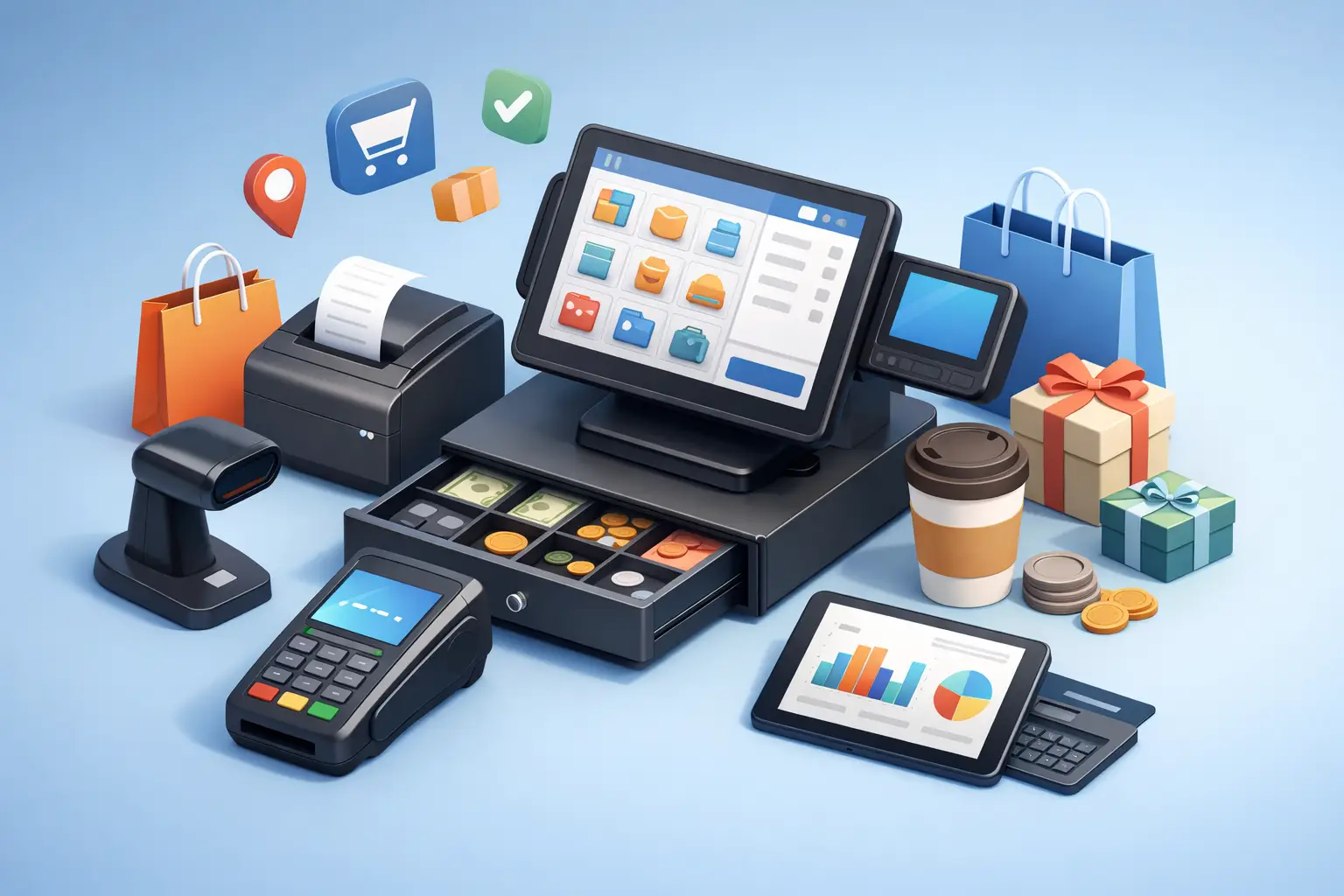
Once the software requirements are clear, the hardware choices become easier. Most small businesses need a payment terminal, a main POS device, and a reliable receipt option. Depending on the business, that might also include a cash drawer, barcode scanner, label printer, customer-facing display, or kitchen printer.
The biggest trade-off is usually between mobility and stability. Tablet-based systems are flexible, affordable, and easy to move around. They work well for smaller counters, pop-up retail, and mobile service environments. Traditional fixed terminals can be a better fit when the checkout area stays busy all day and you want a sturdier long-term station.
It is also worth thinking about wear and tear. A busy store with frequent transactions needs equipment that can handle repeated use without loose cables, overheating, or charger issues. Saving money on low-quality peripherals often leads to downtime at the worst time possible.
Network reliability matters more than most owners expect
A POS system is only as dependable as the network behind it. Even cloud-based systems with offline features still depend on a healthy internet and local network for updates, syncing, reporting, and payment processing. If your Wi-Fi cuts out, the problem may look like a POS issue when it is really a router, access point, or cabling problem.
For that reason, setup should include a review of your business internet connection, Wi-Fi coverage, and basic network security. Payment devices should not be sharing a weak, overloaded connection with customer streaming, random smart devices, and outdated office equipment. Segmenting traffic and securing the network can make the system more stable and safer.
This is one reason local businesses often benefit from working with technicians who understand both POS equipment and general IT infrastructure. A checkout problem is rarely just a checkout problem.
Software configuration is where the real work happens
Getting the box open and the terminal powered on is the easy part. The more time-consuming piece of pos system setup for small business is configuring the software correctly.
Products need to be entered accurately. Tax settings need to match local and state requirements. Categories should be logical, not rushed. Employee logins and permissions need to be restricted based on job role. If the business has inventory, items should include proper SKUs, descriptions, pricing, and stock counts from the beginning.
This stage is where rushed setups create expensive headaches. If products are entered inconsistently, reports become hard to trust. If employees all share one login, accountability disappears. If tax rules are off, the issue may not show up until bookkeeping or filing time. Clean configuration at the start saves hours of correction later.
Payment processing and security cannot be an afterthought
Any system that handles card payments needs careful attention to security. That includes the payment processor, device encryption, user access, software updates, and the network the system connects to. Small businesses are not too small to be targeted. In many cases, they are targeted because they assume no one is looking.
Owners should understand where card data is processed, who is responsible for compliance, and what safeguards are built into the system. Strong passwords, limited admin access, and regular updates go a long way. So does removing old devices and accounts that no longer need access.
A good setup also includes backup planning. If the internet goes down, can you still ring sales? If the terminal fails, do you have a temporary workaround? If reports are needed urgently, where are they stored? Security is not only about preventing breaches. It is also about maintaining operations when something goes wrong.
Staff training is part of the installation
Even the best POS system will feel broken if the staff was never shown how to use it properly. Training should cover the real tasks employees handle every day, not just the ideal checkout flow. That means refunds, discounts, split payments, returns, voids, and what to do when a receipt printer stops responding.
Managers usually need a second level of training that covers reporting, inventory adjustments, end-of-day reconciliation, and permission settings. If no one on site knows how to troubleshoot the basics, a simple issue can interrupt sales longer than it should.
Short, practical training sessions usually work better than information overload. Staff should be able to practice on the live system or a test setup before launch day. Confidence matters. Employees who trust the system move faster and make fewer mistakes.
Test before you go live
A POS launch should never happen without testing real transactions first. Before opening for business, run sample sales, print receipts, test tax calculations, process a refund, and check that reports reflect the right numbers. If inventory is part of the system, sell an item and confirm the stock count changes correctly.
This is also the time to spot physical setup problems. A card reader placed too far from the customer, a printer cable that disconnects easily, or a cash drawer that jams under pressure can all create friction during a busy shift. Those issues are much easier to fix before customers are standing at the counter.
For many small businesses, a soft launch is the safest option. Use the system during a slower window, let staff get comfortable, and address any configuration issues before relying on it during the busiest hours of the week.
When to get help with POS system setup for small business
Some owners are comfortable setting up basic equipment on their own. That can work for a simple, single-terminal operation with straightforward pricing and no special network needs. But once the setup includes multiple devices, staff permissions, inventory syncing, printer routing, or business network concerns, professional help often saves time and prevents avoidable downtime.
A local technology partner can also help connect the POS to the bigger picture of your business systems. That might include your internet equipment, office PCs, cybersecurity practices, backup plans, and future expansion. For businesses in and around Tullahoma, TN Computer Medics often sees this firsthand – the point-of-sale system is rarely the only piece that needs attention.
The best POS setup is not the flashiest one. It is the one that fits your business, works consistently, and gives you fewer problems to think about during a busy day. If your checkout process feels slower than it should, that is usually a sign worth taking seriously before it turns into lost sales and frustrated customers.