
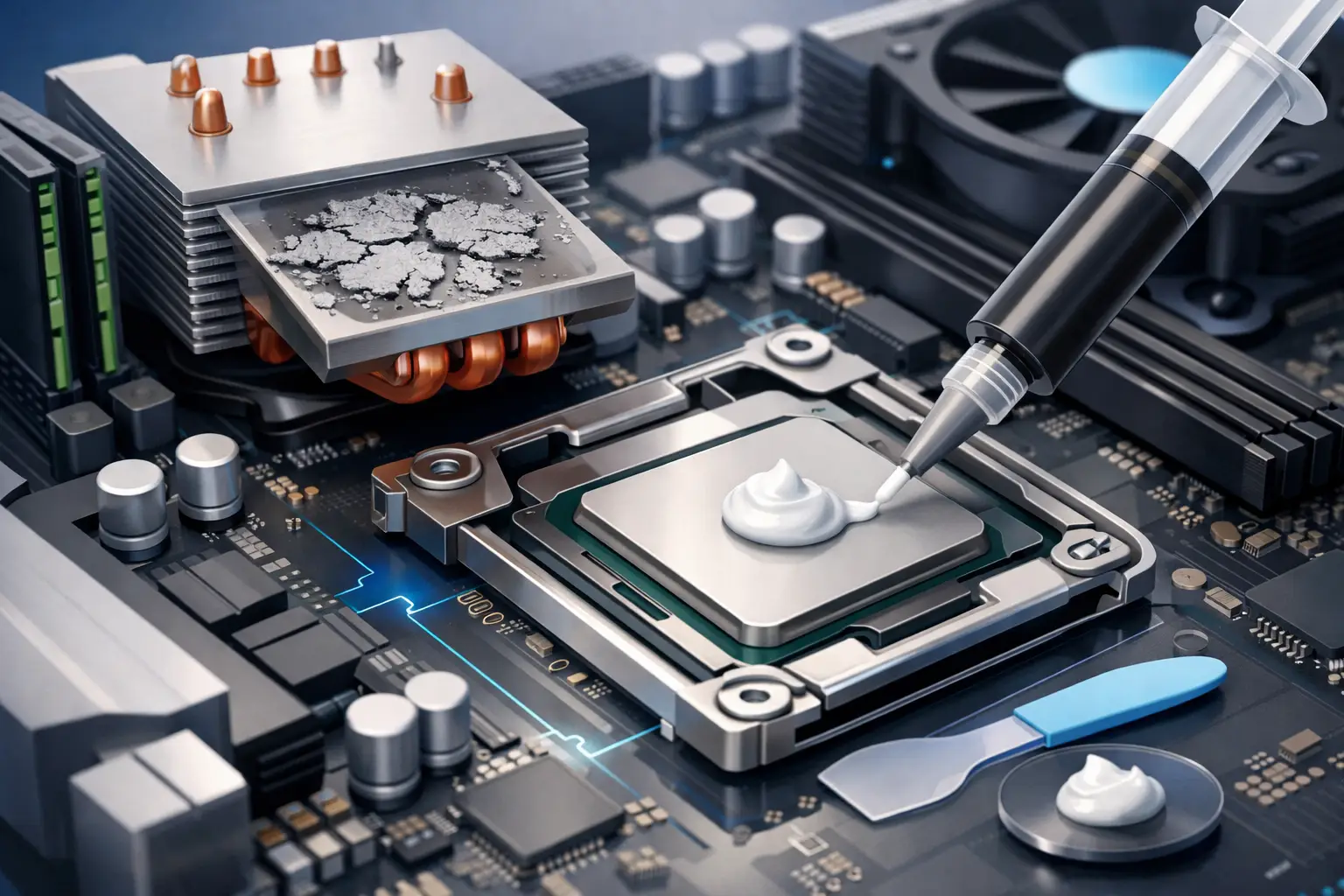
A computer that suddenly runs hotter, sounds louder, or starts throttling under basic workloads usually has people asking the same thing: how often replace thermal paste? The honest answer is that there is no one-size-fits-all schedule. Some systems can go years without an issue, while others need attention sooner because of heat, dust, age, or heavy daily use.
How often replace thermal paste on a PC?
For most desktops and laptops, a practical range is every 3 to 5 years if the system is working normally and temperatures stay in a healthy range. That is the answer most home users can rely on without overthinking it. If a machine is used hard for gaming, video editing, CAD work, or long business hours every day, it may make sense to check performance and temps closer to the 2 to 3 year mark.
That does not mean thermal paste becomes bad on a specific birthday. Good paste can last a long time. The bigger issue is whether it is still transferring heat efficiently between the CPU or GPU and the cooler. If it dries out, pumps out, or was poorly applied in the first place, temperatures climb and performance can drop.
On newer systems, replacing paste too often can create more risk than benefit, especially in laptops. Every time a device is opened, there is a chance of damaging clips, cables, screws, or the cooling assembly. If the temperatures are normal, fans are behaving as expected, and the machine is stable, there is usually no reason to tear it apart just because an online forum said you should do it every year.
What thermal paste actually does
Thermal paste fills microscopic gaps between the processor and the heatsink. Even metal surfaces that look smooth have tiny imperfections. Without paste, those gaps trap air, and air is a poor conductor of heat.
The paste is not there to create a thick layer. It is there to improve contact and move heat away from the chip into the cooler. When that process works well, your system runs cooler, fans do not have to work as hard, and performance stays more consistent under load.
When the paste is old or failing, the cooler may still be attached correctly, but heat transfer becomes less effective. That is when people notice high CPU temps, thermal throttling, random shutdowns, or fans that sound like they are constantly trying to catch up.
Signs it is time to replace thermal paste
The calendar matters less than the symptoms. If your system shows clear heat-related issues, that is a stronger reason to replace thermal paste than age alone.
One common sign is a temperature increase that was not there before. If your processor used to stay comfortable under load and now spikes much higher with the same tasks, that is worth investigating. Another sign is sudden fan behavior. If your fans run at high speed during light browsing, office work, or streaming, heat may be building up where it should not.
Performance drops can also point to paste trouble. A system may feel slower during gaming or multitasking because the CPU or GPU is reducing speed to protect itself. In more severe cases, the computer may freeze, shut down unexpectedly, or show instability when under stress.
That said, old thermal paste is not the only possible cause. Dust-clogged vents, failing fans, bent heatsinks, poor airflow, malware, background processes, and even high room temperature can produce similar symptoms. That is why a proper diagnosis matters before replacing parts or opening a laptop unnecessarily.
Desktop vs. laptop: the replacement timeline is different
Desktops are usually easier to service and often have better airflow. If a desktop tower is kept reasonably clean, uses a decent cooler, and is not pushed hard every day, thermal paste can often last on the longer end of the 3 to 5 year range.
Laptops are a different story. They run hotter in tighter spaces, collect dust faster, and rely on compact cooling systems. Because of that, thermal paste in a laptop may become a concern sooner, especially on gaming laptops or workstations. Still, laptops should not be opened casually. Some models are straightforward, but many require careful disassembly, and one mistake can create a much bigger repair.
For business users, the decision is also about downtime. If a work laptop is overheating during meetings, remote sessions, or accounting tasks, it is better to address it early than risk shutdowns in the middle of the workday.
How often replace thermal paste if you game or do heavy work?
If your computer handles gaming, rendering, engineering software, or constant multitasking, checking temperatures once or twice a year is smarter than replacing paste on a fixed schedule. Heavy use creates more heat cycles, and heat cycles can wear on the thermal interface over time.
For gamers and power users, replacement every 2 to 3 years is a reasonable guideline if temps are trending upward. For average family computers used for email, schoolwork, and web browsing, waiting 3 to 5 years or longer can be perfectly fine if the system stays cool and stable.
This is where context matters. A custom-built desktop with quality cooling may go a long time without needing fresh paste. A thin laptop used on a couch, bed, or soft surface every day may struggle much earlier because airflow is already restricted.
When you should not replace thermal paste yet
If your temperatures are normal, the fans are not overreacting, and the system performs the same as it always has, replacing thermal paste may not solve anything because there is no problem to solve. This is especially true if you are relying only on age and not on any actual temperature or performance issue.
There is also a difference between preventative maintenance and unnecessary tinkering. Cleaning dust from fans and vents often delivers more benefit than replacing paste. In many cases, people assume the paste is bad when the real issue is a dust mat blocking the heatsink or a fan that is starting to fail.
If the machine is under manufacturer warranty, opening it may affect your coverage. That alone can make it worth getting professional guidance before doing anything.
What happens if thermal paste is ignored too long?
A system with failing thermal paste does not always crash immediately. More often, it slowly loses efficiency. The processor runs hotter, the cooler works harder, and the fans stay louder for longer. Performance may dip in ways that are easy to miss at first.
Over time, sustained heat can stress internal components. That does not mean old paste automatically destroys a CPU, but chronic overheating is never good for longevity. For laptops in particular, excessive heat can affect nearby parts, battery health, and the overall comfort of using the device.
For small business owners, heat-related instability can also become a productivity problem. A PC that throttles during POS activity, inventory work, payroll, or remote access is not just annoying. It interrupts work and creates avoidable downtime.
Is replacing thermal paste a DIY job?
Sometimes yes, sometimes no. On a desktop with a standard air cooler, replacing thermal paste is often straightforward if you know how to remove the cooler, clean old compound properly, and reapply the correct amount. On a laptop, the job can range from manageable to delicate depending on the model.
The risk is not the paste itself. The risk is everything around it. Stripped screws, uneven cooler pressure, disconnected fan cables, damaged motherboard connectors, and wrong reassembly are all common service mistakes. Using too much paste, too little paste, or the wrong type can also cause problems.
If you are not comfortable checking temperatures, removing cooling hardware, or cleaning components safely, it is usually better to let a technician handle it. A good thermal paste service often includes dust removal and a broader cooling check, which gives you a more reliable fix.
The better rule: watch temperatures, not just the calendar
If you want the simplest answer to how often replace thermal paste, use this rule: replace it when temperature trends, fan behavior, and performance suggest the cooling system is no longer doing its job well, or as preventative maintenance around every 3 to 5 years for most systems.
That approach is more practical than following a rigid timeline. It avoids unnecessary repairs, catches real heat problems sooner, and gives you a better chance of keeping your computer dependable for work, school, or everyday use. If your system is running unusually hot and you want a local team to check whether it is the paste, the fan, or something else entirely, TN Computer Medics can help you make the right call before a heat issue turns into a bigger repair.