
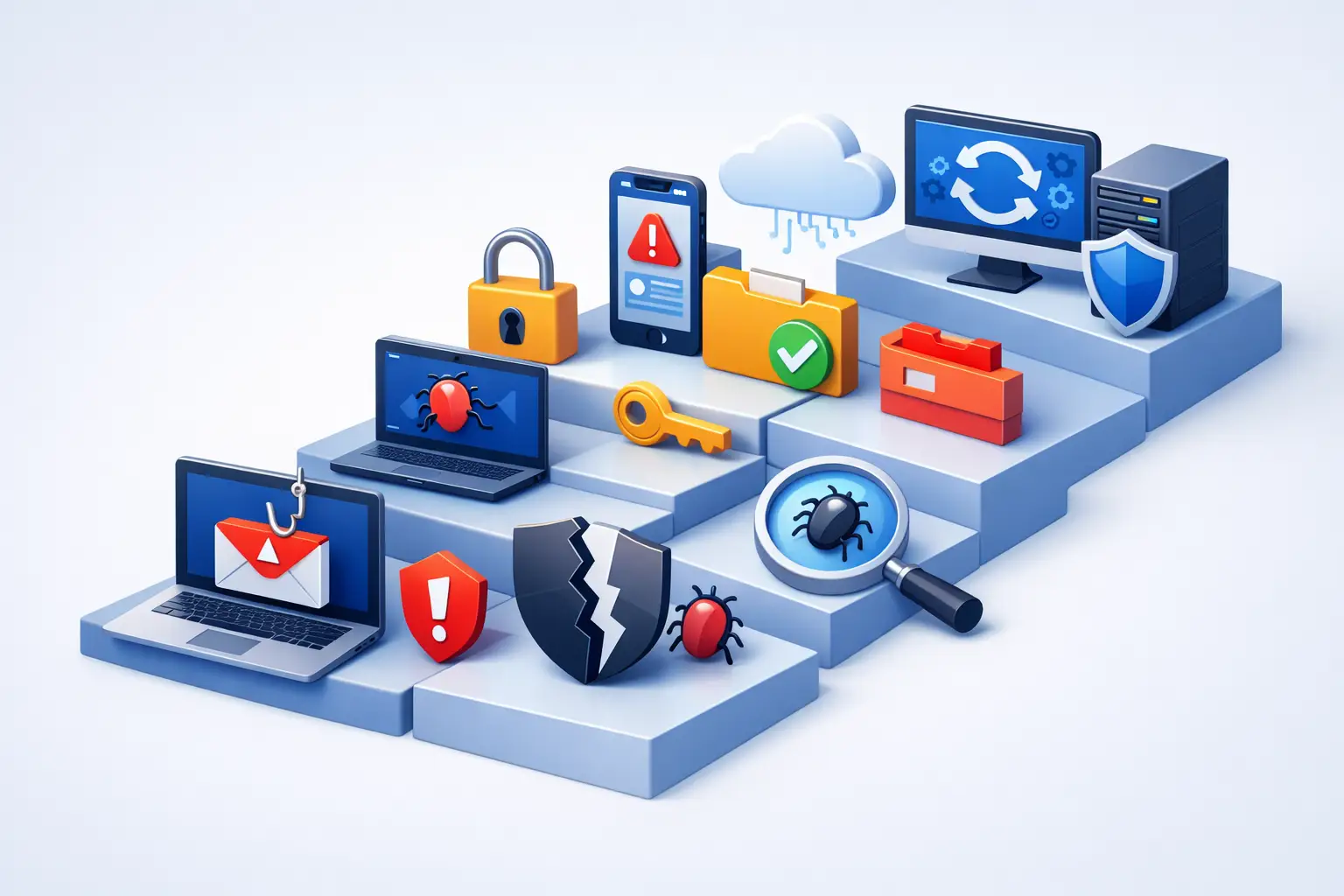
A phishing message can look like a package alert, a payroll notice, a password reset request, or an email from someone you know. The moment you realize you clicked, replied, entered a password, or opened an attachment, it is easy to panic. Knowing what to do after phishing attack can limit the damage and protect your accounts, files, money, and contacts.
The right response depends on what happened. Clicking a suspicious link is not always the same as entering bank credentials or installing a file. Still, fast action matters because phishing attacks often move quickly from one compromised account to every account that uses the same password.
1. Stop interacting with the message
Do not reply to the sender, click another link, download a second attachment, or call a phone number included in the message. Phishing campaigns are designed to create urgency, and attackers may use follow-up messages to pressure you into sharing more information.
Keep the message available if you need to report it, but do not forward it to friends or coworkers. If the email appears to come from a legitimate company, contact that company through its official website, app, or known phone number instead of using contact information in the suspicious message.
If you downloaded a file, installed a program, or gave a remote person access to your computer, disconnect the device from Wi-Fi or unplug its network cable. This can help prevent malware from communicating with an attacker or spreading across a home or business network.
2. Change exposed passwords right away
If you entered a username and password on a suspicious website, change that password immediately from a trusted device. Start with the affected account, especially if it is your email, banking, payroll, shopping, social media, or work account.
Your email account deserves special attention. Email is often the reset point for other services, so an attacker who controls it may be able to reset passwords across many accounts. Use a new, unique password that is long and not used anywhere else.
Check for password reuse
If you used the same or a similar password on other accounts, change those passwords too. This is one of the most common ways a single phishing mistake turns into several account takeovers.
A password manager can make this easier by generating and storing different passwords for each account. For a small business, shared passwords and informal password habits are a risk worth addressing before the next incident, not after it.
3. Turn on multi-factor authentication
Multi-factor authentication adds a second check beyond your password. In many cases, it can block an attacker even if they captured your login information.
Enable it first on email, financial accounts, cloud storage, social media, and business software. An authenticator app or security key is generally safer than text-message codes, although text messages are still better than using a password alone.
If multi-factor authentication was already enabled and you approved a login prompt by mistake, change your password anyway. Then review trusted devices, recovery email addresses, recovery phone numbers, and active sessions within the account settings.
4. Review the account for signs of takeover
Once you regain access, look beyond the password change. Attackers often make small changes that let them return later.
Check recent login activity for unfamiliar devices, locations, or IP addresses. Remove unknown devices and sign out of all other sessions if that option is available. Review your account profile for changes to your email address, phone number, mailing address, or security questions.
For email accounts, review forwarding rules, filters, and delegated access. A criminal may create a hidden rule that forwards invoices, password resets, or customer messages to an outside address. In a business setting, this can lead to invoice fraud or a compromised vendor relationship even after the password has been changed.
Also inspect sent mail, deleted mail, cloud files, and contacts. Let contacts know if suspicious messages may have come from your account. A short, clear notice helps prevent your family, customers, or coworkers from trusting a message sent in your name.
5. Scan the affected computer or phone
A phishing link that only opened a fake login page may not infect your device. But an attachment, software download, browser extension, or remote-access session raises the stakes.
Run a full security scan using reputable, updated protection software. Make sure the operating system, browser, and installed applications have current security updates. Remove unfamiliar browser extensions, programs, or mobile apps, especially anything installed around the time of the incident.
Do not assume a device is clean simply because it seems to work normally. Some threats are designed to quietly capture passwords, watch browsing activity, or wait for an opportunity to access financial information. If you see pop-ups, unknown programs, unusual slowness, security settings changing on their own, or unexplained remote-control activity, professional malware removal and system evaluation are a sensible next step.
For a business computer, avoid reconnecting it to the office network until it has been checked. One infected workstation can put shared files, customer information, printers, servers, and other connected devices at risk.
6. Contact your bank, card issuer, or affected provider
If you entered a credit card number, bank login, debit card PIN, tax information, Social Security number, or other sensitive financial data, contact the relevant institution using the number printed on your card or shown in its official app. Explain that your information may have been exposed through phishing.
Ask what monitoring, card replacement, account restrictions, or fraud alerts are appropriate. Review recent transactions closely, including small charges. Criminals sometimes test a stolen card with a minor purchase before attempting larger transactions.
If a phishing attack involved business banking, payroll, wire transfers, vendor payment instructions, or customer payment data, notify the bank and internal decision-makers immediately. Time can make a major difference when attempting to stop or reverse fraudulent transfers.
7. Report the phishing attempt
Reporting helps email providers, financial institutions, and security teams identify campaigns that may target other people. Most email services have a built-in option to report phishing or junk mail. Use it, then delete the message from your inbox and trash folder when you no longer need it as evidence.
For workplace messages, notify your manager or IT support team. Do not keep quiet because you are embarrassed. Prompt reporting is a responsible security decision, and it gives the business a chance to warn others, reset exposed accounts, and review logs before more damage occurs.
If you provided personal identity information or experienced financial loss, save screenshots, emails, transaction details, and dates. This documentation can help when filing reports, disputing fraudulent charges, or placing fraud protections on your credit file.
8. Protect the people and systems around you
A phishing attack is often an opportunity to improve habits that were already creating risk. For a household, that may mean setting up automatic backups, removing outdated software, and showing family members how to spot fake delivery notices and account alerts.
For a small business, review who has access to email, cloud storage, banking, customer data, and administrative accounts. Limit access to what each person actually needs. Confirm that backups are current and can be restored, because a phishing incident can sometimes lead to ransomware or deleted files.
Consider a simple verification rule for money-related requests: no payment change, gift-card request, wire transfer, direct-deposit update, or vendor banking update should be approved solely through an email. Verify it using a known phone number or another established contact method.
When to call a local computer security professional
Some phishing incidents can be handled with password changes and careful account review. Others require a deeper response. Get help promptly if malware may have been installed, remote access was granted, accounts keep showing unfamiliar logins, sensitive business data may be exposed, or the device is acting abnormally.
TN Computer Medics can help local residents and small businesses assess compromised devices, remove malware, secure accounts, check network risks, and protect important data with practical backup and cybersecurity support. For business owners, a fast technical response can reduce downtime and help keep a single suspicious email from becoming an operational problem.
Phishing works because it catches people during busy moments, not because they are careless. Respond calmly, act quickly, and treat the incident as a reason to build stronger protection around the technology you rely on every day.