
A checkout counter can look simple until a receipt printer quits during a Saturday rush, a barcode scanner starts missing items, or the payment terminal loses its connection. For a small retailer, those are not minor inconveniences. They mean longer lines, frustrated customers, inaccurate inventory, and lost sales. Choosing the best POS hardware for retailers starts with matching each device to the way your store actually operates – not buying the most expensive equipment or the first bundled package offered by a software provider.
A reliable point-of-sale setup should make daily work easier for cashiers, managers, and customers. It also needs to fit your store layout, product mix, payment volume, and internet connection. The right answer for a boutique with a few dozen items is different from the right answer for a busy convenience store or a retailer managing thousands of SKUs.
Start With Your Checkout Workflow
Before comparing brands or individual devices, look at what happens at the counter from the moment a customer walks up to the moment they leave with a receipt. Consider how many checkout stations you need, whether employees scan most products, if customers expect contactless payments, and whether staff need to move around the sales floor.
A fixed counter setup is usually the best fit for stores with a consistent checkout area and higher transaction volume. A tablet-based POS system can be a practical choice for small shops, pop-up sellers, specialty retailers, and businesses that need mobility. Neither approach is automatically better. Fixed systems generally offer more durable components and easier cable management, while mobile setups take up less space and can support line-busting during busy periods.
The hardware must also work with your POS software and payment processor. Compatibility should be confirmed before purchase, especially for card readers, receipt printers, scales, and customer-facing displays. A low upfront price is not a good deal if you later have to replace equipment because it will not communicate with your software.
Best POS Hardware for Retailers: The Core Components
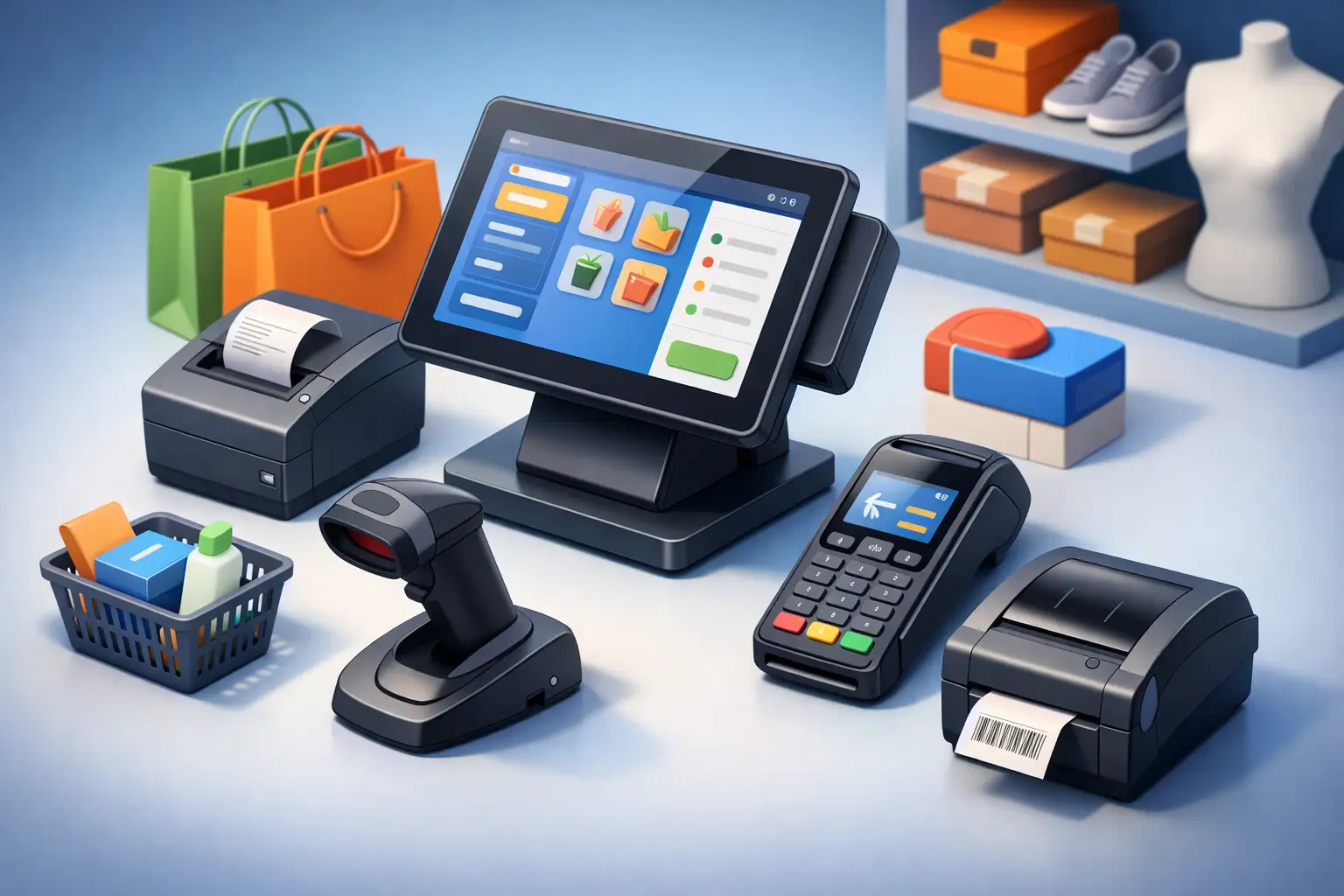
Most retail POS systems need five basic pieces of hardware: a checkout computer or terminal, payment reader, barcode scanner, receipt printer, and cash drawer. Stores with more specialized needs may also add scales, label printers, pole displays, handheld inventory scanners, or secondary customer displays.
POS terminal or checkout computer
The terminal is the control center of the register. It can be an all-in-one touchscreen POS unit, a Windows desktop, a tablet, or a commercial-grade mini PC connected to a monitor. For a retailer that relies on the register all day, commercial equipment is usually worth the investment. It is built for extended use, has more available ports for peripherals, and is easier to service than a consumer laptop pressed into duty.
Touchscreen terminals can speed up training and reduce mouse-and-keyboard clutter at the counter. However, a standard monitor with a keyboard may be more comfortable for employees who do frequent inventory updates, purchase orders, or detailed reports. If your POS software runs through a web browser, make sure the computer has enough memory and processing power to handle it alongside inventory, email, and reporting tasks.
Plan for a battery backup as well. A properly sized uninterruptible power supply can keep a terminal, network equipment, and payment connection running long enough to prevent data loss during a short outage. It is a small addition that can save a great deal of disruption.
Payment terminal and card reader
Customers now expect chip cards, tap-to-pay wallets, and contactless cards to work quickly. Your payment terminal should support EMV chip transactions, NFC contactless payments, and encrypted processing. It should also be approved by your POS provider and payment processor.
A countertop terminal is dependable for a traditional checkout lane. A handheld reader makes more sense for mobile selling, curbside service, or staff-assisted checkout. Retailers should pay attention to the processor relationship here. Some systems require proprietary readers or charge different transaction rates based on the hardware selected. Ask about replacement costs, warranty coverage, and whether your business can change processors later if needed.
Security matters just as much as convenience. Payment devices should receive current firmware updates, and staff should know how to spot tampering. Never use unknown chargers, cables, or replacement readers at the register.
Barcode scanner
A barcode scanner is one of the highest-value upgrades for a product-based business. It reduces manual entry errors, speeds up checkout, and helps keep inventory counts accurate. For many retailers, a wired handheld scanner is the practical choice because it is affordable, dependable, and easy to replace.
Wireless scanners are helpful when employees need to scan large or heavy products away from the counter. Image-based scanners can read both traditional barcodes and QR codes, including codes displayed on phone screens. This flexibility is useful if you use digital coupons, loyalty programs, or mobile inventory tools.
Do not assume every scanner reads every barcode type. Retailers selling small items, reflective labels, damaged labels, or products with tightly packed barcodes may need a higher-quality scanner. Testing a scanner with your actual merchandise is better than relying on a specification sheet.
Receipt printer and cash drawer
Thermal receipt printers are the standard choice for retail counters because they print quickly and do not require ink cartridges. They are generally less expensive to operate than impact printers, although they require thermal paper and printed receipts can fade over time.
For most single-station retailers, an 80 mm thermal printer offers a good balance of speed and readable receipts. A compact printer may be appropriate where counter space is limited. If you need duplicate receipts, kitchen-style tickets, or multipart forms, an impact printer may still have a place, but it is not the usual choice for standard retail transactions.
A cash drawer should connect to the receipt printer or POS system and match the cash volume your store handles. Look for sturdy metal construction, an appropriate number of bill and coin compartments, and a lock configuration that fits your procedures. A drawer that is too small creates disorder at the counter. One that is too large wastes valuable workspace.
Add Hardware Only When It Solves a Real Problem
Specialty equipment can improve operations, but only if it is used consistently. Retail scales are essential for goods sold by weight and may need legal-for-trade certification depending on the business. Label printers help stores that create shelf tags, product labels, or shipping labels in-house. A customer-facing display can improve transparency by showing items and totals as they are entered.
Handheld mobile computers are particularly useful for retailers with larger inventory areas. Employees can receive shipments, check stock, update counts, and look up products without walking back to the register. That said, handheld devices require charging plans, Wi-Fi coverage, user permissions, and protective cases. They add value in a busy store, but they can become expensive underused devices in a small operation.
For many local retailers, it is smarter to begin with a dependable core register setup and add specialized hardware once the workflow proves the need.
Do Not Overlook Network and Power Reliability
POS hardware depends on the network behind it. A card reader that drops transactions, a cloud POS terminal that cannot reach the internet, or a printer that disappears from the network can stop sales just as effectively as a failed computer.
Your checkout area needs stable internet, secure Wi-Fi where wireless devices are used, and a properly configured router or firewall. Payment devices and business computers should not share an open guest network. Ideally, POS equipment is separated from customer Wi-Fi and protected with strong passwords, software updates, and restricted access.
Wired connections are often the best choice for fixed terminals, printers, and payment equipment because they are less prone to interference. Wireless hardware is valuable where mobility is needed, but it should be supported by business-grade access points with coverage tested throughout the store.
Power protection deserves the same attention. Use surge protection for every station and a battery backup for critical equipment. If outages are common in your area, discuss an offline transaction option with your payment provider and make sure staff understand the process before an emergency occurs.
Budget for the Full Cost, Not Just the Register
The purchase price is only one part of POS ownership. Retailers should account for installation, cabling, software subscriptions, payment processing, replacement paper, warranty coverage, support, and future expansion. A bargain bundle can cost more over time if it locks you into high processing fees or uses equipment that cannot grow with your business.
Ask vendors and installers practical questions: Who supports the equipment when it fails? How fast can a replacement be obtained? Can your current scanner, drawer, or printer be reused? Are updates included? What happens if the internet goes down? Clear answers matter more than a flashy touchscreen demonstration.
TN Computer Medics helps local businesses evaluate, install, secure, and maintain POS hardware alongside the network and computer systems that keep it running. That full-system view matters because the register is only as dependable as the power, internet, security, and support behind it.
The best retail POS setup is the one your employees can use confidently on a busy day and your business can afford to maintain over the long term. Choose compatible equipment, protect the network, keep a backup plan for outages, and build a checkout station that supports the way your customers already shop.