
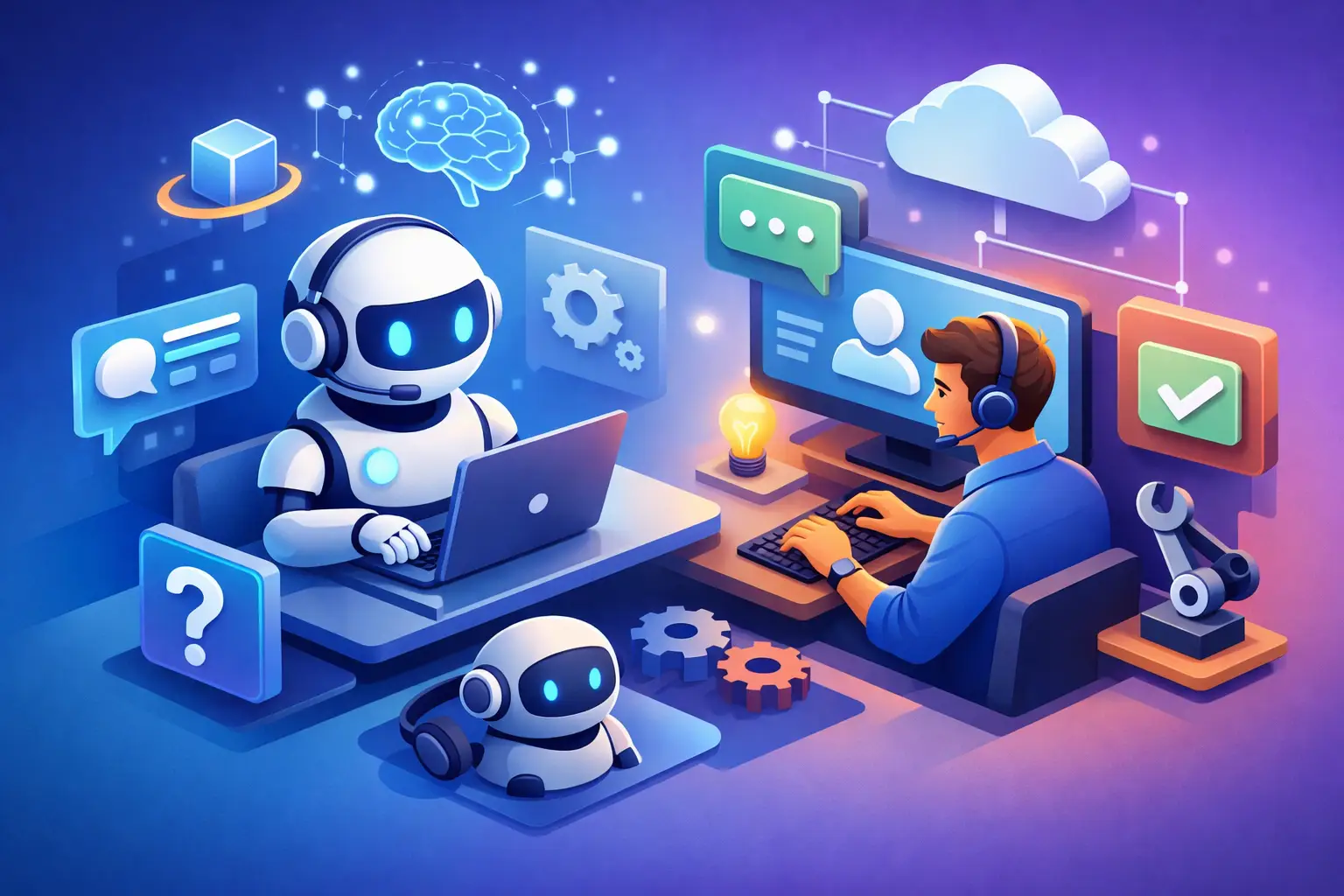
A help desk gets judged in the first few minutes. If a customer cannot log in, a printer is blocking invoices, or a remote worker loses access to email, they do not care how advanced the back end is. They want a clear answer fast. That is exactly why ai in help desk support has gained so much attention. Used well, it shortens wait times, handles simple requests quickly, and helps technicians focus on the problems that actually need experience.
For homes and small businesses, that promise is appealing. Nobody wants to sit in a ticket queue for a password reset or basic troubleshooting step. At the same time, nobody wants to be trapped in a chatbot loop while a real issue gets worse. The value of AI depends less on the hype and more on how it is applied.
What ai in help desk support actually means
In practical terms, AI in a help desk is usually not a robot replacing the entire support team. It is software that can classify tickets, suggest responses, search documentation, recognize common patterns, and guide users through basic fixes. In some systems, it powers chat assistants that answer routine questions. In others, it works behind the scenes by helping technicians prioritize and resolve issues faster.
That distinction matters. Many people hear AI and picture full automation. In reality, most effective help desk setups use AI as an assistant, not a substitute for technical judgment. A system might identify that ten users are reporting the same Wi-Fi issue, flag it as a broader outage, and route it to the right technician. That is useful. It is also very different from trusting software to diagnose every network problem correctly on its own.
Where AI helps the most
The strongest use case is repetitive support work. Password resets, account lockouts, common software questions, printer connection steps, and basic troubleshooting are all good candidates. These requests follow a pattern. They often have a standard solution, and users usually need speed more than deep analysis.
AI can also improve ticket triage. Instead of every request landing in one general pile, the system can sort by urgency, category, device type, or likely cause. That saves time for businesses that need to protect operations. If one ticket says a laptop is running slowly, that may be routine. If another says a point-of-sale terminal is offline, that deserves immediate attention.
Another area where AI can help is knowledge retrieval. Technicians spend a lot of time looking up internal notes, previous fixes, and vendor instructions. A smart system can pull likely answers faster. That does not make the technician less important. It gives the technician a quicker starting point.
For customers, the biggest benefit is often after-hours support. A good AI assistant can answer simple questions at 10 p.m. when a user is trying to reconnect a home printer or verify basic router settings. For small businesses, that can reduce downtime before a technician takes over.
Where AI falls short
This is where expectations need to stay grounded. AI struggles when the issue is unusual, multi-layered, or tied to physical hardware. If a computer has intermittent motherboard failure, if malware is masking itself as a software bug, or if a network problem involves a mix of ISP trouble, router settings, and device conflicts, AI can point in the wrong direction.
It can also miss context. A chatbot may treat a login failure as a simple credential issue when the real problem is an expired domain certificate or a broader server sync error. For a home user, that creates frustration. For a business, it can cost time and money.
There is also the communication problem. Many users do not describe technical issues in perfect terms. They say things like, “the internet is broken,” “the screen froze,” or “nothing is working.” An experienced technician can ask the right follow-up questions and quickly narrow things down. AI can help with that process, but it still tends to perform best when the problem is already somewhat structured.
Why small businesses should be careful with full automation
Small businesses often like the idea of lower support costs, and that is understandable. But full automation can become expensive in a different way if it delays the right fix. A missed cybersecurity alert, a misrouted ticket, or a bad troubleshooting path can create more downtime than the original issue.
That is especially true for businesses with a mix of older computers, newer cloud tools, printers, POS systems, and remote users. Those environments are common in local offices, retail shops, and service businesses. They are not always neat, standardized, or easy for AI tools to interpret.
The smarter approach is usually selective automation. Let AI handle the straightforward work, then escalate quickly when signs point to a larger problem. That balance protects both efficiency and service quality.
AI in help desk support works best with human backup
The best support model is not AI versus people. It is AI for speed, with skilled technicians handling exceptions, security concerns, and anything business-critical. That combination gives customers faster answers without removing accountability.
A local service provider has an advantage here. When a support system reaches its limit, there should be a real person who can step in, explain the problem clearly, and if needed provide hands-on service. That matters for home users dealing with data loss and for businesses facing downtime.
At TN Computer Medics, that practical line between automation and real technical work is important. A fast answer is helpful, but only if it leads to the right repair, the right security response, or the right network fix.
Security and privacy matter more than the sales pitch
Any conversation about ai in help desk support should include data handling. Help desk systems often process names, emails, device details, account information, internal business notes, and sometimes remote access records. If AI tools are trained on or exposed to that data without proper controls, the risk is real.
Businesses should ask basic questions before adopting any AI-enabled support platform. Where is the data stored? Who can access it? Is ticket content used to train external models? Can sensitive information be masked or restricted? What logs are retained?
For residential users, privacy concerns may sound less formal, but they are still important. Support requests can include saved passwords, browser issues, banking concerns, or signs of identity theft. Any help desk process that uses AI should still follow sound security standards and clear handling practices.
How to tell if AI support is helping or hurting
The simplest measure is not whether AI exists. It is whether support improves. Are response times faster? Are first-contact resolutions higher? Are customers repeating themselves less often? Are technicians spending more time on meaningful repair work instead of sorting routine tickets?
The warning signs are just as clear. Customers get stuck in loops. Urgent issues are categorized as low priority. Advice sounds polished but does not solve the actual problem. Escalation to a human takes too long. Those are signs that the system is serving the tool instead of the customer.
A good help desk should feel easier to use, not harder to escape.
What local customers should expect going forward
AI will keep showing up in support systems because it does offer real efficiency. That is not likely to change. The question is how responsibly it is used. For most homes and small businesses, the right expectation is simple. AI should speed up routine support, improve organization, and help technicians work smarter. It should not become a wall between the customer and real help.
If your issue is basic, AI may save you time. If your issue affects security, data, hardware, or business operations, human expertise still carries the weight. That is especially true when the fix requires careful diagnosis, physical repair, or an understanding of how multiple systems interact.
The future of support is probably not fully automated, and that is a good thing. People still need trustworthy technicians who can step in when the situation is messy, urgent, or too important for guesswork. The best technology does not replace that relationship. It clears the path so real support can happen faster.