
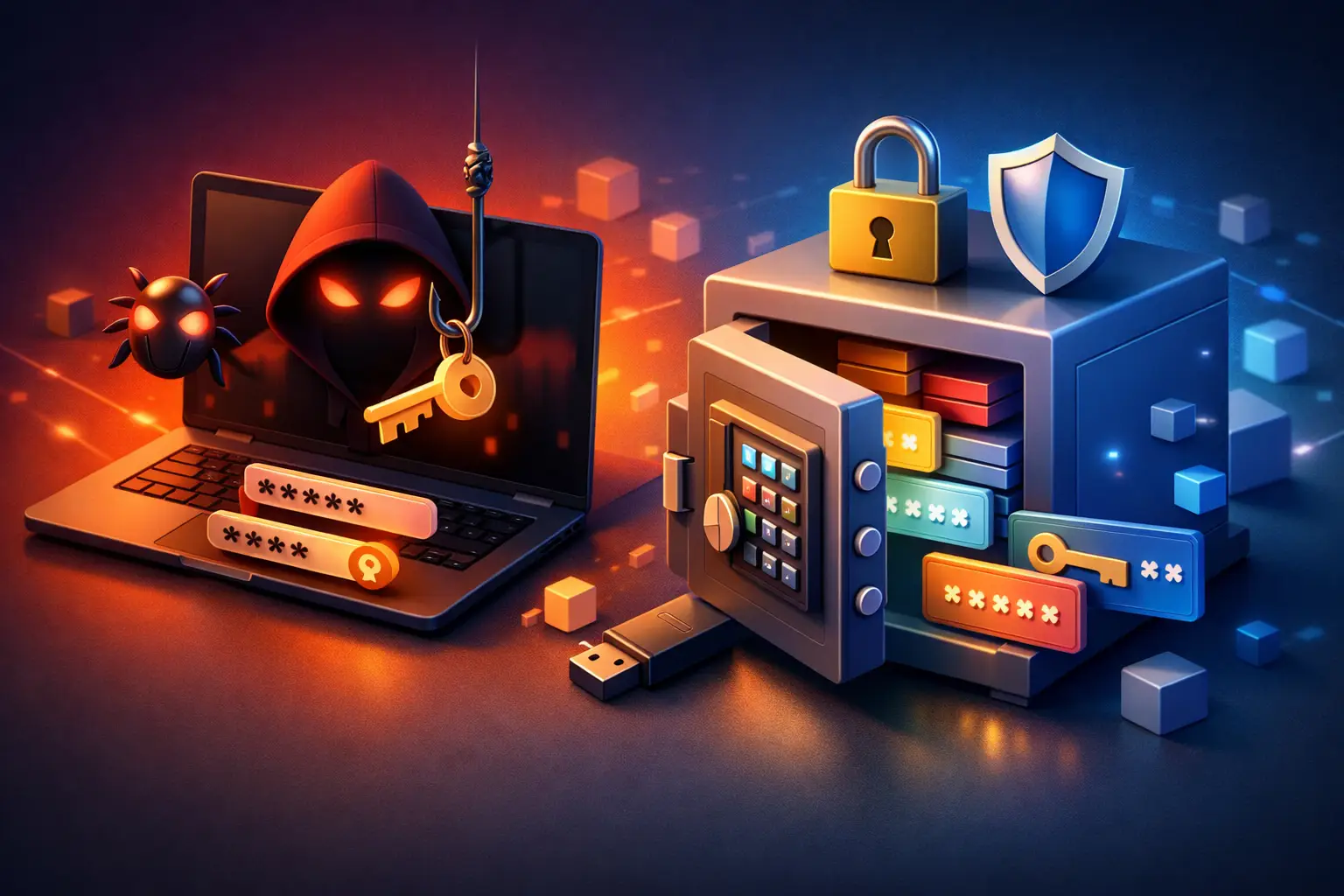
Saved passwords feel convenient right up until a browser starts acting strange, an email account gets hijacked, or a bank flags suspicious activity. If you have ever wondered, can malware steal saved passwords, the short answer is yes. And in many cases, it does not need much time on a device to do real damage.
For families, remote workers, and small businesses, that risk is bigger than most people realize. Browsers, apps, and password managers are designed to make sign-ins easier. Malware is designed to abuse that convenience. Once it gets onto a computer, it may try to pull login data from browsers, session cookies, autofill records, or even clipboard history. That can expose personal email, online shopping accounts, business systems, banking portals, and customer data.
How malware steals saved passwords
Not all malware works the same way. Some strains are built specifically to collect credentials. These are often called info-stealers, and they are one of the most common threats behind stolen passwords today.
An info-stealer typically searches a device for stored login data in web browsers such as Chrome, Edge, or Firefox. If the browser is saving usernames and passwords locally, malware may try to extract that information from the files where it is stored. In some cases, it also grabs saved credit cards, browsing history, and autofill details.
Other malware takes a different route. A keylogger records what a user types, which means it can capture passwords even if they are not saved in a browser. Some threats use screen capture, memory scraping, or clipboard monitoring. If a user copies a password from a note, spreadsheet, or password vault, malware may capture it before it is ever pasted.
There is also a more aggressive category of threats that targets session tokens or cookies. That matters because an attacker may not even need the password itself if they can hijack an active login session. This is one reason people sometimes change a password and still find that an account remains compromised.
Can malware steal saved passwords from browsers?
Yes, and browsers are a common target because so many people rely on them for convenience. Chrome, Edge, Firefox, and other browsers all offer built-in password saving. Those features are useful, but they are not a guarantee against theft if the computer itself is already infected.
A saved password is only as secure as the device storing it. If malware gains enough access to the system, it may be able to read protected browser data, especially when the user is already logged into their Windows profile and actively using the machine. Some malware families are built specifically to recognize where each browser stores credentials and how to export them quickly.
This does not mean browser password storage is always reckless. For some users, storing unique passwords in a browser is still safer than reusing the same weak password everywhere. But there is a trade-off. Browser-based storage is tightly tied to device security. If that device gets infected, the attacker may gain a direct path to a large collection of accounts.
How infections usually start
Most password theft incidents begin with something ordinary. A fake invoice attachment, a cracked software download, a browser extension that looked legitimate, or a phishing email that convinced someone to sign in on a fake page. Small business users are especially exposed because they often move quickly, handle invoices, open attachments, and manage multiple accounts across shared systems.
Another common problem is outdated software. Old browsers, unpatched operating systems, and unsupported applications can give malware an easier opening. Some infections also happen through malicious ads or compromised websites, though phishing and unsafe downloads remain more common in everyday repair cases.
On home computers, the pattern is often convenience over caution. Someone downloads a free utility, clicks through warnings, and the device becomes infected. In a business setting, one compromised workstation can turn into a larger issue if passwords to cloud services, email platforms, or remote access tools are stored locally.
Warning signs your passwords may be at risk
Password-stealing malware does not always announce itself. In fact, the most effective threats stay quiet. Still, there are signs that should not be ignored.
Unexpected logins, password reset emails you did not request, locked accounts, new browser extensions, disabled antivirus tools, and strange pop-ups can all point to compromise. A sudden slowdown, unusual background activity, or security settings changing on their own can also be part of the picture.
Sometimes the first sign is not on the computer at all. It is an email from a friend asking why you sent them a suspicious message, or a business platform notifying you of a login from another state. When that happens, the safest assumption is that more than one account may be exposed.
What to do right away if you suspect malware
Speed matters here. If a device may be infected, disconnect it from the internet as soon as practical. That can help limit further data transfer and reduce the chance of additional accounts being compromised.
Do not start changing passwords from the infected computer. Use a different, known-clean device instead. Begin with your email account, since email is often the recovery path for everything else. Then move to banking, shopping, cloud storage, work accounts, and any password manager you use. Turn on multi-factor authentication wherever available.
After that, the infected system needs to be properly checked and cleaned. A quick scan is better than nothing, but it may not be enough. Some threats install persistence tools, scheduled tasks, registry changes, or remote access components that stay behind after superficial cleanup. In serious cases, especially if business credentials or financial accounts were used on the device, a deeper malware removal process or full operating system reinstall may be the safer option.
The role of password managers
A good password manager can improve security, but it is not magic. It helps by encouraging strong, unique passwords and reducing the habit of reusing credentials across dozens of sites. That matters because reused passwords turn one breach into many.
Still, malware on an unlocked computer can sometimes target password managers too, especially if the vault is open or if the user is tricked into entering the master password into a fake prompt. The strongest setup is a reputable password manager, a strong unique master password, multi-factor authentication, and a clean, well-protected device.
For many users, that is better than storing passwords in a browser or writing them down in a document on the desktop. But the core issue remains the same: if the endpoint is compromised, every convenience tool becomes more vulnerable.
How to reduce the risk going forward
Protection starts with the basics done consistently. Keep Windows, browsers, and apps updated. Use reputable security software and let it stay active. Avoid pirated software, suspicious downloads, and unknown browser extensions. Be cautious with attachments, even when they appear to come from familiar names.
It also helps to separate personal and business use when possible. A computer used for school, gaming, email, and business banking all at once carries more exposure than one with a narrower purpose. Small businesses should pay close attention to shared devices, remote access tools, admin privileges, and employee password habits. The more accounts tied to one machine, the more valuable that machine becomes to an attacker.
Regular backups matter too, though they do not stop password theft directly. They give you a cleaner recovery path if a device has to be wiped and rebuilt. That can save a lot of downtime when malware removal is not enough.
Why this matters more for small businesses
For a home user, stolen passwords can mean financial stress, identity theft, and a mess of account recovery. For a small business, the damage can spread faster. Email compromise can lead to fake invoices, vendor fraud, exposed customer information, and downtime that costs real money.
A single infected office PC can put cloud platforms, point-of-sale systems, file shares, and remote logins at risk if those credentials were stored or recently used there. That is why password theft is not just a privacy issue. It is a business continuity issue.
At TN Computer Medics, this is one of the reasons we take malware removal and account security seriously. Cleaning the infection is only part of the job. You also have to think through what the device had access to, what may have been exposed, and what needs to be reset, secured, or rebuilt.
If you are asking can malware steal saved passwords, the honest answer is yes, and sometimes faster than people expect. The good news is that quick action, clean devices, stronger password habits, and a little healthy skepticism go a long way. If something feels off with your computer or accounts, trust that instinct early. It is much easier to contain a problem on day one than to untangle it after the passwords have already left the building.