

Can a cracked screen be repaired? Learn when a laptop, desktop, phone, or monitor screen is worth fixing and when replacement makes more sense locally.

Choosing the Best POS Hardware for Retailers
Find the best POS hardware for retailers with practical advice on terminals, scanners, printers, cash drawers, network reliability, and local IT setup.
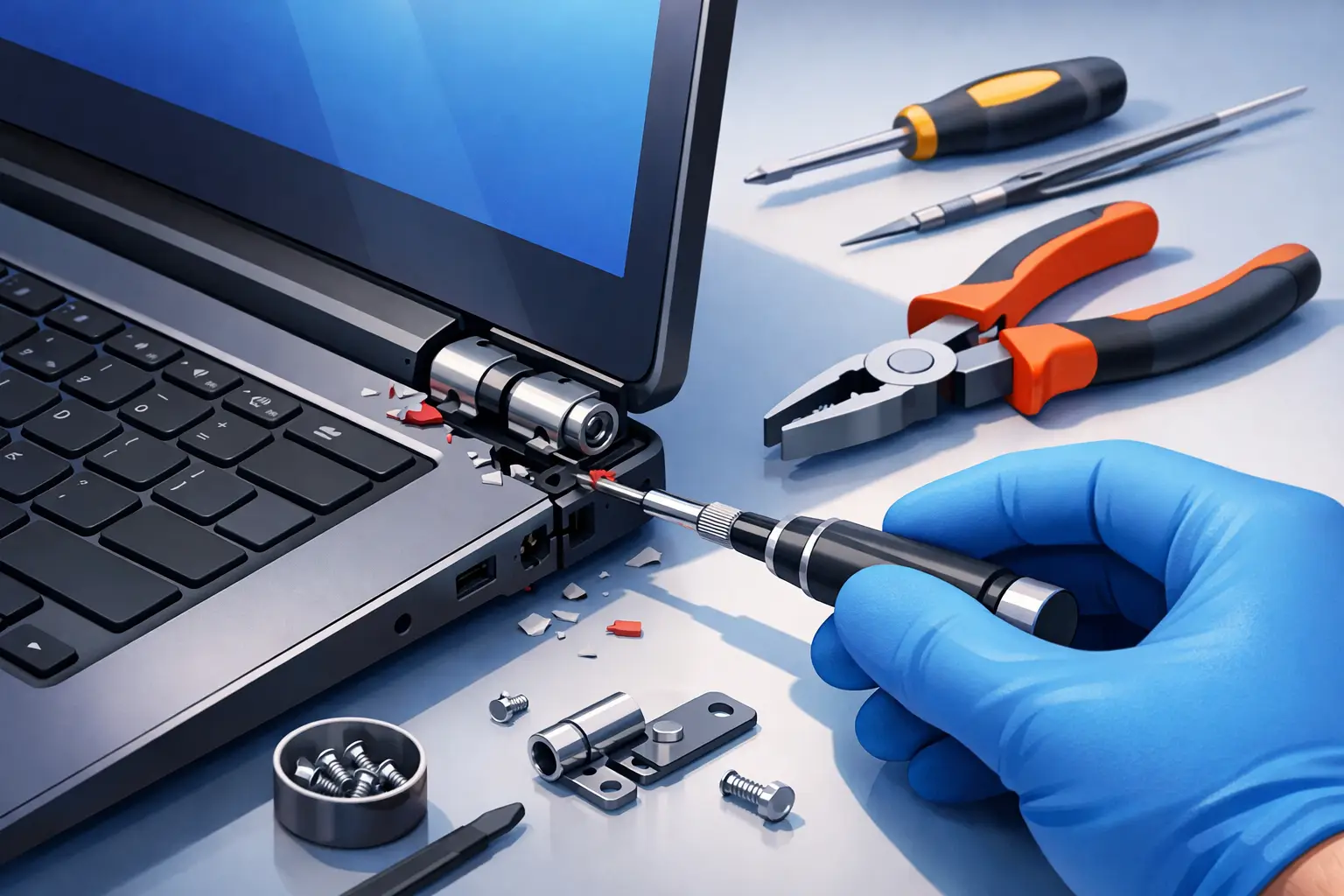
How to Fix a Broken Laptop Hinge Without More Damage
Learn when you can fix a broken laptop hinge yourself, when professional repair makes more sense, and how to protect your screen, cables, and files at home.

A Network Downtime Prevention Case Study
This network downtime prevention case study shows how small businesses can stop recurring outages with monitoring, backups, and practical network care.

Business Email Security Checklist for Small Firms
Use this business email security checklist to reduce phishing, account takeovers, and costly downtime with practical protections for small businesses.
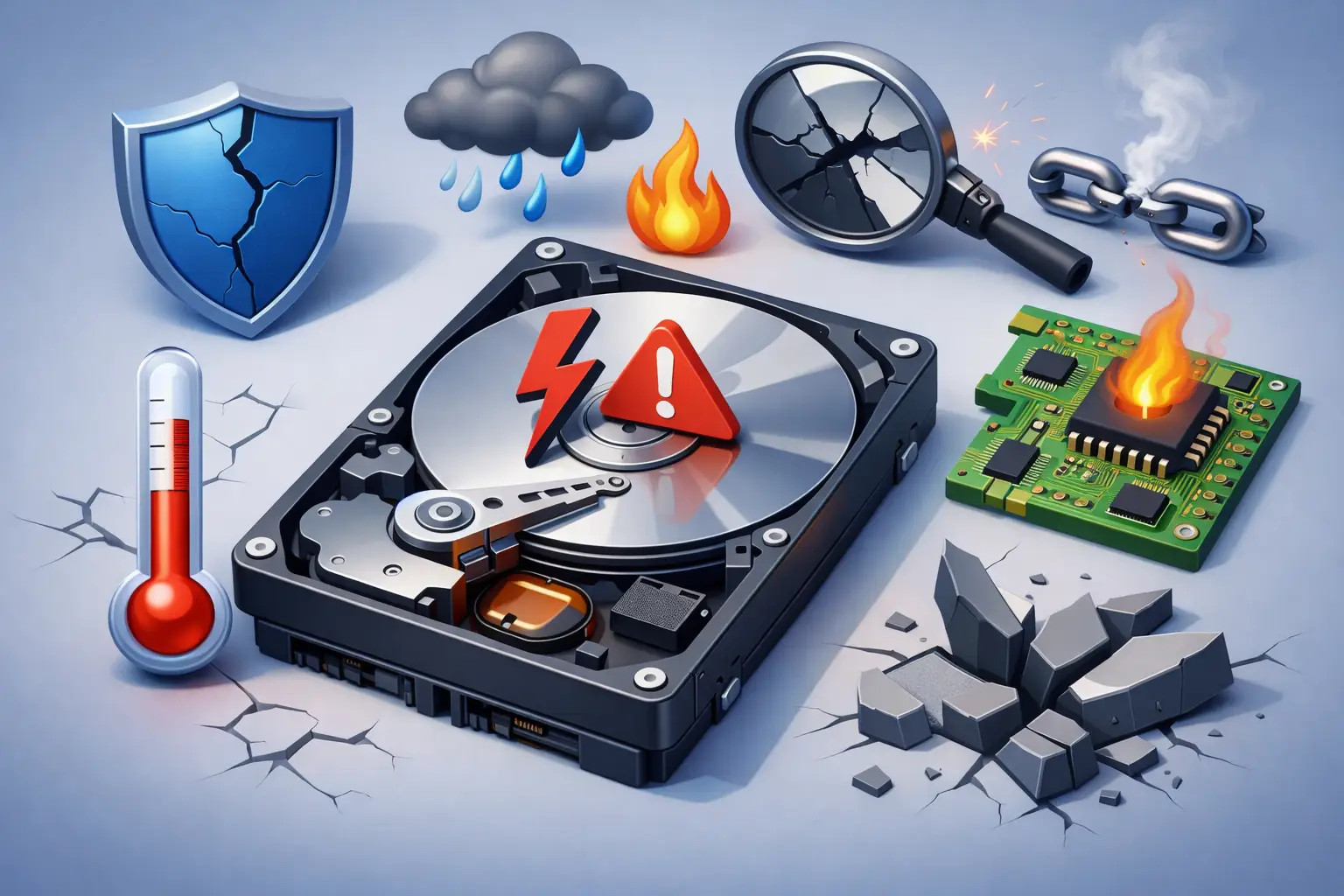
What Causes Hard Drive Failure? 8 Common Reasons
What causes hard drive failure? Learn the warning signs, common physical and software causes, and how to protect your files before a crash for home or work.

When to Upgrade Desktop Memory for Speed
Learn when to upgrade desktop memory for speed, choose the right RAM, and avoid compatibility mistakes that slow work, gaming, and everyday tasks at home.

Top Causes of Office Network Downtime and Fixes
Learn the top causes of office network downtime, how to spot trouble early, and practical steps small businesses can take to keep teams online daily.

10 Top Signs Your Motherboard Is Failing
Learn the top signs motherboard is failing, what can mimic a board problem, and when fast local diagnosis can quickly protect your data and limit downtime.

Best Data Recovery Methods That Protect Files
Learn the best data recovery methods for deleted files, failing drives, and business systems, plus steps that protect your data from permanent loss.