
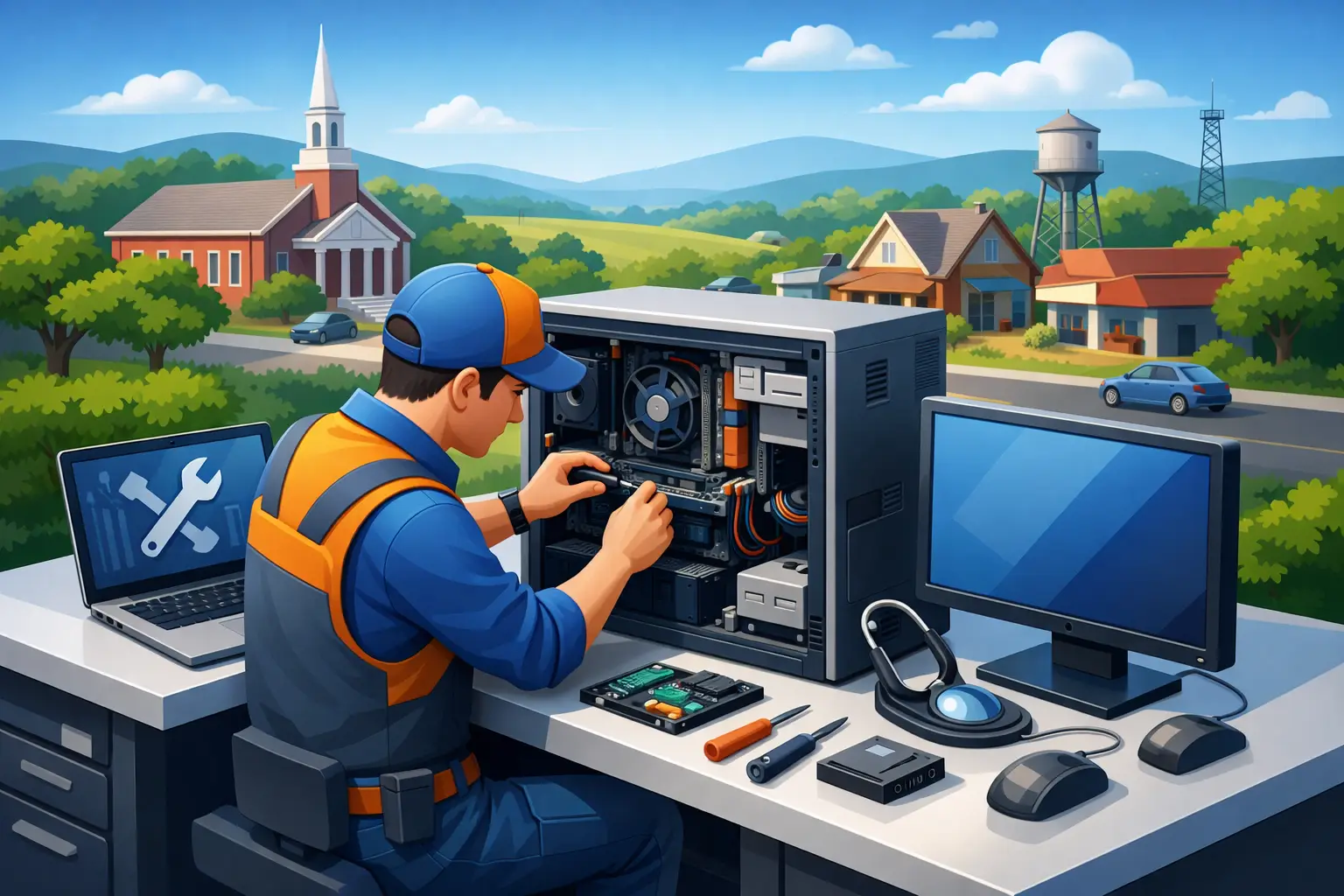
A frozen laptop five minutes before a class deadline or a business PC that will not boot on payroll day can throw off your whole week. That is why computer repair Winchester TN customers look for is not just about fixing a machine – it is about getting life and work back on track quickly, affordably, and without guesswork.
In a town where many households rely on one or two main devices and small businesses cannot afford much downtime, repair service needs to be practical. You want a technician who can explain the problem in plain language, tell you whether repair makes sense, and get the job done without dragging it out for days. That is especially true when the issue could be anything from a worn-out hard drive to malware, overheating, or a damaged charging port.
What people usually mean by computer repair in Winchester TN
Most customers do not start with a technical diagnosis. They start with symptoms. The computer is running painfully slow, the screen is cracked, the laptop battery drains too fast, files disappeared, or the device keeps restarting for no clear reason. For a small business, the problem might show up as a networked printer going offline, a point-of-sale system failing, or several workstations behaving strangely after a suspicious email was opened.
Good repair service starts by narrowing down the real cause instead of guessing. A slow computer might need malware removal, but it could just as easily be suffering from a failing drive, not enough memory, a bloated startup routine, or heat buildup from dust-clogged fans. The fix depends on the cause. That is where experienced diagnostics matter.
For homeowners and students, the right solution often means balancing cost with remaining device life. A five-year-old laptop may be worth upgrading with a solid-state drive and fresh operating system install if the rest of the hardware is sound. On the other hand, if the motherboard is failing and replacement parts are hard to source, repair may not be the smartest investment. Honest advice is part of the service.
Common problems a local repair shop can solve
The most frequent issues tend to fall into a few categories, and each one affects daily use in a different way.
Slow performance and constant freezing
This is one of the most common complaints because it builds gradually. A computer that once started in seconds may begin taking several minutes. Apps lag, web pages stall, and even basic tasks become frustrating. Sometimes the fix is cleanup and optimization. Sometimes it requires replacing an aging hard drive, adding memory, or reinstalling the operating system to clear out corruption and software clutter.
Virus and malware infections
Pop-ups, browser redirects, disabled security tools, and strange background activity are all warning signs. Malware can do more than slow a device down. It can expose passwords, banking details, saved logins, and business records. Proper removal is not just about deleting suspicious files. It often includes checking startup items, browser settings, scheduled tasks, remote access tools, and account security after the cleanup is complete.
Broken hardware
Screens crack. Keyboards stop registering. Fans wear out. Power jacks loosen. Desktop power supplies fail without much warning. Hardware issues can look dramatic, but many are repairable if the rest of the machine is in decent shape. The key is making sure replacement parts are compatible and that the repair cost still makes sense compared to replacement.
Data loss and recovery
A computer can be replaced. Family photos, tax files, QuickBooks data, and school projects are harder to replace. If a device stops booting or a drive starts clicking, continued use can make things worse. In those cases, data recovery should come before casual troubleshooting. The first step is preserving what can still be saved, then deciding whether the machine itself should be repaired, rebuilt, or retired.
Why local computer repair Winchester TN service matters
There is a real difference between dropping a device at a big-box counter and working with a regional technician team that understands the needs of nearby communities. Local service usually means faster communication, better accountability, and support that fits real-life situations instead of a one-size-fits-all process.
For example, a home user may need mobile service because the computer will not power on and cannot easily be transported. A small office may need on-site help because the real problem is not one machine – it is the network, printer setup, or internet hardware serving the whole team. Local providers are also more likely to understand that repair timelines matter because every extra day affects work, school, or customer service.
That is one reason businesses across this region turn to providers like TN Computer Medics. The need is rarely just a single fix. It is ongoing technology support from a team that can handle both everyday repair issues and more advanced business IT demands.
Repair or replace? The answer depends
Customers often ask the same question right away: should I fix this computer or buy a new one? There is no single rule, but there are a few practical factors.
Age matters, but not as much as condition and use case. A three-year-old laptop with a failed screen may be well worth repairing. A seven-year-old desktop that only needs email, web browsing, and document work could still have several good years left with the right upgrades. But if multiple core components are failing at once, repair costs can stack up quickly.
Performance expectations matter too. If you are editing large media files, running business software all day, or using multiple monitors and cloud apps at once, older hardware may keep holding you back even after a repair. If your needs are lighter, a targeted upgrade can stretch your budget and avoid an unnecessary purchase.
A trustworthy technician should tell you when replacement is the better call. Good service is not about pushing the biggest invoice. It is about helping you spend wisely.
What small businesses should look for in a repair partner
For a business, computer repair is only part of the picture. Downtime often has a ripple effect. One failed workstation can delay customer orders, interrupt accounting, or stop staff from accessing shared files. If the issue touches the network, printer systems, or cybersecurity posture, the cost of waiting grows fast.
That is why small businesses in Winchester should look beyond simple break-fix service. A solid technology partner can troubleshoot PCs and laptops, but also help with router and switch issues, office Wi-Fi, backup planning, endpoint protection, email-related threats, and device replacement planning. That broader support helps prevent repeat problems instead of just reacting to them.
Security is another area where experience matters. A business may think it has a virus issue when the deeper problem is weak password practices, unpatched systems, or no reliable backup. Repair should restore operations, but it should also reduce the odds of the same incident happening again.
How the repair process should feel
Good service is clear from the first conversation. You should be able to describe the symptoms, get a realistic idea of next steps, and understand whether the issue sounds urgent. Once diagnostics begin, the explanation should stay simple. You should know what failed, what can be done, how long it may take, and whether there are trade-offs between a quick fix and a longer-term solution.
You should also expect practical recommendations. If your laptop is overheating because of internal dust buildup and a worn fan, cleaning it without replacing the failing fan may only buy a little time. If your hard drive is still working but showing early signs of failure, backing up data immediately matters more than squeezing out a few extra weeks of use.
That kind of honesty builds trust. It also helps customers make smart decisions instead of emotional ones when a device fails at the worst possible time.
When to stop troubleshooting and call for help
A few basic checks at home are fine. Restart the machine, confirm cables and power connections, and see whether one app is causing the issue or the whole system is affected. But if the computer shows signs of malware, makes unusual noises, overheats regularly, or refuses to boot, continuing to experiment can make the problem worse.
The same goes for business devices holding important records or systems tied to daily operations. The longer a failing drive spins, the greater the chance of permanent data loss. The longer malware remains active, the more opportunity it has to spread or steal information. Fast action usually reduces total cost.
When your computer is central to work, school, family records, or customer service, the goal is not just repair. It is restoring confidence that the device will do its job when you need it. That is what dependable local service should deliver – clear answers, solid workmanship, and help that respects how much your time matters.
If your device is slowing down, acting strangely, or refusing to cooperate at all, getting it checked sooner usually leads to a better outcome than waiting for a complete failure.