
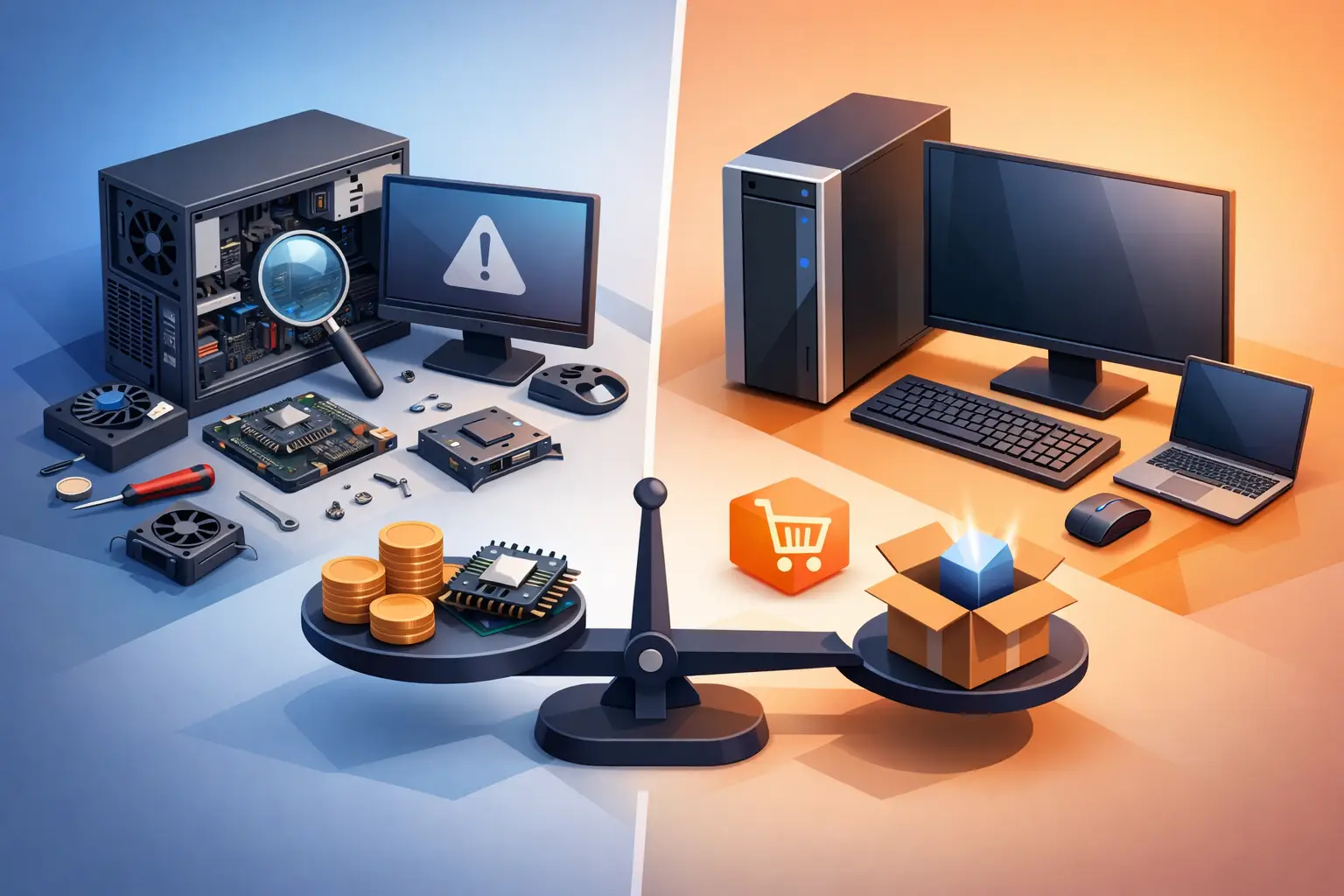
A desktop that takes 10 minutes to start, freezes during payroll, or suddenly will not power on creates the same urgent question: desktop repair versus replacement? The right answer is rarely based on age alone. A well-built PC can often gain several productive years from the right repair or upgrade, while a newer machine with a failed motherboard may not be worth a major investment. The practical decision comes down to the problem, the total cost, your performance needs, and how much downtime you can tolerate.
Start With the Actual Problem
A slow desktop does not automatically need to be replaced. Many systems feel outdated because they still use a mechanical hard drive, have too little memory for current software, are overloaded with startup programs, or have malware consuming resources in the background. Replacing a failing hard drive with a solid-state drive, adding RAM, cleaning up the operating system, and addressing infections can make a dramatic difference for everyday browsing, schoolwork, bookkeeping, and remote work.
On the other hand, a PC that will not turn on could have anything from a worn power supply to a failed motherboard. Those are very different repairs with very different price points. A proper diagnosis matters because replacing a computer before identifying the fault can cost more than necessary and may leave valuable files behind.
For home users, the first goal is usually restoring dependable access to photos, documents, email, and online accounts. For a small business, the goal is broader: protect data, restore operations, and prevent the same failure from interrupting work again. That is why the repair decision should include backup status, network needs, security risks, and the role that computer plays in the business.
When Desktop Repair Is the Better Choice
Repair is often the sensible path when the desktop is under six or seven years old, has a capable processor, and needs a specific component or software correction. Common examples include a failed power supply, damaged hard drive, bad RAM module, overheating fan, corrupted Windows installation, or virus infection. These problems can look severe to the person using the computer, but they are frequently repairable without replacing the entire system.
An SSD upgrade is one of the clearest cases. A computer that feels painfully slow because it runs from an older hard drive may become responsive again with a solid-state drive and a clean operating system setup. Increasing memory can also help when a desktop struggles with multiple browser tabs, video calls, accounting software, or large spreadsheets.
Repair can be especially worthwhile when the computer has compatible parts that still meet your needs. If you only use email, web applications, documents, and basic business software, you may not need the latest processor. Spending a reasonable amount to restore a reliable machine is often better than buying a low-cost replacement that offers little improvement.
Data is another reason to consider repair first. When a drive fails or Windows becomes unusable, the files may still be recoverable. Attempting repeated restarts, installing software over the problem, or opening the device without the right tools can make data recovery harder. A technician can evaluate the drive, protect what is accessible, and help move your files to a repaired or replacement computer.
When Replacement Makes More Financial Sense
Replacement becomes the better option when repairs approach a large share of the cost of a comparable new desktop, or when the computer cannot reasonably support the software and security requirements you need. There is no single percentage that fits every situation, but a major repair on an aging system deserves a careful comparison before approving the work.
A failing motherboard in a 10-year-old desktop is a common example. The cost is not limited to the part. It may also involve labor, compatibility questions, operating system activation, and the possibility that another aging component fails soon after. In that situation, investing in a newer system with a warranty and current hardware can be the more predictable choice.
Replacement is also appropriate when performance limits are built into the platform. Older processors may struggle with current versions of Windows, modern web tools, video editing, design software, point-of-sale programs, or demanding multitasking. If the system cannot be upgraded beyond a small amount of memory or does not support modern storage and security features, a repair may only delay a larger problem.
For businesses, compliance and cybersecurity should carry real weight. A desktop that no longer receives supported operating system updates presents more than a performance issue. It can become an avoidable security risk, particularly if it handles customer information, financial records, or access to shared company files. Replacing unsupported equipment is often a business protection decision, not just a hardware purchase.
Desktop Repair Versus Replacement: Compare Total Cost
The purchase price of a new computer is only one number in the decision. A replacement desktop may require data transfer, software installation, printer setup, email configuration, user account setup, and time spent adjusting to a new system. For a business workstation, it may also need access to shared drives, specialty applications, POS equipment, network printers, and security controls.
Likewise, a repair estimate should be viewed as more than the cost of a part. Ask whether the repair resolves the underlying cause, whether other critical parts are showing signs of wear, and whether the repaired system will meet your needs for the next couple of years. A $150 repair that restores a four-year-old desktop to dependable service has a very different value than a $400 repair on a machine already slowed by outdated hardware.
Downtime belongs in the calculation, too. A family may be able to share another computer for a day or two. A remote worker who cannot access client files may lose billable hours. A small business whose front counter, accounting system, or scheduling software is offline can feel the cost immediately. Fast local diagnosis helps you make the choice with facts instead of guessing while work piles up.
Think About the Work the Desktop Must Do Next
The best decision is based on future use, not just whether the computer can turn on today. A desktop used for basic home tasks has different requirements than one used for gaming, CAD, bookkeeping, medical office software, or a busy retail counter. A repair may be all that is needed for one role, while another role calls for a purpose-built replacement.
Custom desktop builds can be a stronger alternative to buying a generic off-the-shelf machine when you need specific performance, storage, graphics capability, or expansion options. They also make future upgrades easier. For a small office, choosing business-appropriate hardware can reduce interruptions caused by weak consumer-grade components or insufficient storage.
Before retiring an old computer, make sure its data is handled responsibly. Back up files that matter, confirm that email and cloud accounts are accessible, and securely erase storage devices before recycling. If a drive cannot be reliably wiped because it has failed, proper handling is still essential. Old desktops can contain years of tax records, saved passwords, customer information, and family photos.
A Practical Way to Make the Call
If the issue is isolated, the computer is still supported, and the repair will give you reliable service at a reasonable cost, repair is usually the smart move. If several parts are aging, the system cannot meet current demands, or an expensive repair would leave you with an outdated platform, replacement is usually the safer investment.
Do not let a frightening error message or a blank screen force a rushed purchase. A clear diagnostic can identify whether you need a new drive, more memory, malware removal, operating system recovery, or a completely new computer. TN Computer Medics helps Tullahoma-area homes and businesses make that decision based on the machine in front of them, not a one-size-fits-all sales pitch.
The most helpful next step is simple: protect your data now, keep a current backup, and get an evaluation before a small desktop issue becomes a full interruption to your work or home life.