
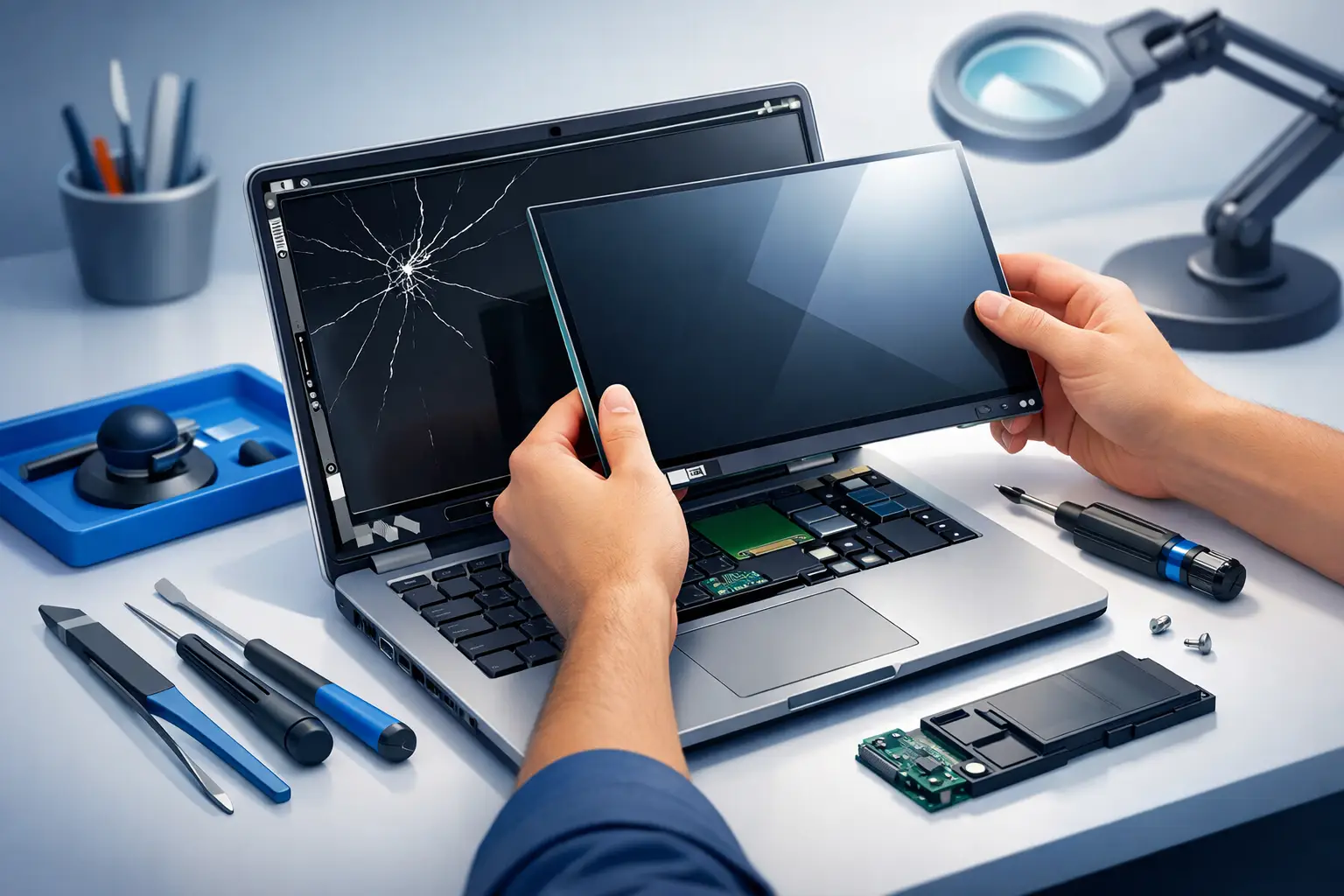
A cracked screen rarely happens at a convenient time. One drop off the couch, one backpack squeeze, or one closing hinge with something small left on the keyboard can turn a working laptop into something you can barely use. If you are searching for laptop screen replacement Tullahoma, you probably need answers fast – not vague advice, not a long wait, and not guesswork about whether the damage is worth fixing.
For most people, a broken laptop display is more than cosmetic. Students need access to assignments, remote workers need a dependable screen for meetings, and small businesses cannot afford downtime when a primary machine is out of service. The good news is that screen damage is often very repairable. The key is knowing what kind of damage you are dealing with, whether the issue is limited to the panel itself, and how to avoid wasting money on the wrong fix.
When a laptop screen replacement in Tullahoma makes sense
Not every damaged screen looks the same, and that matters. Some laptops show obvious cracks with black ink-like blotches spreading across the display. Others power on but flicker, show vertical lines, or stay dim even though the laptop itself is running. In some cases, the issue is the screen panel. In others, the problem could involve the backlight, display cable, hinges, or even the graphics hardware.
That is why a proper diagnosis comes first. A laptop connected to an external monitor can help reveal whether the computer is still functioning normally behind the damaged display. If it works fine on an external screen, the repair may be straightforward. If the image cuts in and out when the lid moves, a loose or damaged cable may be part of the problem. If there is no image anywhere, the repair could go deeper than the screen.
A screen replacement usually makes sense when the laptop is otherwise in good shape. If your system still performs well, holds a charge reasonably well, and meets your daily needs, replacing the screen is often far more affordable than buying a new machine. That is especially true for business laptops, student laptops, and newer consumer models that still have years of useful life left.
Common signs your screen needs repair
The most obvious sign is a visibly cracked panel, but many screen failures are less dramatic. You may notice dead areas, colored lines, bright spots, flickering, ghosting, or a display that only works at certain lid angles. Some screens appear black but still show a faint image under a flashlight, which can point to a backlight issue.
Touchscreen laptops can add another layer of confusion. You might have a broken glass layer while the image still appears underneath, or the display may look normal while the touch function no longer responds correctly. In some models, the glass and LCD are separate parts. In others, they are fused, which can affect repair cost and parts availability.
This is one reason big-box assumptions often lead people in the wrong direction. A laptop that “just needs a screen” may need a cable, hinge repair, or top lid assembly as part of the job. On the other hand, some customers assume the entire device is done for when the actual fix is more manageable than expected.
What causes laptop screen damage in the first place
Physical impact is the most common cause. A laptop can fall from a desk, slide off a bed, or get pressed inside a backpack. Even minor pressure can crack modern thin panels. Closing the lid on earbuds, a pen, or a charging cable is another common cause.
Wear and tear also plays a role. Over time, hinges can tighten or loosen in ways that stress the screen housing. Repeated opening from one corner instead of the center can twist the frame. In business settings, frequent travel increases the chance of impact damage, especially when devices are moved between offices, vehicles, and job sites.
Some failures are internal rather than accidental. Display cables can wear out, connectors can loosen, and lower-cost panels can simply fail with age. Heat, moisture, and past repair work can also contribute. That is why a local technician should look beyond the obvious crack and check the full display path.
What to expect from laptop screen replacement Tullahoma service
A good repair process should feel clear from the start. First comes a diagnosis to confirm whether the screen is the issue and to identify the exact part needed. Laptop screens are not one-size-fits-all. Size, resolution, connector type, mounting style, refresh rate, touch capability, and model compatibility all matter.
After that, the damaged panel is removed carefully, the replacement screen is installed, and the system is tested for image quality, brightness, fit, and function. On touchscreen units or tightly built ultrabooks, the job may involve more disassembly and a little more time. Some models are simple and quick. Others are glued, layered, or built with fragile bezels that require extra care.
Turnaround depends on the laptop model and part availability. Some repairs move quickly if the part is common. Others take longer if the machine uses a less common panel or a specialty touch assembly. The important thing is getting the right screen the first time rather than forcing a mismatched part that causes more trouble later.
Repair or replace the whole laptop?
This is one of the most common questions, and the honest answer is that it depends. If the laptop is relatively new, runs well, and fits your needs, repairing the screen is usually the practical choice. It lets you keep your files, applications, and setup without the cost of migrating everything to a new device.
If the laptop is older and already dealing with battery problems, storage issues, overheating, or slow performance, replacement may be worth considering. Even then, the decision is not only about age. A well-built business laptop may be worth repairing longer than a low-end device that is already struggling.
For local families and small businesses, the smartest route is often to get a real estimate before making the call. A professional diagnosis gives you a clearer picture of repair cost, expected lifespan, and whether any other issues should be addressed at the same time.
Why local service matters for screen repairs
When you need a laptop back quickly, local accountability matters. Shipping a device away for depot repair can mean long delays, uncertain communication, and limited flexibility if more than one issue is found. Working with a nearby technician makes it easier to ask questions, approve needed repairs, and get practical advice based on how you actually use the machine.
That matters in Tullahoma, where many customers are balancing work, school, and home responsibilities on a single laptop. It matters even more for small business owners who need dependable turnaround and straight answers. A local repair team can also spot related problems that national chains may overlook, such as weak hinges, fan buildup, failing storage, or malware issues affecting overall performance.
At https://Tncomputermedics.com, the focus is on practical repair decisions, clear communication, and support that fits both residential and business needs. That includes screen replacement, but also the broader technical help that often goes along with getting a laptop fully usable again.
How to protect your laptop after a screen replacement
Once the repair is complete, a few habits can reduce the chance of repeat damage. Open the laptop from the center of the lid rather than one corner. Keep objects off the keyboard before closing it. Use a padded case if the device travels often, and avoid overpacking bags where pressure can bend the lid.
If the hinges feel stiff, loose, or uneven, get that checked before it leads to another cracked panel. Many screen failures start with mechanical stress that builds over time. It is also worth keeping the inside of the laptop maintained. Heat and dust will not usually break the screen, but they can shorten the life of the machine you just invested in repairing.
A broken screen feels urgent because it is. Still, it does not always mean starting over with a new laptop. The right repair can restore a machine you already rely on and save you from bigger costs, more downtime, and the hassle of replacing everything at once. If your display is cracked, flickering, or unreadable, getting it checked sooner usually gives you more options and a faster path back to normal.