
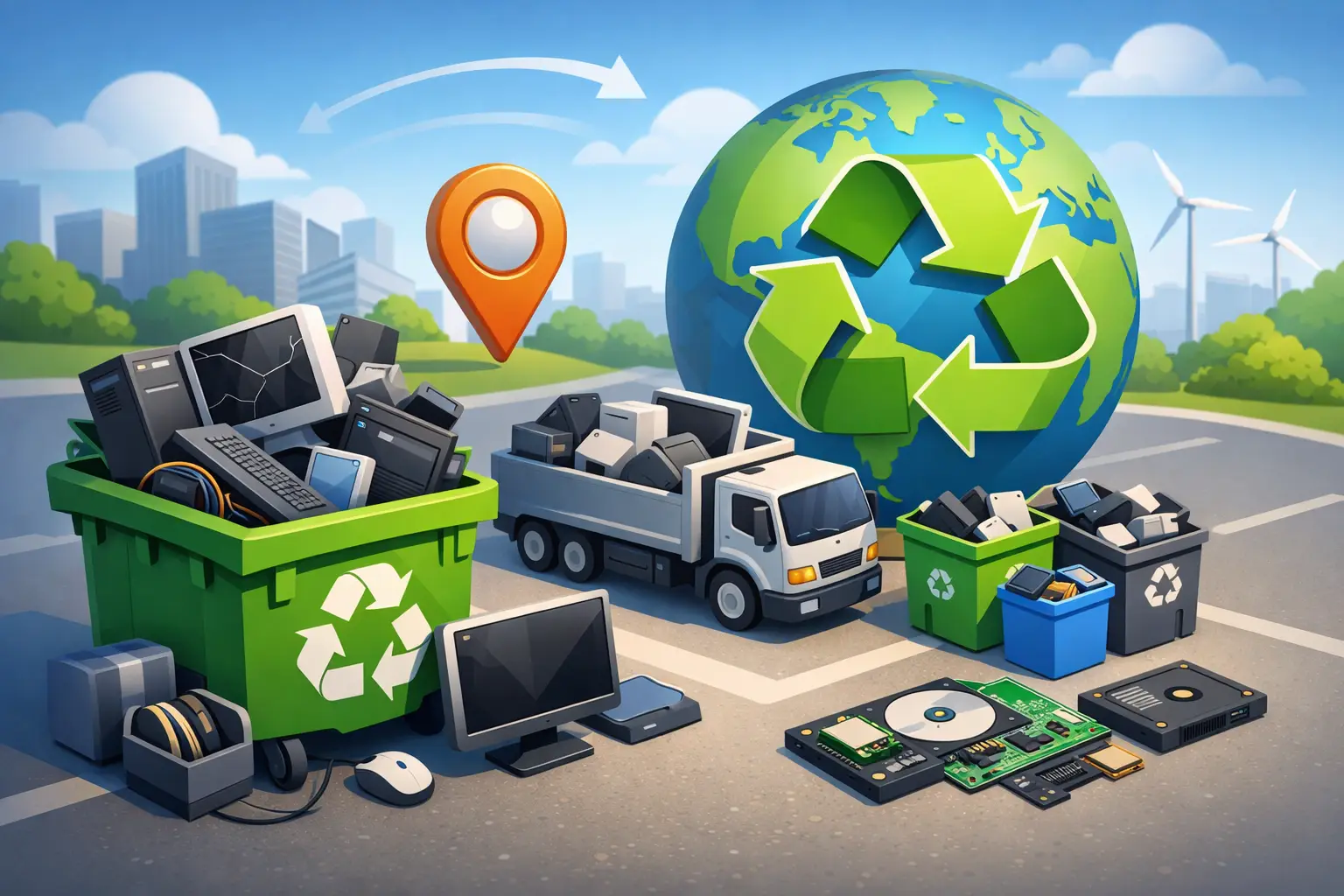
That old desktop in the corner and the dead laptop in the closet are doing more than taking up space. If you have searched for computer recycling near me, you are probably trying to solve two problems at once – getting rid of outdated equipment and making sure your data does not go with it.
Computer recycling sounds simple until you realize what is actually sitting on that device. Family photos, tax records, saved passwords, client files, payroll documents, browser logins, and years of personal or business history can all remain on a hard drive long after the computer stops working. For homes and small businesses in Tullahoma and surrounding Tennessee communities, that is why the right recycling process matters.
Why computer recycling is more than just trash removal
A computer is not regular household waste. It contains metals, plastics, circuit boards, batteries, and components that should be handled through proper disposal channels rather than sent to a landfill. It also often contains storage devices that need to be wiped, removed, or destroyed correctly.
That is where many people get stuck. A broken computer may feel worthless, but the data inside it can still be very valuable. If you are a homeowner, that can mean personal identity information. If you run a small business, it can mean customer records, financial files, employee information, or confidential internal documents.
Recycling the hardware without addressing the data is only half the job. A trustworthy local service should understand both sides of the issue – environmental responsibility and data security.
What to look for when searching computer recycling near me
Not all recycling options are equal. Some places are focused mainly on collecting electronics in bulk. Others understand how to handle devices that may still contain sensitive information. If you are choosing a provider, it helps to ask a few practical questions before handing over your equipment.
First, ask what happens to the hard drive or solid-state drive. A reliable provider should be able to explain whether the drive will be securely erased, removed, or physically destroyed based on the condition of the device and your needs. If they cannot explain that clearly, that is a red flag.
Second, ask whether they accept only working computers or also broken, outdated, and non-functional equipment. Many people delay recycling because the machine no longer powers on and they assume nobody wants it. In reality, non-working devices still contain recyclable materials and still need proper handling.
Third, ask about business devices separately from household electronics. Business equipment often requires more careful chain-of-custody and data handling, especially if the systems were used for accounting, healthcare-related communication, payment processing, or customer management.
Finally, consider convenience. Local matters here. When you can work with a nearby technician or service team, you are more likely to get clear answers, faster help, and accountability if you have questions about what was done with your device.
The biggest mistake people make before recycling a computer
The biggest mistake is assuming that deleting files is enough.
Deleting documents or dragging folders into the trash does not truly remove the data in a way that makes it unrecoverable. Even a factory reset may not be the right answer in every situation, especially on older systems or damaged drives. For some devices, proper data sanitation requires specialized tools or physical drive destruction.
There is also a common mistake on the other side of the process – keeping old computers indefinitely because you are worried about data exposure. That can create clutter, but it can also leave sensitive data sitting around your home or office for years. An unused computer in a storage room is not necessarily a secure computer.
If the machine still works, you may want to back up important files before recycling it. If it does not work, recovery may still be possible depending on the failure. That is why repair, data backup, and recycling often overlap more than people expect.
When recycling makes sense and when repair is the better move
Not every old computer should be recycled right away. Sometimes the better option is repair or upgrade.
If a laptop is slow but otherwise functional, a solid-state drive upgrade, memory increase, malware removal, or operating system reinstall may give it several more useful years. That is often a smart move for students, families, and small offices that want to control costs. Reusing a machine that still has life left in it can be more practical than replacing it immediately.
On the other hand, recycling usually makes more sense when the system has repeated hardware failures, no longer supports current security updates, or would cost more to fix than it is worth. Older business machines can also become a liability if they cannot keep up with current software, network demands, or cybersecurity standards.
A local technician can help you sort out that decision. Sometimes customers come in expecting disposal and find out the machine is worth saving. Other times they are about to spend money on a computer that is no longer a good investment. Honest guidance matters.
Computer recycling near me for homes and small businesses
Residential and business recycling may look similar from the outside, but the stakes are often different.
For homeowners, the main concerns are usually convenience, privacy, and making sure old electronics are not dumped improperly. People want a clean way to clear out a spare room, replace a dead laptop, or get rid of a machine that has been sitting unplugged for years.
For small businesses, recycling decisions are tied to operations and risk. Replacing workstations, retiring point-of-sale systems, removing old office computers, or decommissioning network equipment should be handled in a way that protects data and keeps the transition organized. Business owners also need to think about device inventory, user access, and whether any information still needs to be transferred before equipment leaves the premises.
That is one reason many local companies prefer working with a service team that understands both repair and IT support, not just disposal. If a business is upgrading several computers at once, they may need data migration, network adjustments, printer reconnection, or security checks as part of the same project.
What devices can usually be recycled
Most people think only of desktop towers and laptops, but computer recycling often includes more than that. Monitors, keyboards, mice, printers, cables, external drives, and some networking hardware may also be accepted, depending on the provider.
It is always worth asking first because policies can vary. Some locations take a wide range of electronics, while others focus on specific categories. Batteries and damaged screens may have separate handling requirements as well.
If you are cleaning out a home office or small business, it is often easier to gather everything at once instead of trying to make multiple trips over several weeks. A local provider may also be able to advise you on what should be recycled, what can be upgraded, and what may still have practical use.
Why local service makes a difference
When people search computer recycling near me, they are usually not looking for a warehouse three counties away with vague instructions. They want a nearby team that answers the phone, explains the process clearly, and treats their equipment like it matters.
That local accountability is especially important when data is involved. You should feel comfortable asking how drives are handled, what happens to non-working systems, and whether your device should be evaluated for repair before disposal. A trusted local business can walk you through those decisions without making the process feel complicated.
For customers in and around Tullahoma, working with an established service provider also means you are dealing with technicians who understand the daily reality of local households and small businesses. Fast turnaround, practical advice, and straightforward support matter a lot more than flashy promises.
TN Computer Medics serves customers who need that kind of help every day, whether the issue is a single household laptop or a larger batch of business equipment that needs secure, sensible handling.
Before you hand over your old computer
If possible, make a quick check for anything you still need. Look for photos, documents, saved email archives, accounting files, bookmarks, or application data you may want transferred. If you cannot access the machine, do not assume everything is lost. Some data can still be recovered before recycling, depending on the issue.
It also helps to remove any accessories you want to keep, such as USB receivers, adapters, or specialty peripherals. And if the device belonged to a business, make sure someone has confirmed that no active user accounts, licensed software records, or needed files remain tied only to that machine.
A little preparation can make the process smoother, but you do not need to have everything figured out before you ask for help. The right local team should be able to guide you through the next step, whether that is backup, repair, secure data handling, or responsible recycling.
Old computers have a way of piling up because people are trying to do the right thing and do not want to make a costly mistake. If that sounds familiar, start with a simple question: is this device ready for recycling, or does it still have value worth saving? The answer is usually clearer once a real technician takes a look.