
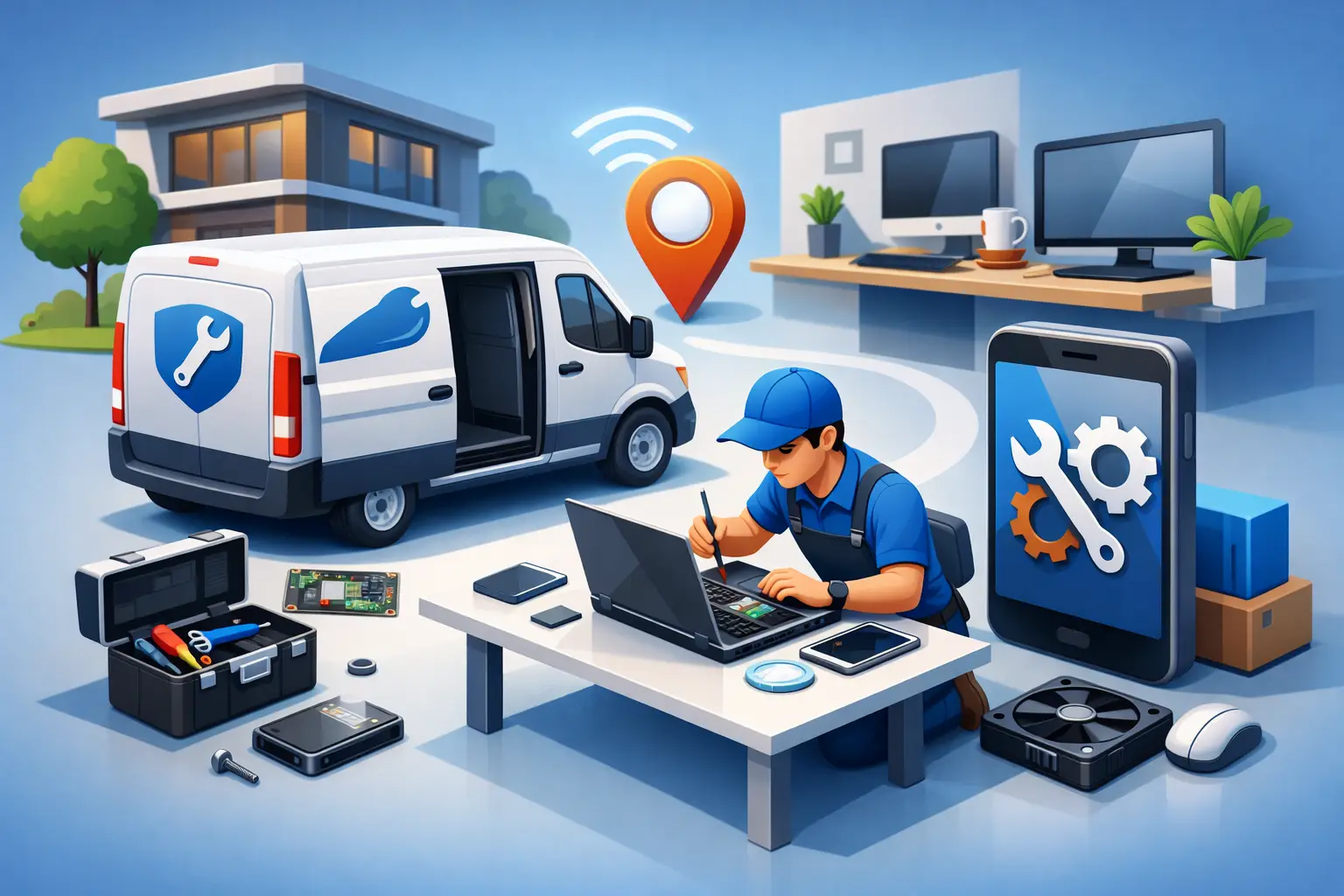
A laptop that will not boot before a work deadline, a family PC hit by malware, or an office network that suddenly drops offline rarely happens at a convenient time. That is exactly where a mobile computer repair service can make a real difference. Instead of unplugging equipment, loading it into a car, and waiting in line at a retail counter, you get help where the problem is happening – at home, in a home office, or at your business.
For many people in Tullahoma and nearby Tennessee communities, convenience is only part of the value. The bigger advantage is that on-site service lets a technician see the full picture. A slow computer may not just be an aging hard drive. It could be a malware issue, a failing router, a printer conflict, bad startup programs, or a backup system that has quietly stopped working. When support comes to you, those connected issues are easier to spot and fix.
What a mobile computer repair service actually covers
Some people hear the word mobile and assume it only means quick, basic fixes. In practice, a strong mobile computer repair service can handle much more than simple troubleshooting. It often includes laptop and desktop diagnostics, virus and malware removal, hardware replacement, software errors, operating system reinstalls, printer setup, wireless network problems, and data backup help.
For business clients, on-site support can go further. It may include workstation issues, POS system troubleshooting, network configuration, cybersecurity checks, device upgrades, and broader IT support that keeps operations moving. If several devices are involved, having a technician come to the location often saves hours compared with transporting each unit separately.
That said, not every repair should happen on-site. Some jobs require a bench setup, specialty tools, or extended testing. Motherboard-level work, certain screen replacements, liquid damage repair, and advanced data recovery may be better handled in a shop environment. A trustworthy provider will tell you when mobile service is the efficient choice and when taking the device in is the better move.
Why on-site repair is often faster than store drop-off
When a computer breaks, most people think in terms of the repair itself. The real delay often comes from everything around the repair. You have to disconnect the machine, carry it in, explain the issue at a counter, wait for intake, wait for diagnosis, approve the work, and then return to pick it up. For a home user, that is frustrating. For a small business, it can mean real downtime.
A mobile computer repair service removes much of that friction. The technician can begin diagnosing the problem right away in the actual environment where the issue appears. If your desktop only loses internet in one room, or your printer fails only when connected to a specific workstation, that context matters. Those details are easy to miss once the device leaves the building.
Speed also depends on parts and problem complexity, so there is no honest way to promise that every issue gets solved in one visit. But many common repairs do. Malware cleanup, software troubleshooting, startup optimization, email setup, network fixes, and some hardware swaps can often be handled far faster on-site than through a traditional intake process.
The home service advantage for families and remote workers
Residential customers usually call when tech trouble interrupts daily life. A student cannot submit assignments, a parent cannot access files, or a remote worker loses the computer they depend on for income. In those moments, hauling equipment across town is one more burden people do not need.
On-site repair is especially helpful for homes with multiple devices. A technician can look at the laptop that is freezing, the desktop that is running slow, and the printer that refuses to connect, all in one visit. That saves time and often reveals related causes, such as router issues, weak security settings, or outdated software across the network.
There is also a comfort factor. Many customers want someone who can explain what happened in plain language without talking over them. Good local service should make the problem understandable, show you what can be fixed, and give practical advice for preventing the same issue later. That matters just as much as the repair itself.
Why small businesses benefit even more
For a business, downtime spreads fast. One failed machine can interrupt billing, scheduling, inventory, customer communication, or card processing. If multiple employees depend on the same network or shared equipment, the cost of waiting adds up quickly.
This is where mobile support becomes more than convenience. It becomes a continuity tool. An on-site technician can diagnose whether the issue is isolated to one device or tied to a larger infrastructure problem. A computer that appears to be failing may actually be affected by server access, network instability, endpoint security conflicts, or backup failures.
Small businesses also need practical judgment. Sometimes the right move is repair. Sometimes the better investment is an upgrade, replacement, or a change in how systems are managed going forward. A dependable local provider should be able to handle both immediate repair work and broader support, including network health, cybersecurity basics, backup planning, and infrastructure maintenance.
What to look for before you hire a mobile repair provider
Trust matters more with on-site service because you are inviting someone into your home or business and often giving them access to sensitive data. Technical skill is essential, but it is not the only thing to evaluate.
Start with service range. If a provider only handles simple consumer fixes, they may not be able to help when the issue turns out to involve networking, security, hardware failure, or multi-device problems. Broad coverage matters because computer issues rarely stay neatly in one category.
Next, ask how they handle data protection and security. Any technician working on your system should follow sound practices around passwords, personal files, malware removal, and backup recommendations. If the company speaks clearly about recognized security guidance and practical safeguards, that is a good sign.
Responsiveness matters too. When your computer is central to work, school, or business operations, waiting days for a callback is not acceptable. Local companies that understand the area and can respond quickly usually offer a much better experience than large chains with rigid intake processes.
Finally, pay attention to how they communicate. The best technicians do not hide behind jargon. They explain the problem, tell you what can be done now, flag any risks, and let you know when a shop repair would be smarter than an on-site fix.
Common problems that are well suited for mobile computer repair service
Many tech issues are ideal for on-site work because the environment affects the outcome. Slow performance, pop-up ads, Wi-Fi dead zones, printer failures, software errors, email setup problems, and new device installation all fall into that category. So do upgrade jobs like adding memory, replacing a failing drive, or setting up backup solutions.
Business locations often call for help with workstation failures, router and switch issues, shared printer problems, POS interruptions, and cybersecurity concerns after suspicious activity. In those situations, seeing the devices where they are connected can be the difference between a temporary patch and a complete fix.
There are limits, and it is worth being realistic. If a machine has severe physical damage or needs specialty parts, the technician may need to take it for further work. A good service call still saves time because the diagnosis happens quickly, the next steps are clear, and you are not guessing what went wrong.
Local service still matters
Computer repair is one of those services where local accountability makes a real difference. When you work with a nearby team, they understand the community, they know that word travels, and they have a reason to stand behind the work. You are not just another ticket number.
That local connection also tends to produce better practical support. A provider serving both homes and small businesses in this region is more likely to understand how people actually use their devices – remote work setups at the kitchen table, student laptops under heavy daily use, older desktops that still handle important tasks, and small offices trying to stay secure without a full internal IT staff.
At TN Computer Medics, that is the standard people look for: fast help, broad technical coverage, and service that meets customers where they are, both literally and practically.
If your computer problem is slowing down your day, delaying your work, or putting your business behind, the smartest next step is not always packing up the device and hoping for the best. Sometimes the fastest path back to normal is having the right technician come to you, solve the issue in context, and help you prevent the next one before it starts.