
If you have ever found out about a failing hard drive only after the computer stopped booting, you already understand why a remote monitoring software review matters. For small businesses, remote workers, and even busy households with multiple devices, the right platform can catch trouble early, reduce downtime, and make support faster when something goes wrong.
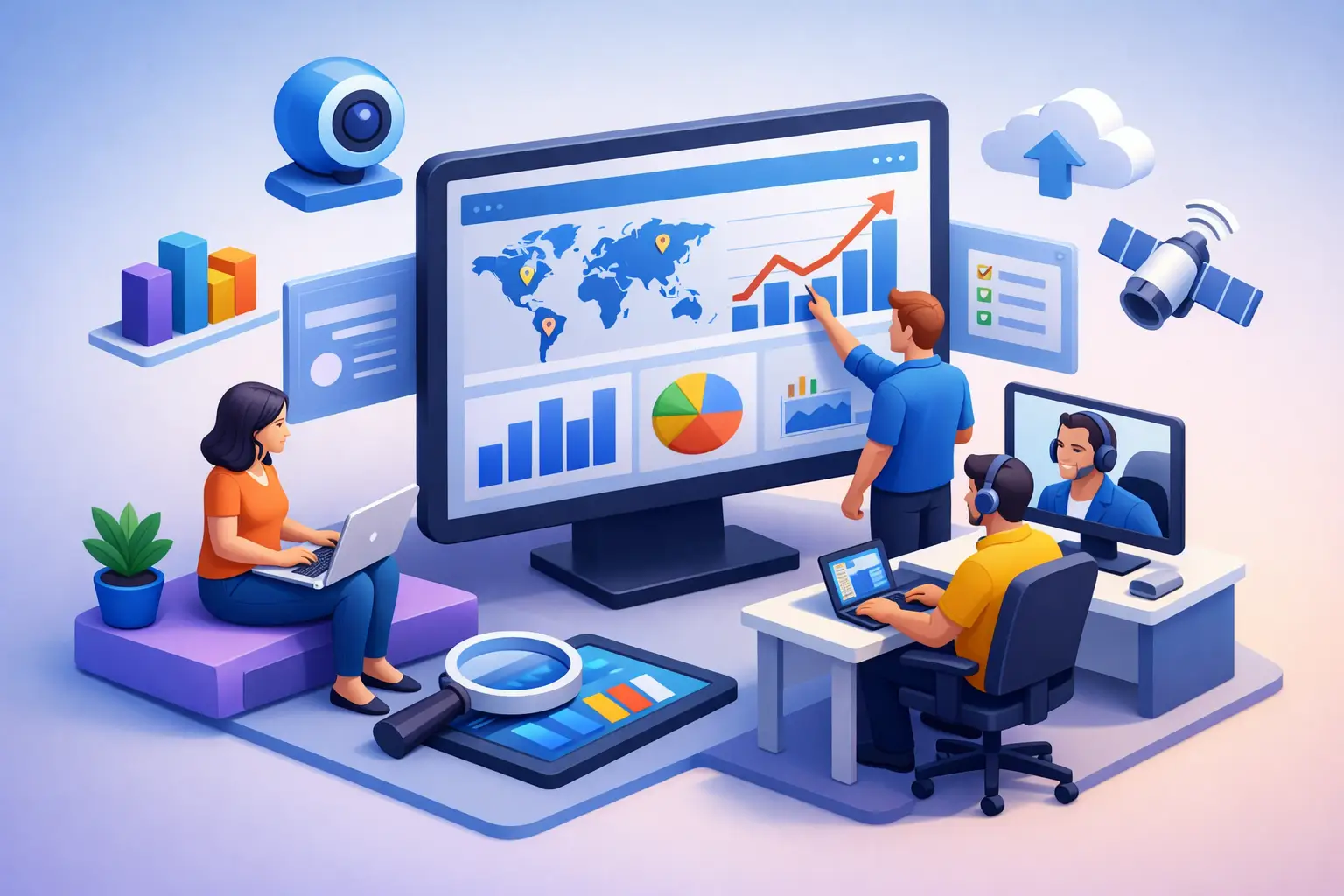
Remote monitoring software is designed to watch the health, status, and performance of computers, servers, networks, and sometimes mobile devices from a central dashboard. That sounds simple enough, but the category is broader than many people expect. Some tools focus on business IT management, some lean heavily into cybersecurity, and others are better for managed service providers supporting many client environments at once.
What a remote monitoring software review should actually cover
A lot of reviews rush straight to features. That is useful, but it skips the real question: what problem are you trying to solve? A home office user may only need alerts for storage issues, antivirus status, and backup failures. A small business with ten to fifty devices usually needs patch management, device inventory, remote access, alerting, and reporting. A larger operation or a company with compliance concerns may also need policy controls, audit logs, and stronger security integration.
That is why any honest remote monitoring software review should look at more than a feature checklist. It should weigh how easy the system is to deploy, whether alerts are meaningful or noisy, how much day-to-day maintenance it requires, and whether it gives a local technician or internal IT person enough visibility to act before a small problem becomes expensive downtime.
There is also a practical trade-off here. The more powerful the software, the steeper the learning curve usually becomes. A very advanced platform may be excellent for an IT provider but frustrating for a small office manager who just wants to know which machines are low on disk space or missing updates.
The core features that matter most
The best remote monitoring platforms do not just collect data. They help you make decisions quickly. In most small business and remote work environments, five capabilities tend to matter the most.
First is device health monitoring. You want clear insight into CPU usage, memory pressure, drive health, uptime, hardware changes, and recurring errors. If a tool only gives broad green-or-red status without context, it may not be enough.
Second is alerting. Good alerting tells you when a device is overheating, a backup has failed, antivirus is outdated, or a workstation has missed critical patches. Poor alerting creates constant noise, which leads people to ignore it. That defeats the whole purpose.
Third is remote access or remote support integration. Monitoring is far more useful when the technician can connect to the system and fix the issue without waiting for someone to bring the machine in or explain the problem over the phone.
Fourth is patch and update visibility. Many support calls come down to systems falling behind on operating system updates, driver issues, or third-party software vulnerabilities. A platform that helps track and manage this can save real time.
Fifth is reporting. Small businesses need to see trends, not just isolated incidents. If three computers are consistently running hot or a group of aging systems is showing storage errors, reporting helps you plan upgrades before a failure disrupts business.
Where many tools fall short
The biggest disappointment in this category is not usually missing features. It is poor fit.
Some platforms are built for IT professionals and assume a high level of technical knowledge. They may be excellent under the hood but hard for a nontechnical user to interpret. Others look polished and simple, but they lack enough control to be useful in a real business environment where multiple devices, users, and security concerns have to be managed together.
Pricing can also become an issue. A tool that looks affordable at first may charge extra for scripting, remote access, advanced reporting, network monitoring, or endpoint security add-ons. For a small business watching costs, that pricing model can get frustrating fast.
Then there is the issue of false confidence. Installing monitoring software does not mean your environment is fully protected or fully maintained. Monitoring helps you see problems. It does not replace backups, cybersecurity training, hardware maintenance, or professional support when a system is compromised or physically failing.
Who should use remote monitoring software
For a single personal laptop, remote monitoring software can be more than you need unless you want proactive health checks or you are supporting a family member from a distance. But once multiple devices are involved, the value starts to increase.
Remote workers benefit because early alerts can prevent a device problem from interrupting a workday. Small businesses benefit because they often do not have a full internal IT department, yet they still rely on stable computers, printers, Wi-Fi, cloud access, and secure endpoints. Monitoring gives them a way to spot issues before the front desk, sales team, or accounting office is stuck waiting on a repair.
This is also where local support matters. A monitoring platform can tell you a drive is failing, but someone still needs to handle data backup, replacement, migration, and verification. For companies in and around Tullahoma, TN Computer Medics often sees the difference between businesses that react after a crash and those that catch warning signs early enough to avoid a major disruption.
How to evaluate a remote monitoring platform
A practical remote monitoring software review should ask a few direct questions.
How long does setup take? If deployment is too complicated, smaller teams may never finish the rollout properly.
How useful are the alerts? You need alerts that point to action, not just activity. High CPU usage during a software update may not matter. Repeated disk read errors probably do.
Can it scale? A business with six devices today may have twenty next year. Replacing the platform too soon creates unnecessary work.
Does it support both monitoring and response? The faster a technician can go from alert to diagnosis to repair, the less downtime you face.
How strong is the security model? Monitoring software often has broad system access. That means secure authentication, permission controls, and vendor trust matter a great deal.
What support is available when the platform itself has issues? A monitoring system is supposed to improve reliability, not become another source of frustration.
The security side of remote monitoring software review
Security deserves special attention because remote monitoring tools can be powerful. They often operate with elevated permissions, can run scripts, and may include unattended remote access. That makes them useful, but it also means they need to be chosen carefully.
A good platform should support strong passwords, multi-factor authentication, audit trails, and role-based access. If a vendor is vague about security practices, that should raise concern. Small businesses are common targets for phishing, ransomware, and credential theft, and any software with broad administrative reach needs careful oversight.
At the same time, monitoring can strengthen security when used well. It can flag disabled antivirus, missing patches, suspicious reboots, repeated login failures, or storage anomalies that deserve a closer look. It is not a complete cybersecurity strategy, but it is a valuable layer in one.
The real value is fewer surprises
The strongest case for remote monitoring software is not that it makes technology perfect. It does not. Hardware still ages, updates still break things from time to time, and users still click the wrong attachment now and then.
What it does do is reduce surprises. Instead of finding out on Monday morning that the office computer stopped backing up three weeks ago, you can know when the problem starts. Instead of waiting for a workstation to become unusably slow, you can spot storage pressure, memory bottlenecks, or background errors before performance gets worse.
For small businesses especially, fewer surprises usually mean lower costs. Emergency repairs, rushed replacements, and unplanned downtime are almost always more expensive than catching a problem early and dealing with it on your schedule.
Final thoughts on this remote monitoring software review
The best remote monitoring software is the one that matches your environment, your budget, and the level of support behind it. A feature-heavy platform is not automatically better if your team cannot use it effectively, and a cheap tool is not a bargain if it misses the warning signs that matter most.
If your devices are central to work, school, communication, or daily operations, visibility is worth more than most people realize. The earlier you can see trouble coming, the more options you have to fix it calmly, protect your data, and keep life or business moving without unnecessary interruption.