
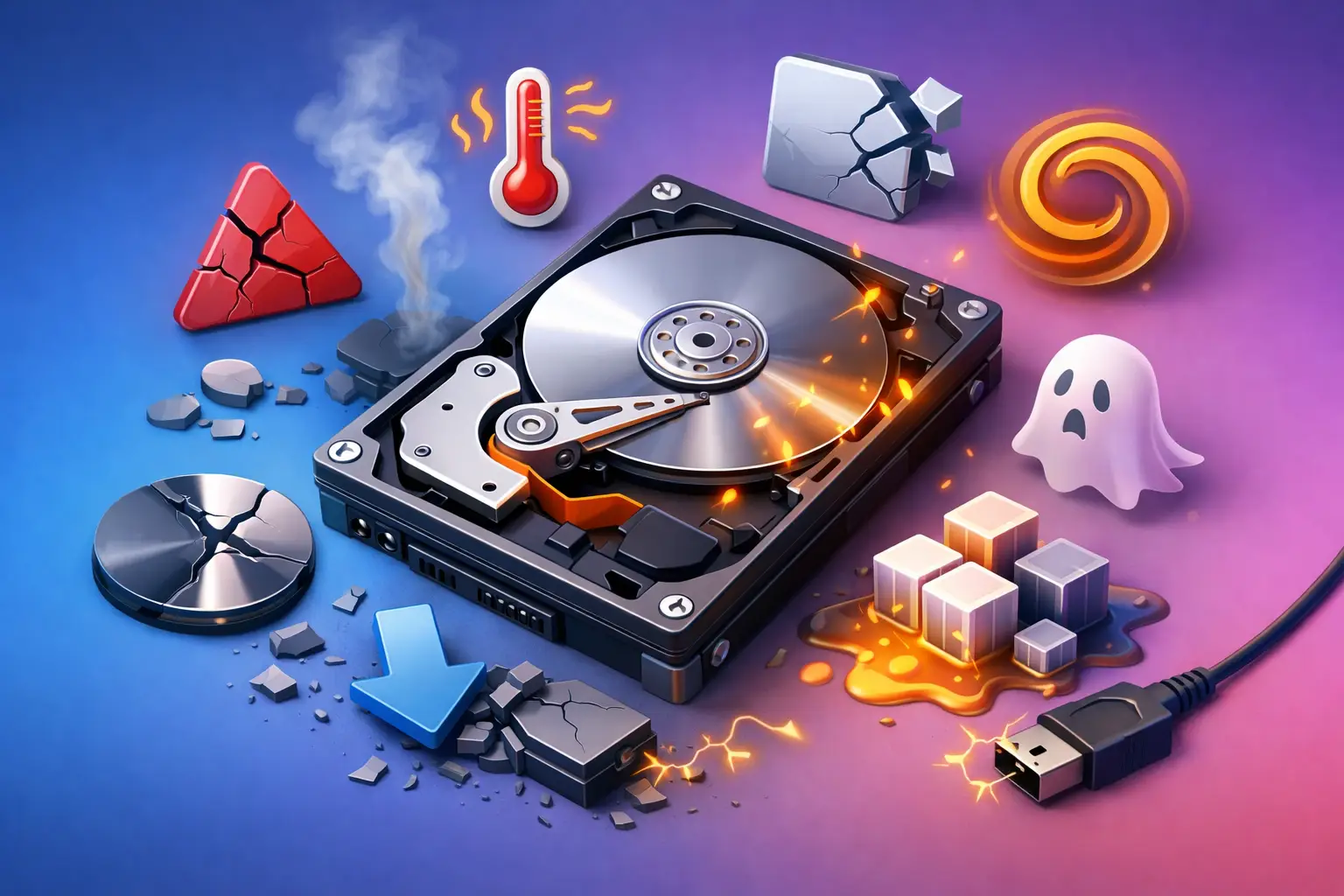
A hard drive usually does not fail at a convenient time. It starts with a small delay opening files, a strange clicking sound, or a computer that freezes right when you need it most. If you are noticing signs your hard drive is dying, the biggest mistake is waiting to see if it gets better. Storage problems tend to get worse, not better, and every extra restart or file transfer can raise the risk of data loss.
For families, students, remote workers, and small businesses, that risk is more than an inconvenience. It can mean lost photos, broken accounting files, missing schoolwork, or a workday brought to a stop. The good news is that failing drives often give warnings before they quit completely. Knowing what those warnings look like can help you act before the damage gets worse.
Common signs your hard drive is dying
Some symptoms point clearly to drive trouble. Others overlap with software issues, malware, overheating, or even a bad power supply. That is why context matters. A slow computer alone does not always mean the drive is failing, but a slow computer combined with file errors and odd noises deserves immediate attention.
1. Clicking, grinding, or other unusual noises
Traditional hard disk drives, also called HDDs, have moving parts. When those parts start wearing out, the drive may make clicking, grinding, buzzing, or repeated spin-up sounds. Many people describe it as a ticking or tapping noise that was not there before.
That kind of sound is a serious warning. It can mean the read/write heads or internal motor are struggling. If the drive is making new mechanical noises, avoid repeated restarts and stop moving large amounts of data around unless you are doing a focused backup of your most important files.
If your computer has a solid-state drive, or SSD, this symptom usually will not apply because SSDs do not have moving parts. SSDs fail differently, often without the same audible warning.
2. Files disappear, become corrupted, or refuse to open
One of the clearest storage-related red flags is when files you know were working suddenly will not open, show strange names, or appear damaged. You might try to open a document and get an error message, or a folder may take forever to load and then show nothing inside.
Corruption can happen for reasons other than drive failure, including sudden power loss or software crashes. But if corrupted files keep showing up in different places, the hard drive should be considered suspect. Businesses often notice this first in QuickBooks files, spreadsheets, shared documents, or databases that start behaving unpredictably.
3. Frequent freezing, crashing, and blue screens
A failing drive can cause the whole system to lock up, especially when Windows is trying to read or write data. You may click on a folder and the screen freezes. The computer may boot halfway and then hang. In more advanced cases, you may see repeated blue screen errors or startup repair loops.
These symptoms can also point to memory issues, system file damage, or motherboard problems, so they are not exclusive to the hard drive. Still, when crashes happen during boot, file access, program loading, or backup activity, the drive moves higher on the suspect list.
4. Your computer suddenly becomes extremely slow
There is normal aging, and then there is a machine that slows down so sharply it feels like every click takes a minute. If programs that used to open in seconds now stall, or File Explorer becomes painfully slow, a hard drive may be struggling to read data.
Again, it depends on the pattern. A computer can be slow because it has too many startup apps, not enough memory, malware, or an outdated operating system. But if the slowdown is paired with disk-related error messages, strange sounds, or missing files, it is time to stop treating it like a basic performance issue.
5. Disk errors, bad sectors, or S.M.A.R.T. warnings
Sometimes the system tells you directly that storage trouble is developing. You may see Windows messages about scanning and repairing the drive, file system errors, or delayed write failures. In some cases, monitoring tools report S.M.A.R.T. warnings. S.M.A.R.T. stands for Self-Monitoring, Analysis, and Reporting Technology, and it tracks certain indicators of drive health.
A S.M.A.R.T. alert does not always mean the drive will fail today, but it absolutely means you should take the warning seriously. The same goes for bad sector reports. Once sectors start going bad, the trend is often downward.
6. The computer struggles to boot or cannot find the drive
When a hard drive is failing, startup can become inconsistent. One day the computer boots after a long delay. The next day it says no boot device found, or it drops into BIOS and does not detect the drive at all.
That symptom can also come from a loose cable or power issue, particularly on desktop systems. But if the drive appears and disappears or the operating system loads only after multiple attempts, the safest assumption is that the drive may be nearing the end.
7. Overheating and repeated system instability
Heat does not always mean the drive itself is dying, but high temperatures can shorten hardware life and make an already weak drive fail faster. In laptops especially, poor airflow can create a chain reaction where performance drops, the system becomes unstable, and storage errors begin to surface.
If overheating is happening alongside any of the other symptoms above, do not ignore it. Hardware failures often travel in groups, and one issue can put stress on another.
What to do if you notice signs your hard drive is dying
First, protect the data that matters most. Focus on irreplaceable items such as family photos, tax documents, school files, customer records, and business databases. If the drive is still readable, back up the most critical files first rather than trying to clone everything at once.
Second, limit unnecessary use. Continued operation can make recovery harder, especially if the drive is making noises or dropping in and out. Installing updates, moving huge folders, or repeatedly rebooting just to test it can push a weak drive further.
Third, get the machine evaluated before the drive fails completely. This is where many people lose time and data. They wait because the computer starts working again for a few hours, then the window closes. A proper diagnostic can tell you whether you are dealing with a bad drive, a software issue, or a different hardware problem entirely.
HDD vs. SSD failure signs
Not every computer has the same kind of storage, and that changes what failure looks like. Traditional HDDs often warn you with noise, slow file access, and mechanical symptoms. SSDs are usually quieter and faster right up until they start throwing read/write errors, disappearing from the system, or refusing to boot.
That difference matters because people sometimes assume that no clicking means no drive problem. That is not true. SSDs can fail with very little warning, which is one more reason regular backups matter for both home users and businesses.
Can a failing hard drive be repaired?
Sometimes the issue is not the drive itself. Corrupted system files, a damaged connector, power problems, or a failing enclosure can mimic drive failure. In those cases, the fix may be more straightforward than replacing the storage device.
But when the drive media or internal components are degrading, repair is usually not the goal. The real priority is preserving data, confirming the cause, and replacing the hardware before complete failure creates a bigger and more expensive problem. For many customers, upgrading from an old HDD to an SSD also improves speed and reliability at the same time.
Related guide: If these warning signs are present, use our hard drive failure, repair and data recovery guide for the safest next step.
When to stop troubleshooting on your own
If the computer contains important files and you are hearing clicks, seeing repeated corruption, or dealing with boot failure, this is not the moment for trial-and-error. Free software tools and online tips can help in mild cases, but they can also waste valuable time when the drive is physically failing.
For local homes and small businesses, fast diagnosis matters because downtime adds up quickly. TN Computer Medics often sees systems that could have had a simpler recovery path if they had been checked earlier, before repeated restarts and failed backup attempts made the situation worse.
A failing hard drive does not always announce itself with one dramatic event. More often, it leaves a trail of warnings. If your computer is leaving that trail, trust what you are seeing and act while the files are still within reach.